AR for Archaeology: Bringing Artifacts to Life in 3D
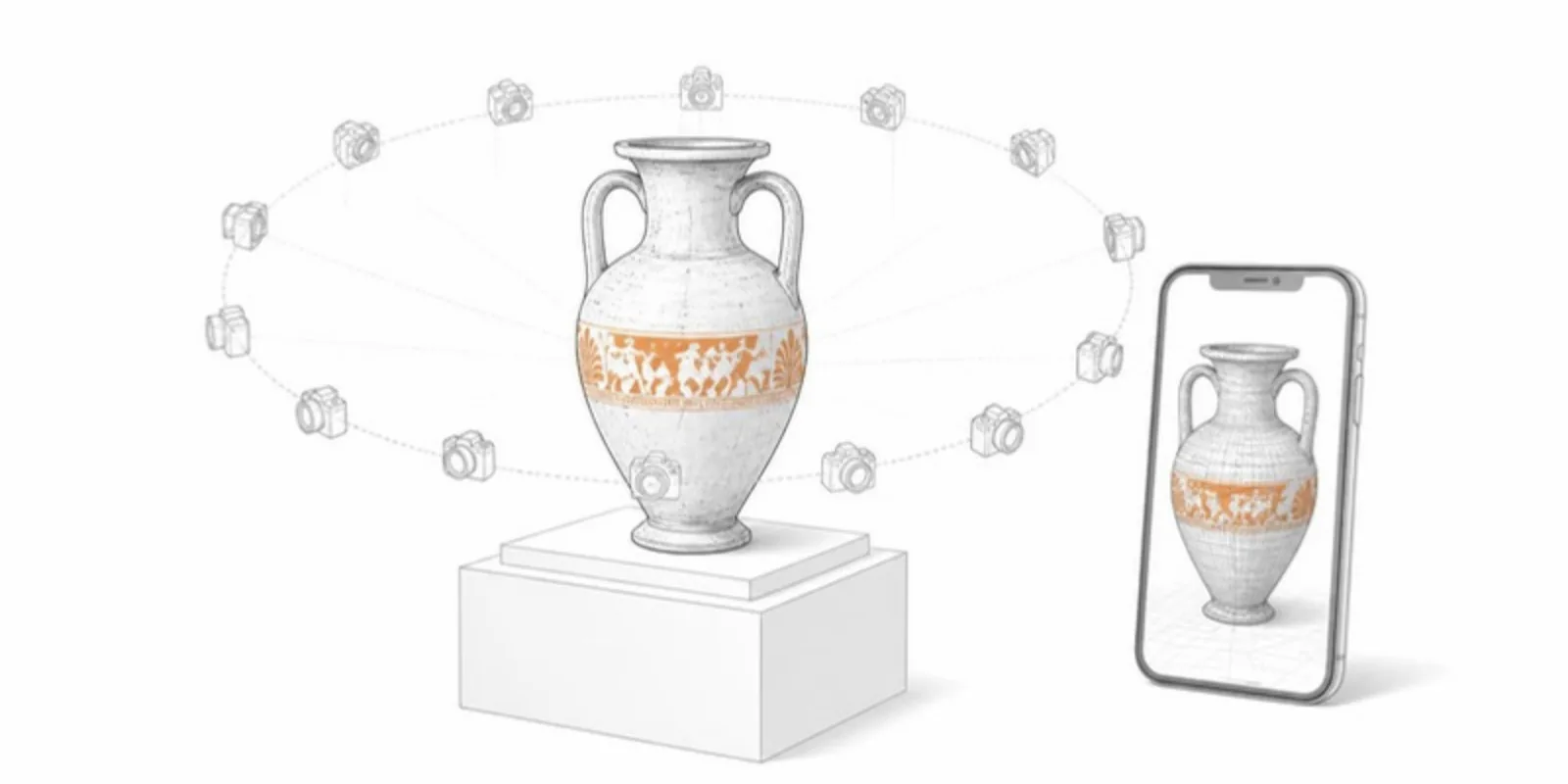
Artifacts are fragile, irreplaceable, and often locked away in storage. 3D scanning plus augmented reality lets archaeologists and museums share them widely while the originals stay safe.
Why digitize artifacts
- Preservation: a high-fidelity scan is a permanent record if an object is damaged, lost, or degrades.
- Access: researchers worldwide can examine an object without travel or handling the original.
- Teaching and outreach: students and the public can rotate, zoom, and place an artifact in AR — far more engaging than a photo behind glass.
From scan to shareable model
Photogrammetry (many overlapping photos) or structured-light scanning produces a detailed mesh with color. A few habits make the result far better:
- Shoot with diffuse light and plenty of overlap (60–80% between photos), and include a scale bar in the scene so the model has real dimensions.
- Clean and decimate. Remove the turntable and background, and reduce the triangle count for the web; keep the full-resolution scan as your archive copy.
- Export with textures, as GLB, or OBJ with its MTL and images, or FBX. See how to convert OBJ and FBX to GLB.
Then publish it as an interactive viewer. Add annotations to point out tool marks, inscriptions, or repairs, turning the model into a guided object lesson.
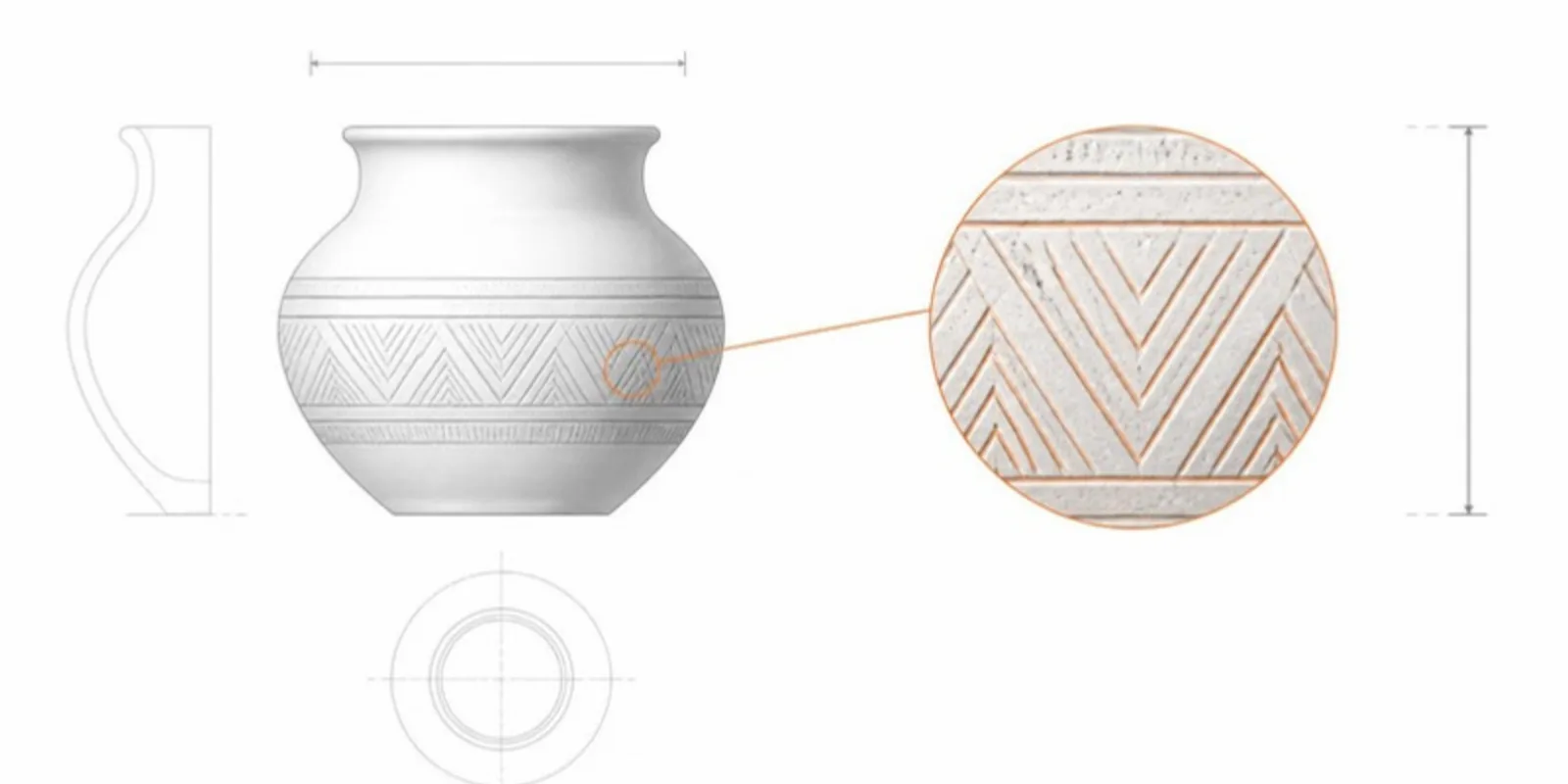
Look closer than the display case allows
- Section planes cut through a vessel to show wall thickness or a profile, the 3D equivalent of a drawn section.
- Measurements give dimensions and distances between parts.
- Saved scenes and tours walk students through an object step by step; see teaching with guided tours.
- Side-by-side comparisons show an object before and after conservation, or two related finds next to each other.
Putting it in publications and exhibits
- Papers: link the 3D model from your figures so reviewers can inspect the surface themselves; see interactive 3D figures in publishing.
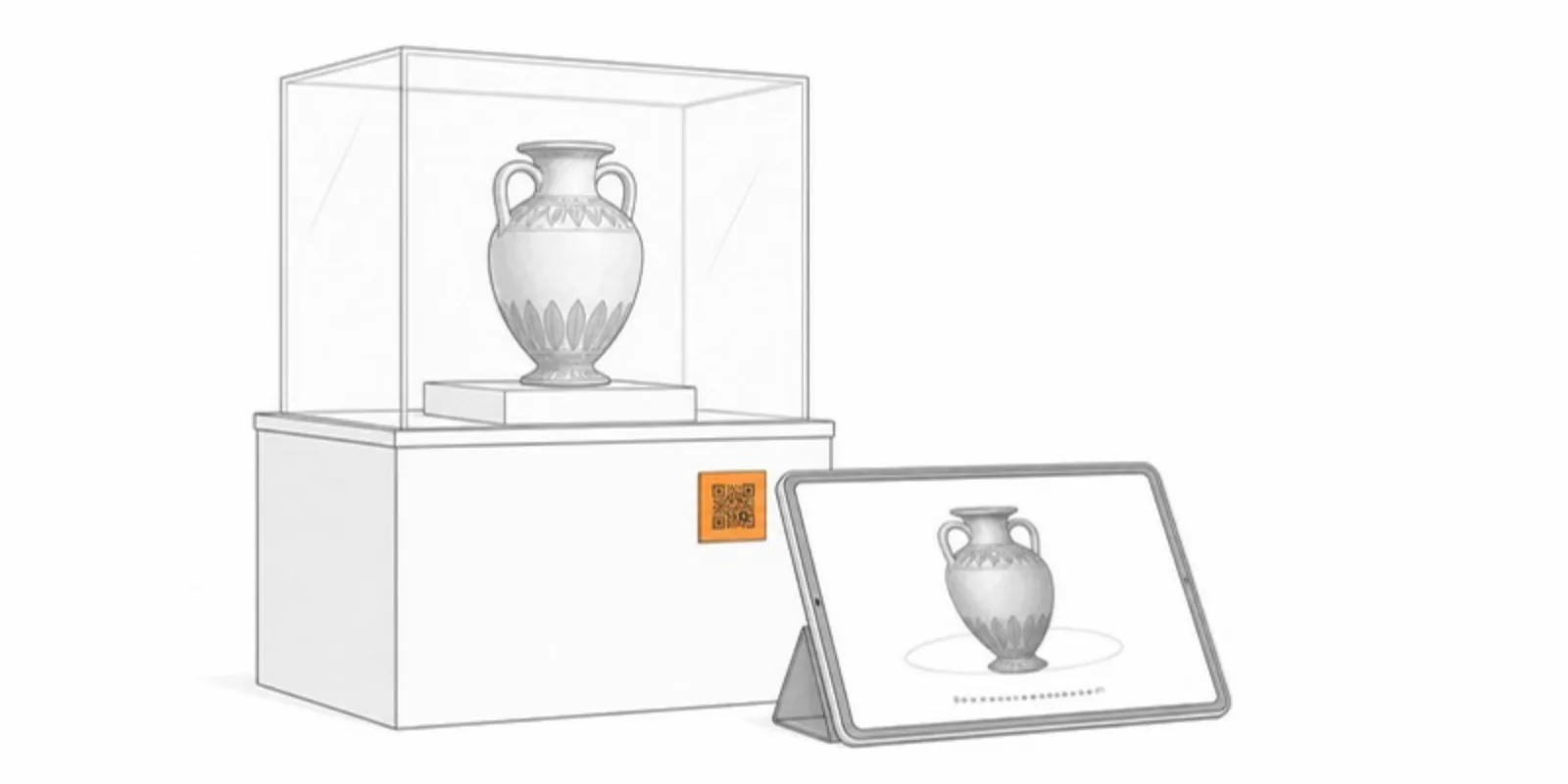
- Posters and labels: a QR code next to an artifact label lets visitors explore it in 3D and AR on their own phones; our QR code guide covers sizing.
- Online collections: embed the viewer in a catalog page to bring a static record to life.
Responsible sharing
Digitization raises questions of provenance, ownership, and cultural sensitivity. Confirm you have the rights to share an object and respect any restrictions from source communities — good practice that AcademicAR’s upload step makes explicit.
3D and AR let an artifact be studied by everyone, everywhere, while the original rests safely in its case.
Frequently asked questions
What is the best way to 3D scan an artifact?
Photogrammetry with a camera and good, even light works for most objects and is inexpensive. Structured-light scanners give higher accuracy for small, detailed pieces. Include a scale bar either way.
Can museum visitors view artifacts in AR without an app?
Yes. A QR code on the label opens the model in the phone’s browser, and the View in AR button uses the AR viewer built into iOS and Android.
How large can a 3D scan be for web sharing?
Keep the full-resolution scan as the archive copy and publish a decimated version of a few hundred thousand triangles with compressed textures, so it loads quickly on phones.
Publish a 3D artifact with annotations and share it via a QR code. See also AR for archaeology and AR for museums.
Related guides
-
A Sketchfab Alternative for Researchers: What Academic 3D Sharing Needs
Sketchfab is a great general 3D platform. Here's what researchers need on top of it, from stable QR codes and medical uploads to...
-
DICOM to STL: How to Turn a CT Scan into a 3D Printable Model
Convert DICOM CT or MRI to STL for 3D printing with free tools: anonymize, segment by Hounsfield threshold, clean the mesh, export, and...
-
How to Add a 3D Model to PowerPoint (and Let the Audience Explore It)
Four ways to put a 3D model in a PowerPoint presentation: native 3D models, rendered images, video, and a QR code that opens the model...