
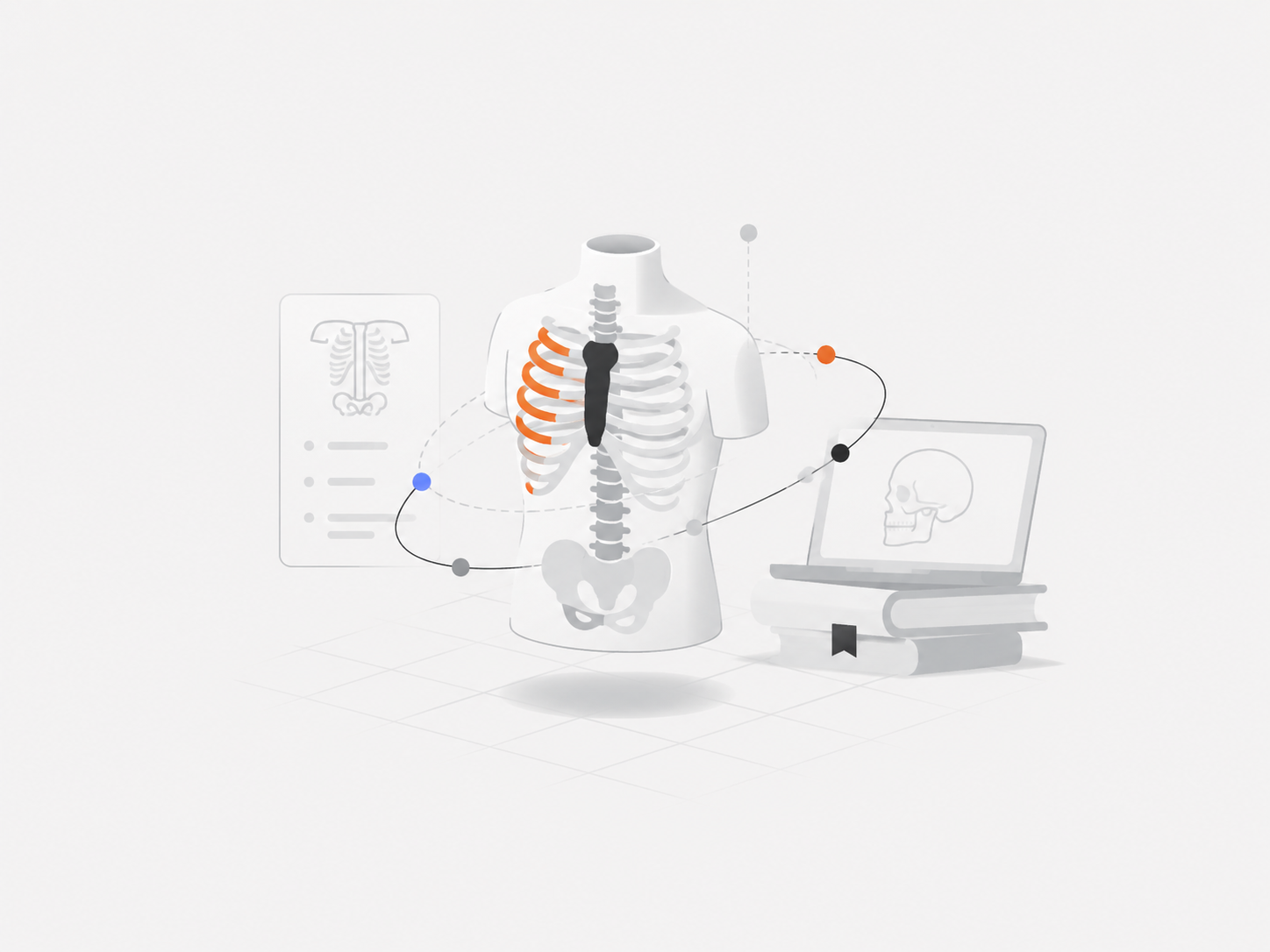
Medical and dental faculties
Anatomy, imaging and surgical planning models for teaching and case reports, from CT/MR data.
One annual contract covers your members' model uploads. Invite researchers with a link, follow usage against your model and storage quota, and show your work on a public institution page.
The demo is a live institution panel with sample data. No sign-in needed.

We set up the contract with you. After that your team runs everything from the institution panel.
Send the form at the bottom of this page. We reply with contract terms, quota options and onboarding steps.
Contract dates, model and storage quota, optional email domains, your logo and your first panel admin.
Admins create invite links in the panel or email them directly. Members join with their own account.
Every model a member uploads is covered by the institutional license for the contract term, within your quota.
These screenshots come from the institution panel and the public viewer.
Panel admins see who uploaded what, to which project, how much storage it uses and how long its access runs.

Admins decide who can join and for how long a link works. No manual account setup on your side.

Each funded model shows "Supported by" with your institution's name and logo in the 3D viewer, linking to your public institution page.
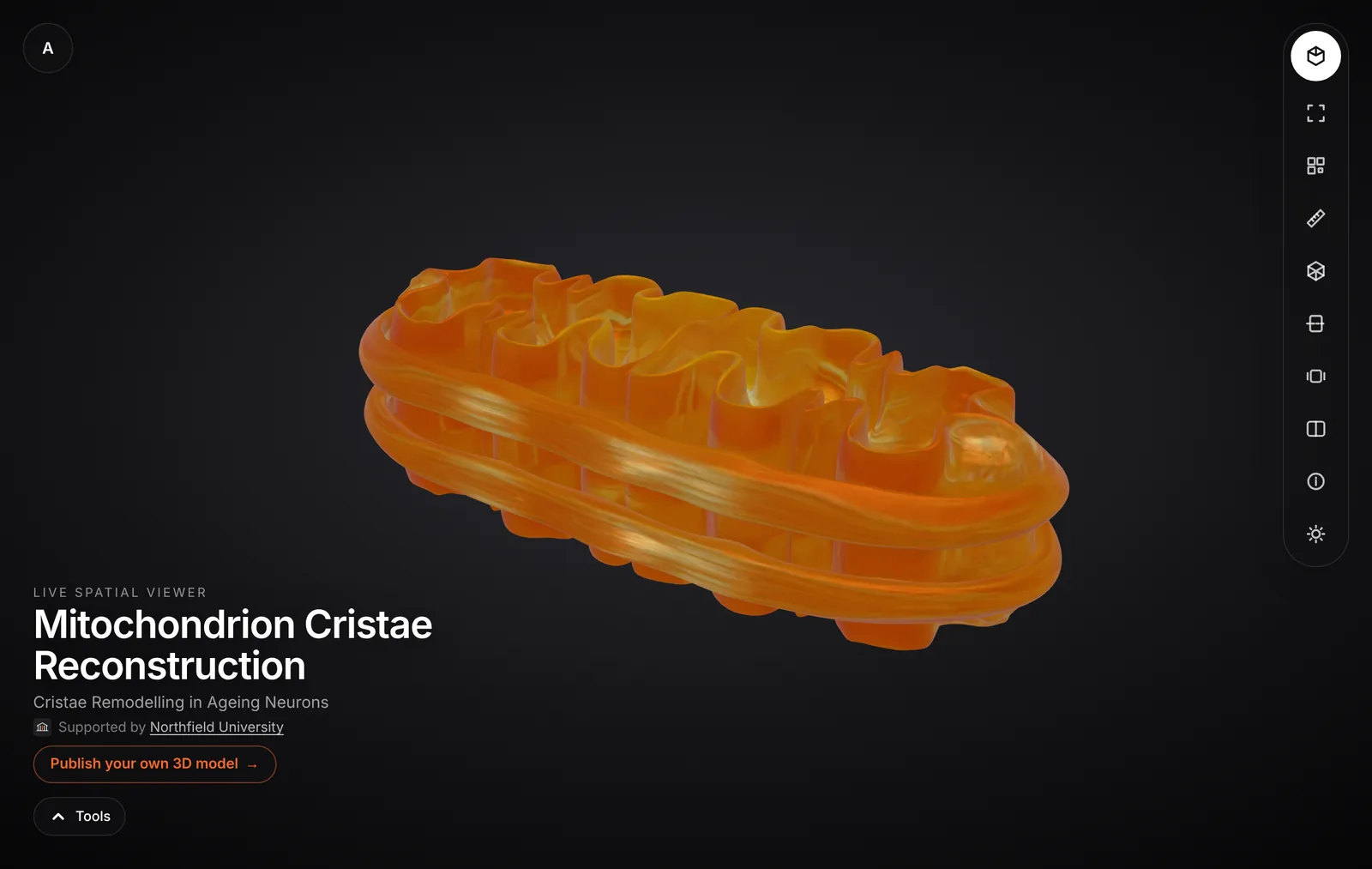
The panel shows your contract window and quota usage live, and admins get the same numbers by email.


Institutional models include the viewer tools of our paid plans, for the whole contract term.
GLB, STL, OBJ, FBX and STEP, plus CT/MR scans as DICOM and segmentations, converted for the web.
Every model gets a stable link and QR code that opens it in AR on iOS and Android, without an app.
Named layers, a section plane, a 2D slice view with measurement, and layer measurements.
Up to 12 saved views per model, each with its own link, QR code and AR version.
Export publication figures and put two models side by side on a shareable comparison page.
Embed the viewer on department or lab websites, with the full viewer layout and the option to hide AcademicAR branding.
Anatomy, imaging and surgical planning models for teaching and case reports, from CT/MR data.
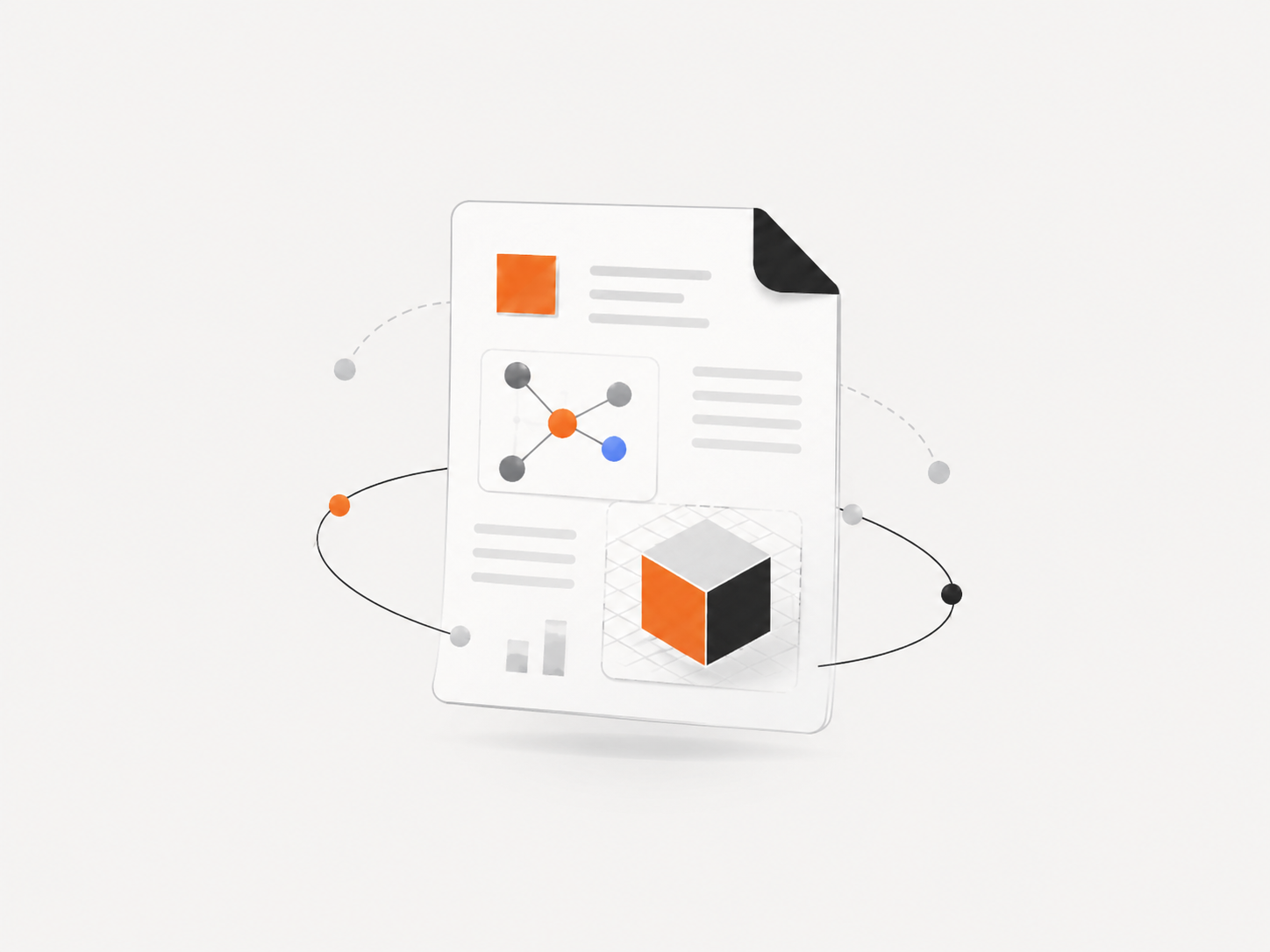
One quota for every lab member, with each model linked to its project and publication.

Stable links and QR codes for theses and dissertations, gathered on one public institution page.
Browse the overview, members, invites and funded models of a sample university. No sign-in needed.
Each contract is quoted for your institution: how many models and how much storage your members need for the year. You pay the annual contract by invoice.
Anyone your panel admins invite with a link. If you give us your email domains, only accounts with a confirmed address on those domains can accept. Each account belongs to one institution.
Yes. A model follows its project's visibility. Private models count toward your quota and appear in your panel, but never on the public showcase.
Viewers and QR codes show a clear notice instead of a broken link. When you renew, every funded model is extended at once, with the same links and QR codes.
You can explore the demo institution panel right now.
Tell us a little about your team. Your request goes straight to our team.
Prefer email? Write to info.yolmed@gmail.com
Fields marked optional can be left blank.