Share Interactive 3D Models with Your Work
Add QR codes, AR experiences and browser-based 3D viewers to projects, reviews, theses, teaching and professional work.
Explore live examples: Researcher dashboard Institution dashboard
- No coding required
- Auto format conversion
- QR generated automatically
- Mobile AR ready

Supported formats and technologies
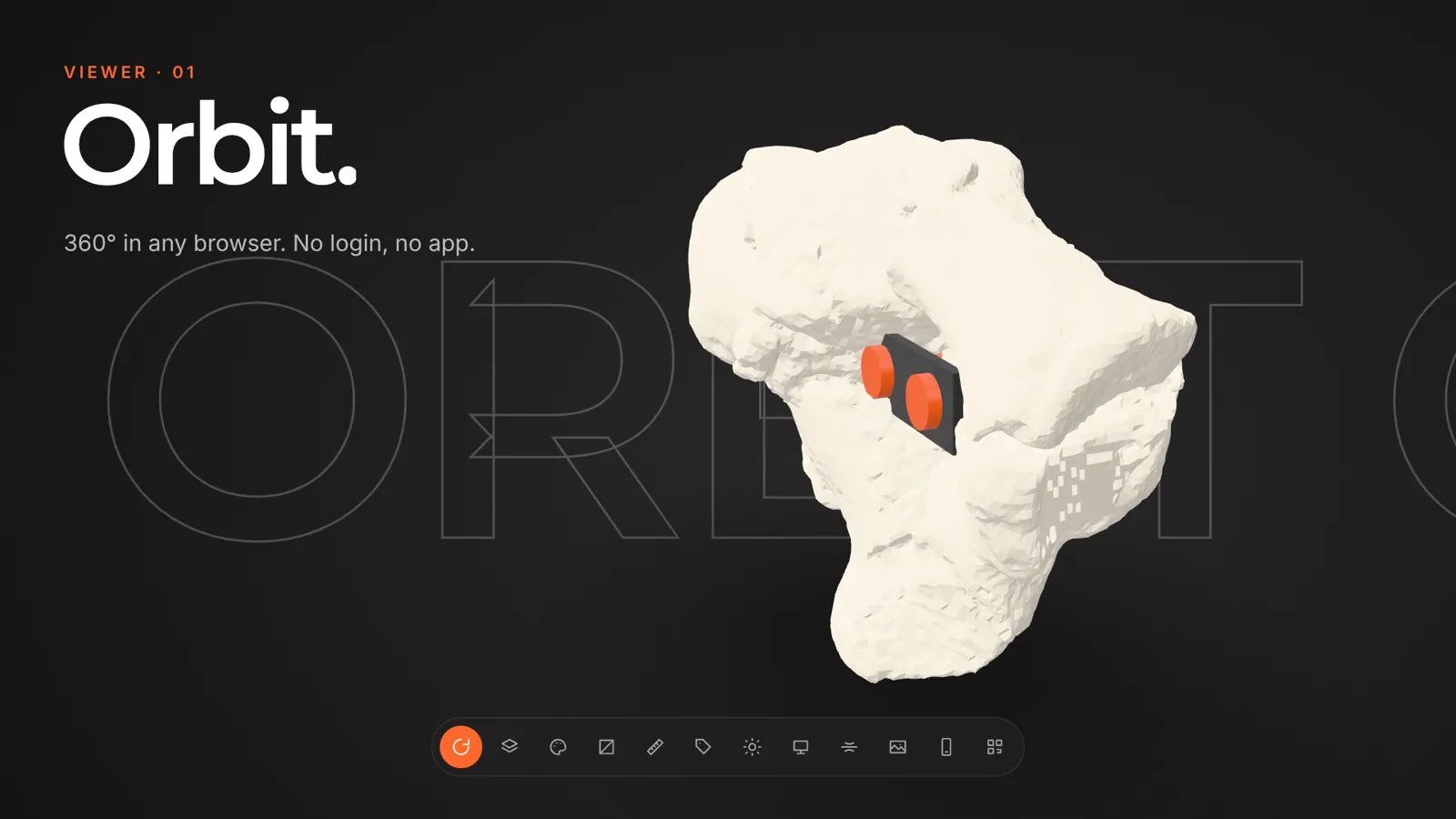
See AcademicAR in action
Every viewer feature in 60 seconds.
How it works
From upload to a shareable 3D project in minutes.
Upload your 3D model
GLB, STL, OBJ, FBX, STEP or CT/MR scans
GLB conversion & QR generation
Optimized for web & AR
Share when ready
Private, review link, or public

Place 3D models in the real world
Readers scan the QR code from your publication and instantly place the 3D model on any surface using their phone camera. No app download needed — it works directly in the mobile browser via WebXR.
-
Mobile-native AR iOS & Android browsers, powered by WebXR
-
True-to-scale placement Models render at real dimensions on any surface
-
QR-powered access One scan from the printed paper opens AR instantly
Use Cases
AcademicAR is used in many areas of research and education.

Scientific Publication
Attach interactive 3D models to journal articles and supplementary material.
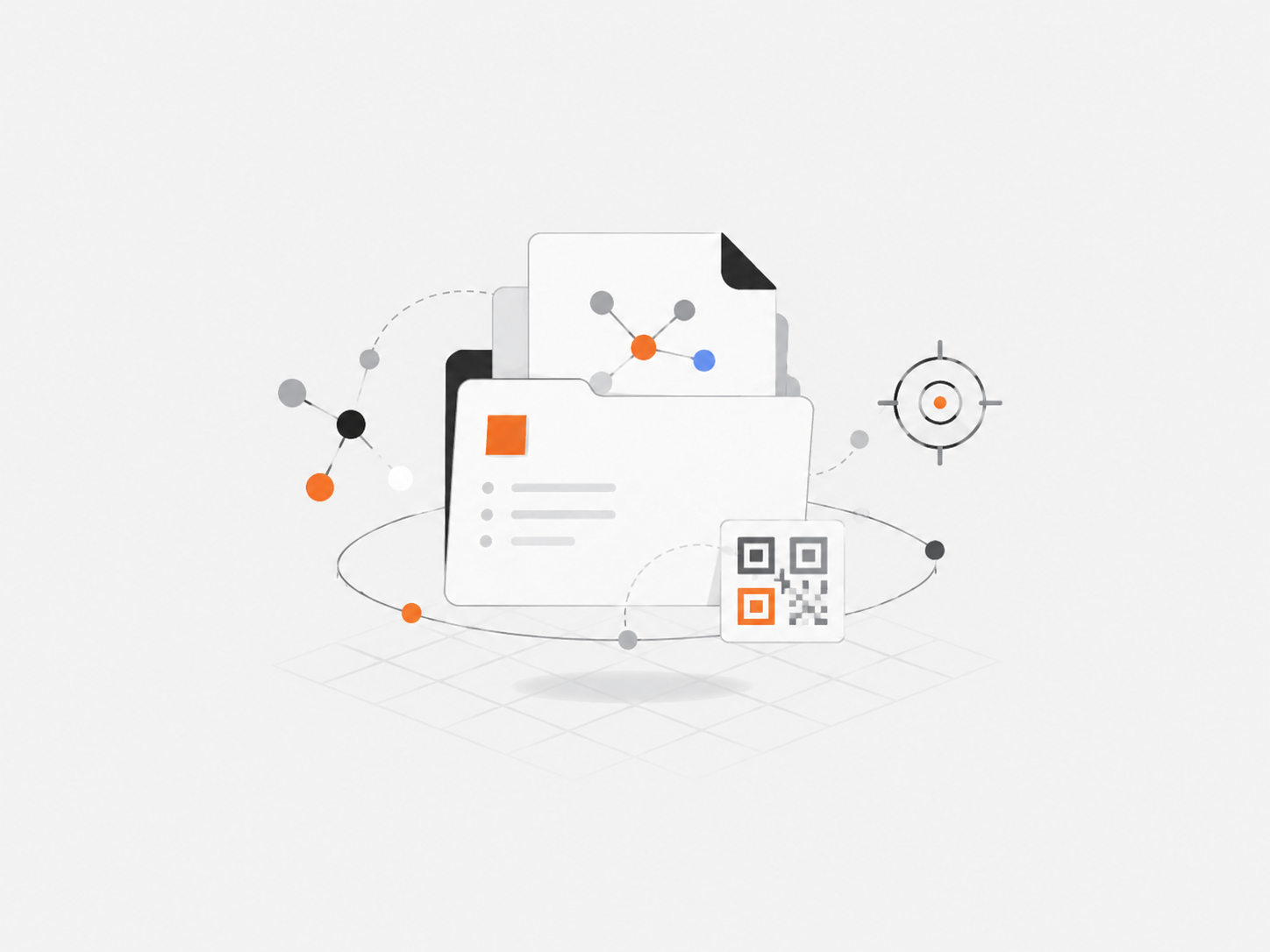
Theses & Dissertations
Share anatomical, engineering, or scientific models alongside your thesis.
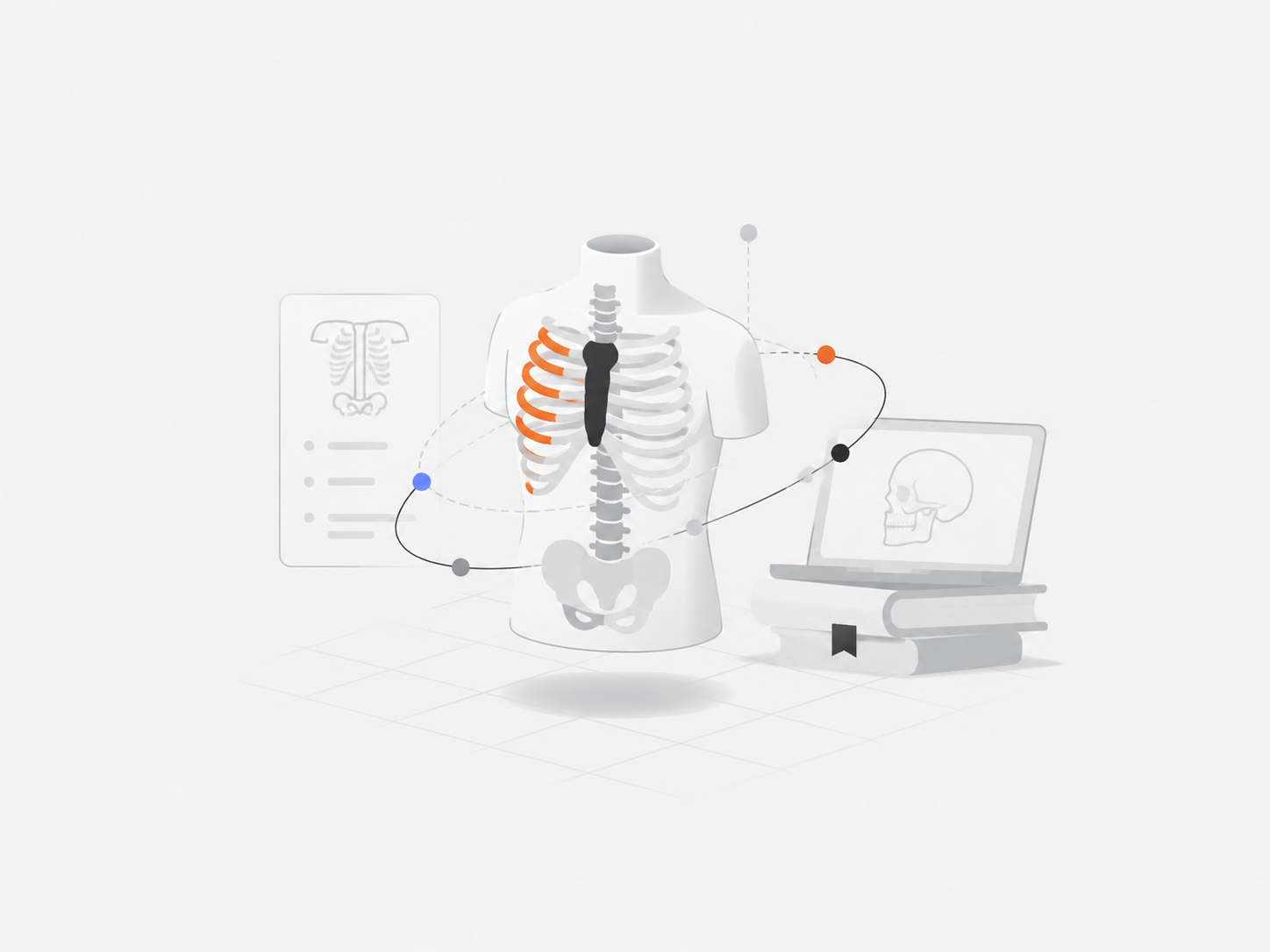
Medical Education
Publish anatomy, surgical planning, and simulation models for students.
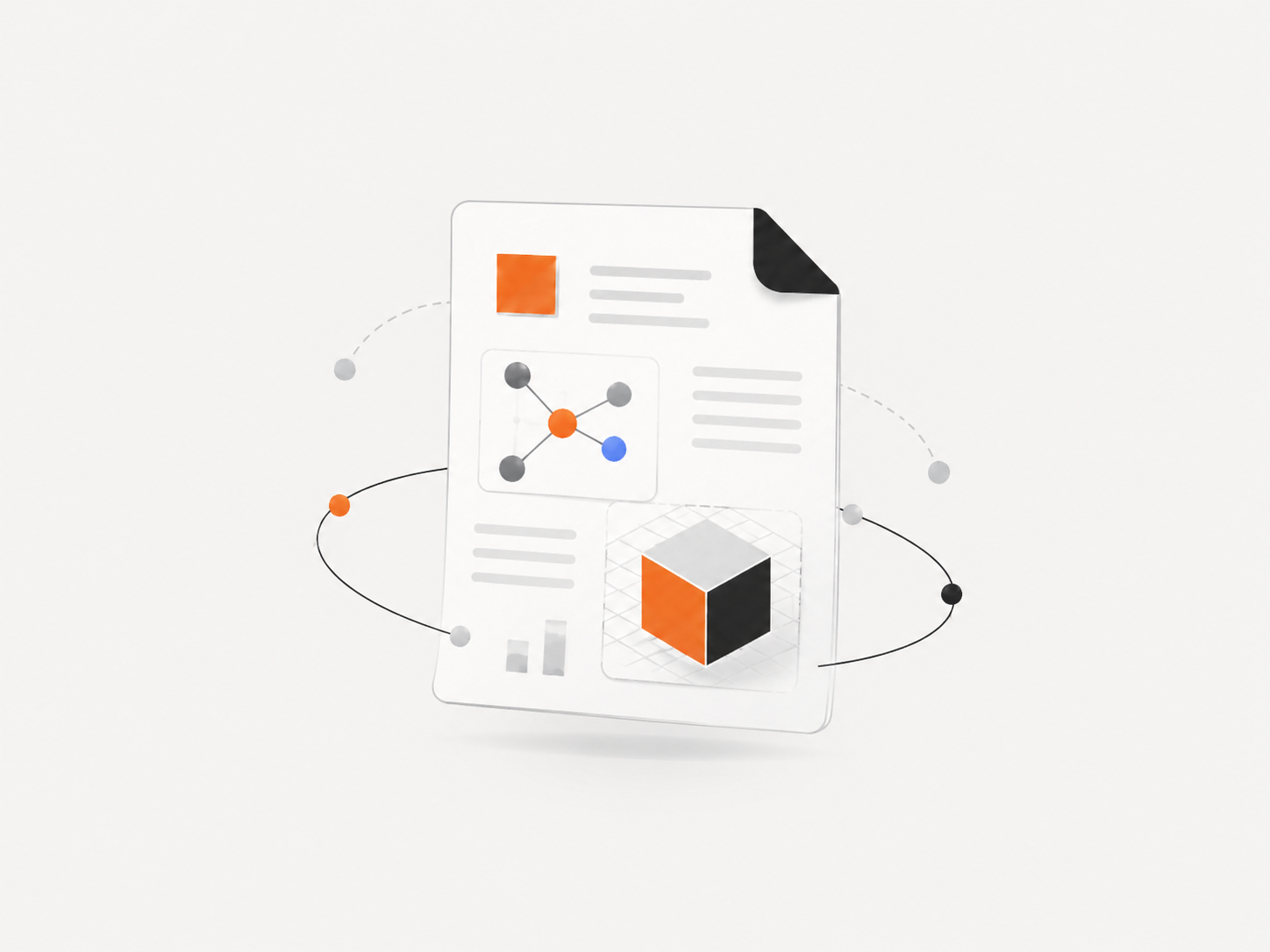
Research Projects
Create stable links and QR codes for project outputs and datasets.
Make every 3D project explorable
Transform static work into reviewable, shareable 3D experiences.
-
Static PDF figures 2D screenshots of 3D data, no interaction
-
No spatial context Readers guess depth and scale from flat images
-
Siloed supplementary 3D files on external repos, broken links over time
-
Specialized software Readers need specific apps to open model files
-
Interactive 3D viewer Rotate, zoom, and explore models in the browser
-
Augmented Reality Place models on real surfaces via phone camera
-
Stable QR & links Stable URLs that survive model updates and replacements
-
Zero installation Works in any modern browser — nothing to install
Ready to publish your 3D models with your research?
Join researchers, universities and journals already using AcademicAR.