How Augmented Reality Is Transforming Anatomy Education
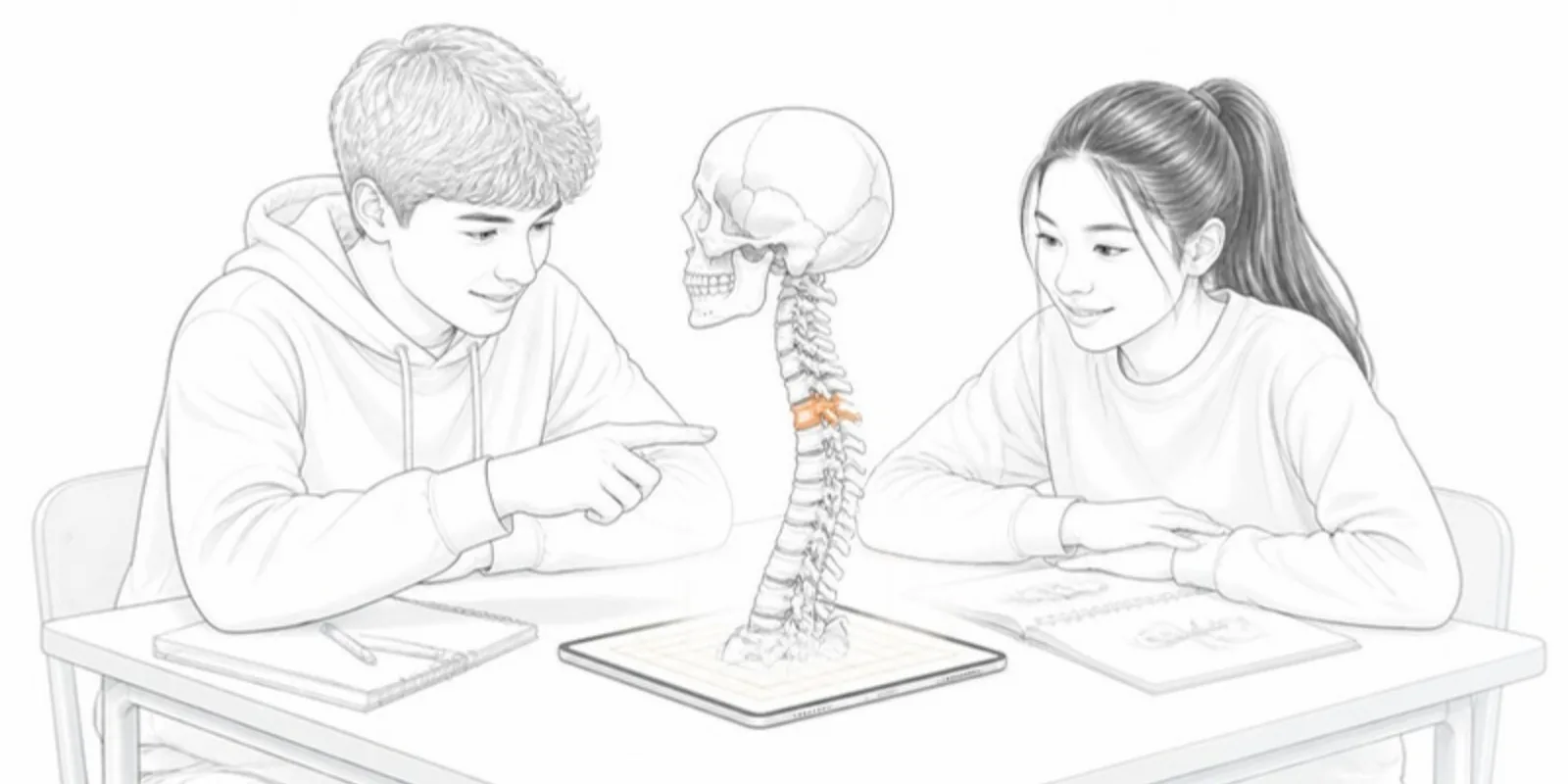
Anatomy is inherently three-dimensional, yet it is still often taught from 2D atlases. Augmented reality and interactive 3D models close that gap, letting students manipulate structures in space rather than memorizing flat cross-sections.
Why 3D and AR help learning
Spatial structures — the branching of a bronchial tree, the layers of the heart, the course of a nerve — are far easier to understand when you can rotate them and see how parts relate. AR adds a further step: placing a life-size (or scaled) model into the room, so students walk around it and view it from any angle.
Practical classroom uses
- Pre-lab orientation: students explore a structure in 3D before a dissection, arriving better prepared.
- Self-study: an interactive model linked from lecture notes lets students review at their own pace.
- Assessment and demonstration: annotate key landmarks directly on the model.
- Accessibility: remote and distance learners get the same hands-on object as those in the lab.
Features that matter for anatomy teaching
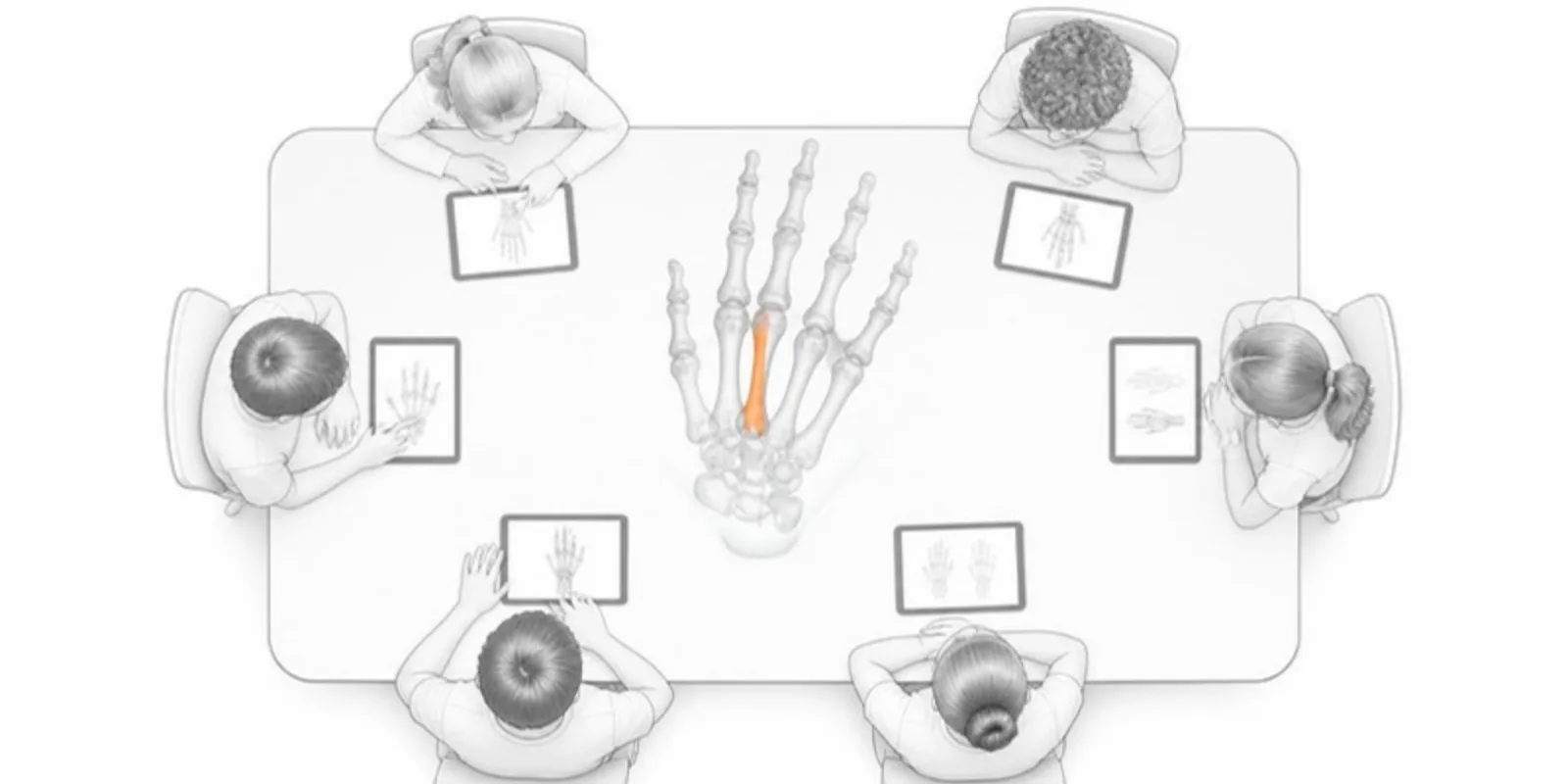
- Layers. A model built from a segmentation keeps each structure separate: students hide the ribs to see the lungs, or isolate one vessel. See sharing medical segmentations.
- Cross-sections. A section plane and a colour-coded 2D slice view connect the 3D model to the CT and MRI planes students learn to read.
- Guided tours. Save a sequence of views with labels and play it as a tour, so a lecture walks through the anatomy in order.
- Measurements. Structure dimensions and distances make size relationships concrete.
Where the models come from
You can start from a licensed anatomy library, from anonymized patient scans with the right approvals, or from your own specimens. A CT series can be uploaded directly and turned into bone, skin, and vessel layers; our DICOM to 3D guide explains how.
The cost and access angle
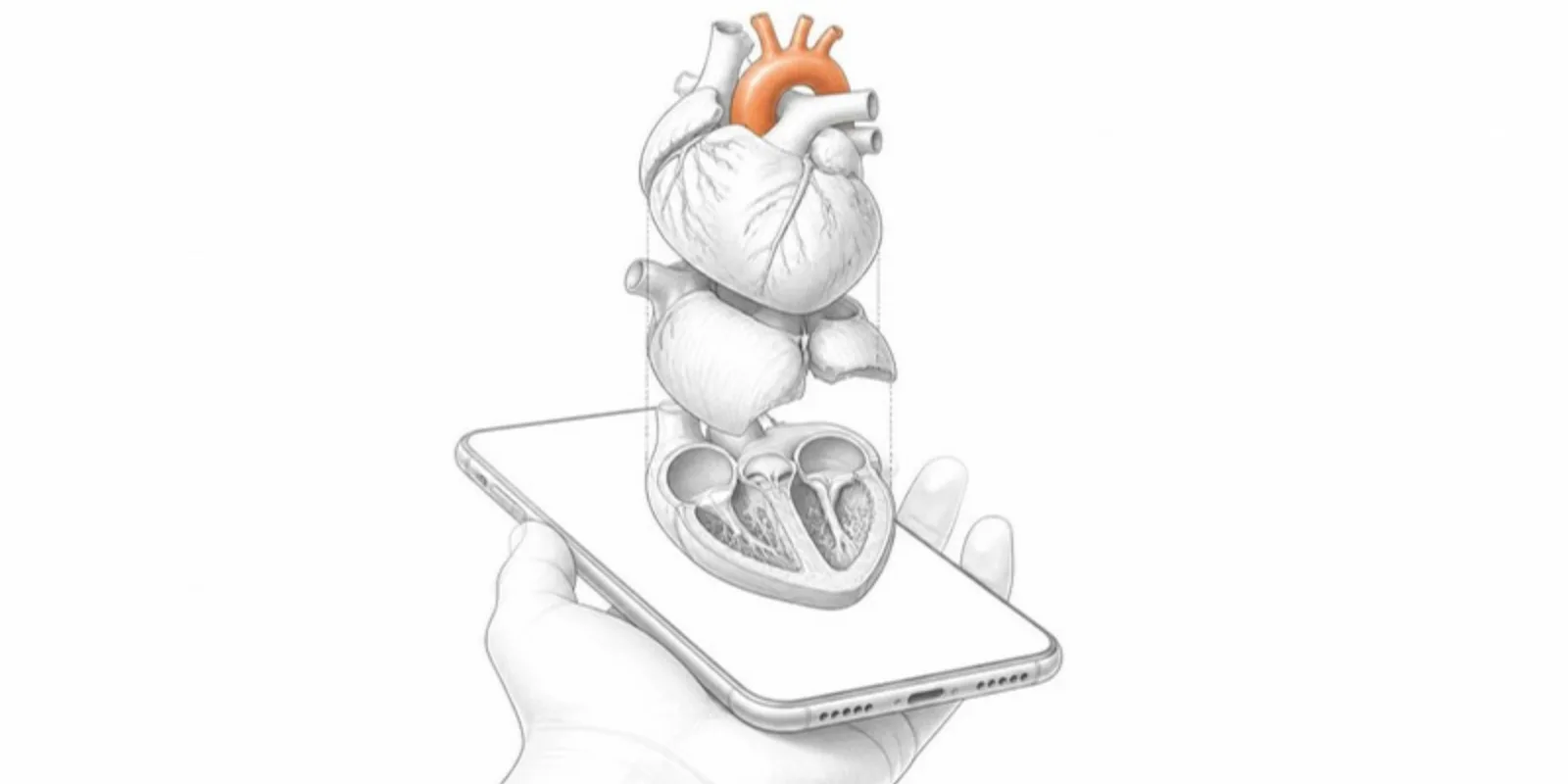
Cadaveric and physical model resources are expensive and limited. Digital 3D models don’t replace them, but they extend access dramatically — every student with a phone has the structure in their pocket, available any time.
How to add it to your course
You don’t need a development team. Take a 3D anatomical model, upload it, and share the viewer link or QR code in your LMS, slides, or handouts, or embed it in a course page. Students open it in a browser; on a phone they can switch to AR with a tap — no app to install. More ideas for clinical teaching are in 3D in medical education and case reports.
Interactive 3D won’t replace the dissection room, but it makes the spatial reasoning at the heart of anatomy visible to every student, every time.
Frequently asked questions
Do students need an app to view anatomy models in AR?
No. The model opens in the phone’s browser, and the View in AR button uses the AR viewer built into iOS and Android.
Can I use patient CT scans for teaching models?
Only with the approvals your institution requires and after full anonymization. Medical uploads to AcademicAR need an explicit anonymization confirmation, and the raw scan is deleted after conversion.
Can students see inside a 3D anatomy model?
Yes. Layers let them hide outer structures, and the section plane cuts through the model to show cross-sections like a CT or MRI slice.
Publish an interactive anatomy model and share it with your class today. See also AR for anatomy teaching.
Related guides
-
GLB to USDZ: How to Show a 3D Model in AR on iPhone
Why iPhone AR needs USDZ instead of GLB, the free ways to convert GLB to USDZ, and how to share one link that opens AR on both iPhone...
-
How to Open a GLB File on Desktop, iPhone, and Android
What a GLB file is and how to open it on Windows, Mac, iPhone, and Android, why iPhones need USDZ for AR, and how to share a GLB as a link.
-
Architecture in 3D and AR: Sharing Building Models, Plans, and Sections
How architecture researchers, studios, and students can share building and heritage models online — with live sections, layer-by-layer...