GLB vs STL vs glTF vs OBJ: Choosing a 3D Format for the Web
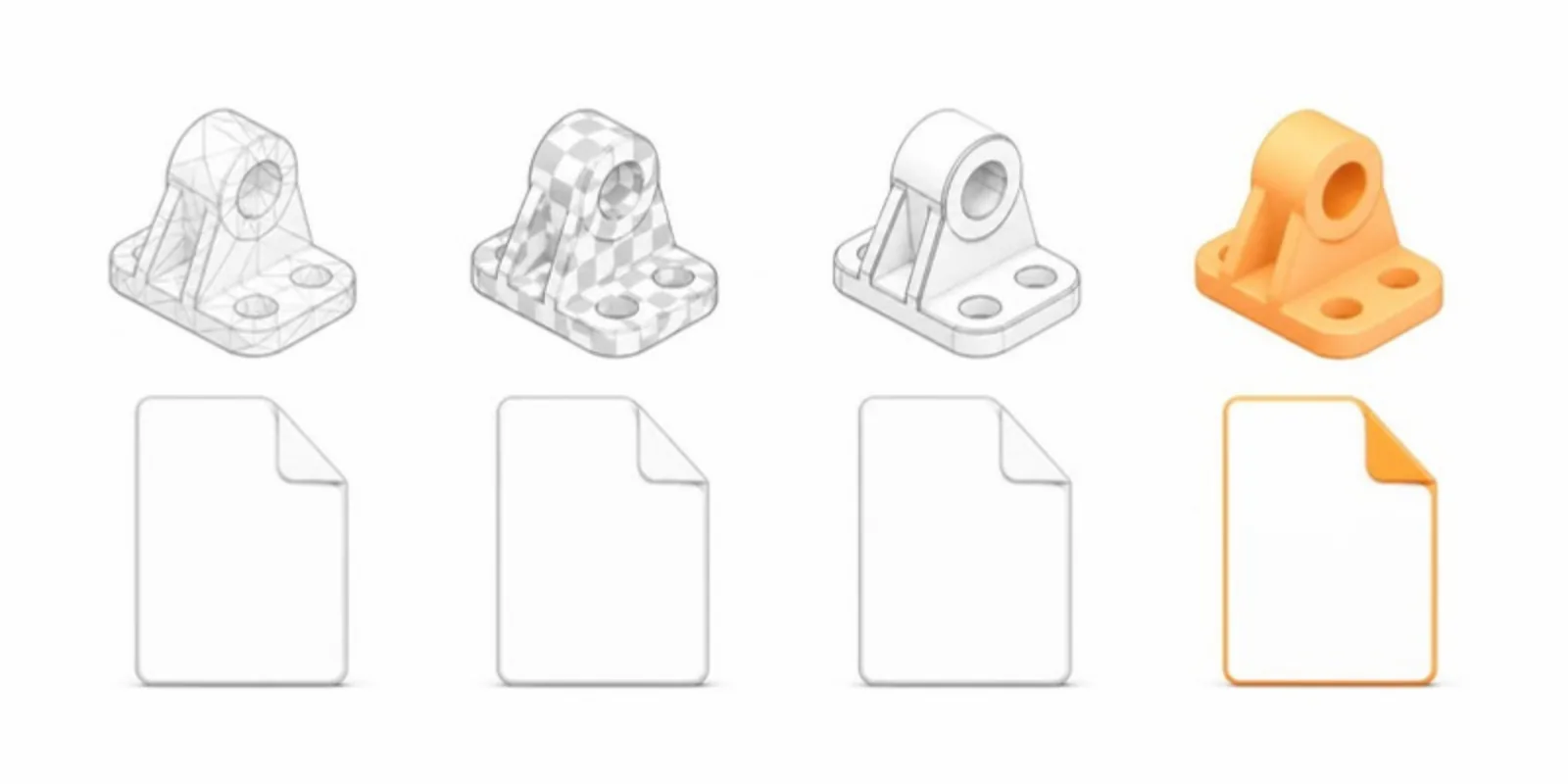
“What format should I export?” is the first question when you want to share a 3D model online. Here’s a researcher-friendly comparison of the formats you’ll meet.
STL — geometry only
STL is the lingua franca of 3D printing and many segmentation tools. It stores triangles and nothing else: no units, no color, no texture, no material, no separate parts. It’s perfect as a source format from CT/MRI or CAD, but on its own a web viewer can only show it as a plain gray shape, and you have to say whether it was made in millimetres or metres.
OBJ — geometry plus simple materials
OBJ adds UV coordinates and references an .mtl material file plus texture images.
It’s widely supported and human-readable, but it’s verbose and splits a model
across several files, which is awkward to host. Like STL, it has no units.
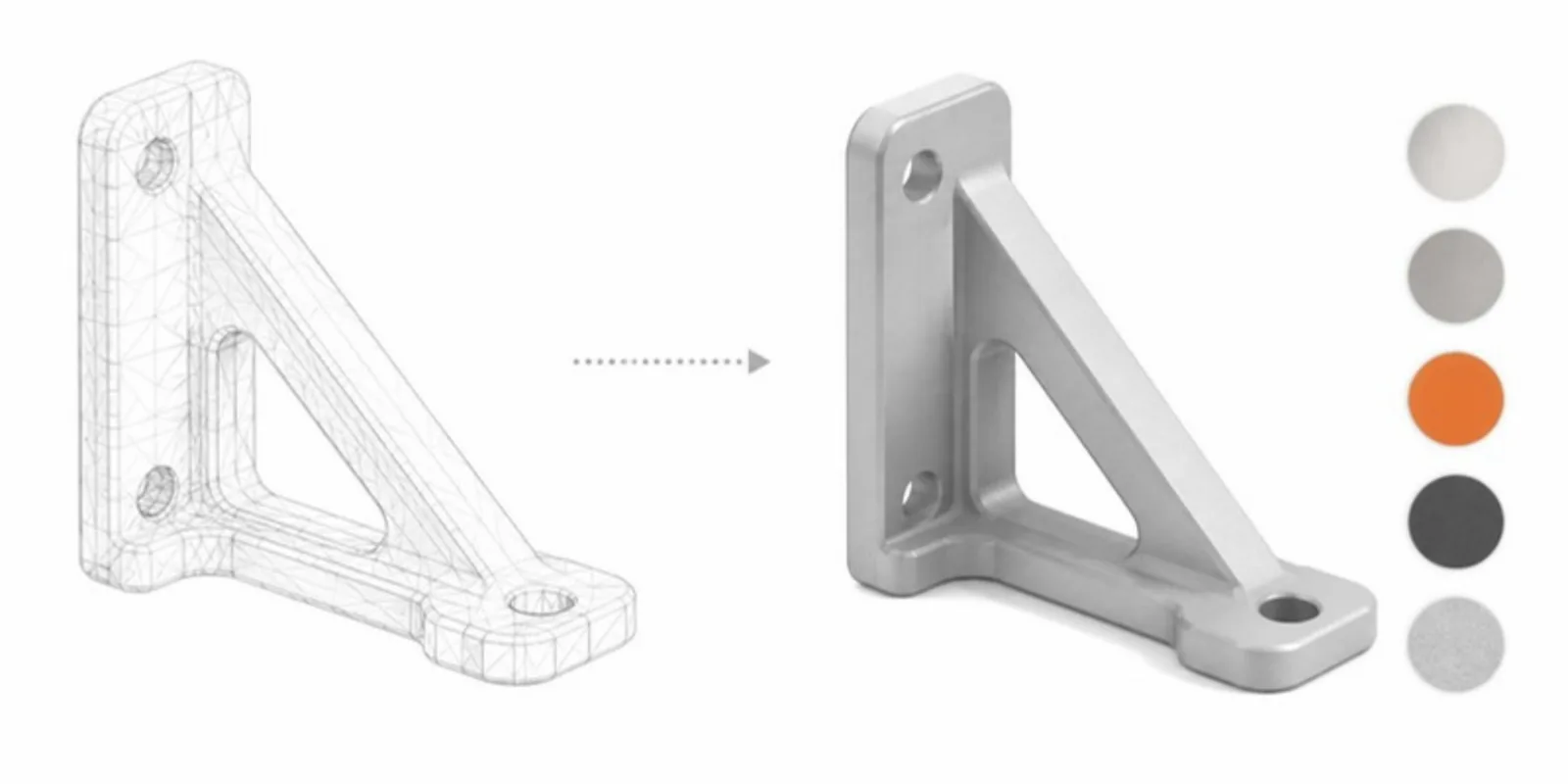
FBX — rich but proprietary
FBX (from Autodesk) carries geometry, materials, a hierarchy of parts, the modelling unit, rigs, and animation. It’s common in CAD and animation pipelines but is a proprietary binary that needs conversion for the open web.
STEP — exact CAD geometry
STEP (.step, .stp) is the neutral exchange format of mechanical CAD. It
stores exact surfaces (not triangles) and the assembly structure, so it must be
tessellated into a mesh before any viewer can draw it. See
what a STEP file is and how to open it.
glTF / GLB — built for the web
glTF is the “JPEG of 3D”: an open standard designed for efficient delivery and
real-time rendering. GLB is its single-file binary form — geometry, materials,
textures, named parts, and animation all in one .glb, in metres. It supports
physically based rendering (PBR) so materials look right, and it compresses well
with Draco.
USDZ — Apple’s AR format
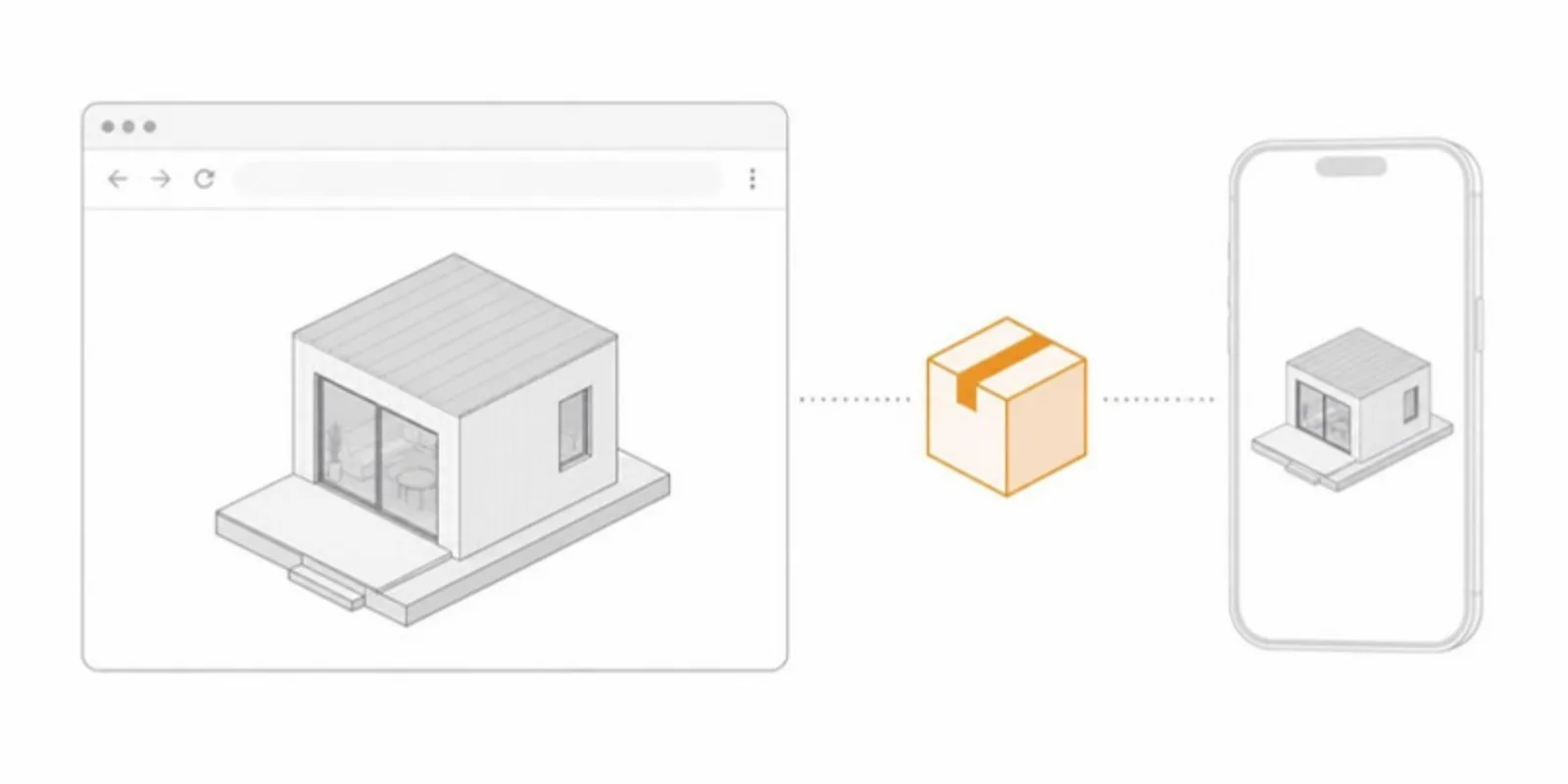
USDZ is the packaged form of Pixar’s Universal Scene Description and is what iPhone and iPad AR Quick Look opens. You rarely author it directly: you convert from GLB. See GLB to USDZ.
At a glance
| Format | Colour & textures | Parts | Units | Web-ready |
|---|---|---|---|---|
| STL | No | No | No | Needs conversion |
| OBJ | Yes (MTL + images) | Groups | No | Needs conversion |
| FBX | Yes | Yes | Yes | Needs conversion |
| STEP | Colours only | Yes | Yes | Needs tessellation |
| GLB | Yes | Yes | Metres | Yes |
| USDZ | Yes | Yes | Yes | iPhone/iPad AR |
So which should you use?
- Working/source format: keep your STL, OBJ, FBX, or STEP from the original pipeline.
- Sharing on the web: convert to GLB. It’s one file, renders fast, supports real materials, and is what browser viewers and Android AR expect.
- iPhone AR: add a USDZ generated from the GLB.
The good news: you don’t have to convert by hand. Upload STL, OBJ, FBX, STEP, or GLB to AcademicAR and it produces an optimized GLB (Draco-compressed geometry, compressed textures) plus a USDZ for iOS AR — so your readers get a fast, correct model regardless of what you started from. Step-by-step guides: STL to GLB and OBJ and FBX to GLB.
Frequently asked questions
What is the difference between glTF and GLB?
They are the same format in two packagings. glTF is a JSON file that can reference separate binary and image files; GLB packs everything into one binary file, which is easier to host and share.
Is GLB better than STL?
For viewing and sharing, yes: GLB carries colours, materials, parts, and real units, and it compresses well. STL is still the standard for 3D printing, so keep it for the printer.
Which 3D format is best for the web?
GLB. It is the format browsers, web viewers such as model-viewer, and Android AR load directly. Add USDZ for AR on iPhone and iPad.
Upload any format and get a web-ready GLB automatically.
Related guides
-
A Sketchfab Alternative for Researchers: What Academic 3D Sharing Needs
Sketchfab is a great general 3D platform. Here's what researchers need on top of it, from stable QR codes and medical uploads to...
-
How to Convert OBJ and FBX to GLB Without Losing Textures
Convert OBJ (with its MTL and textures) and FBX to GLB for the web: what each format carries, the free tools, and how to keep materials,...
-
How to Open a GLB File on Desktop, iPhone, and Android
What a GLB file is and how to open it on Windows, Mac, iPhone, and Android, why iPhones need USDZ for AR, and how to share a GLB as a link.