How to Add Interactive 3D Models to Your Research Paper
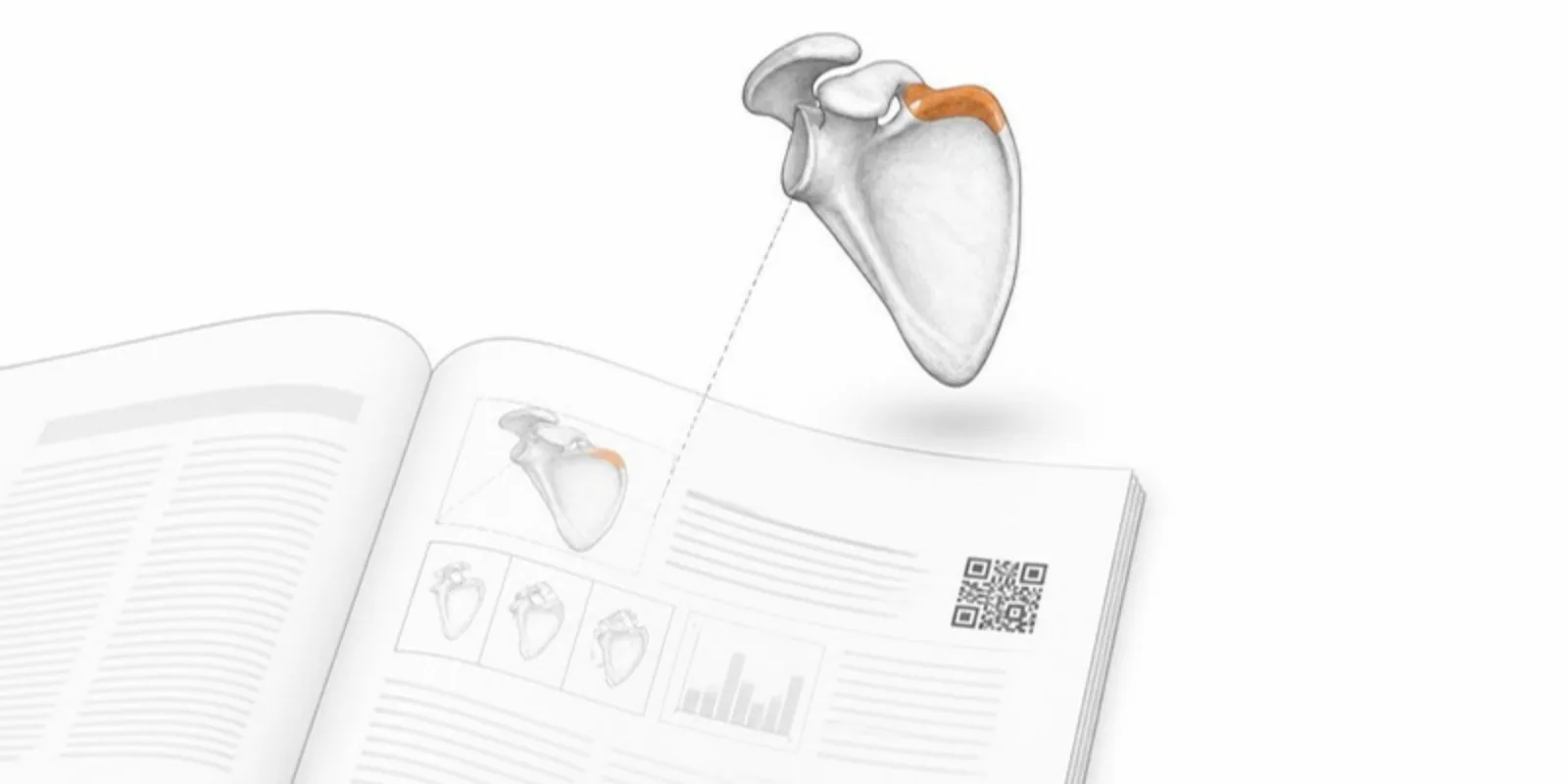
Static figures flatten three-dimensional data. A micrograph, a reconstructed fossil, a protein, an engineered part — all lose information the moment they become a 2D image on a page. Interactive 3D fixes that: readers rotate, zoom, and inspect the actual geometry, and on a phone they can place it in their room in augmented reality. Here’s how to add that to your next publication.
1. Export a clean 3D model
Start from whatever your pipeline produces — a CT/MRI scan or segmentation, a photogrammetry scan, a CAD assembly, or a molecular surface. AcademicAR accepts GLB/glTF, STL, OBJ, FBX, STEP/STP, a DICOM series (as a ZIP), and segmentations in NIfTI, NRRD, or DICOM-SEG, so you often don’t need to convert anything yourself. If you export a mesh, decimate extreme polygon counts (a few hundred thousand triangles is plenty for the web) and check the scale.
Not sure which format to export? See GLB vs STL vs glTF vs OBJ. Starting from a scan? Our DICOM to 3D guide covers it.
2. Upload and let it convert
Upload the file to a project. It is converted in the background to web-optimized GLB with Draco geometry compression and compressed textures, and a companion USDZ is generated so iPhones and iPads can launch AR directly. Multi-part models (assemblies, segmentations with several structures) get one layer per part, so readers can hide, isolate, and recolour them. You don’t need a 3D engineer or a custom WebGL build.
3. Get your viewer link and QR code
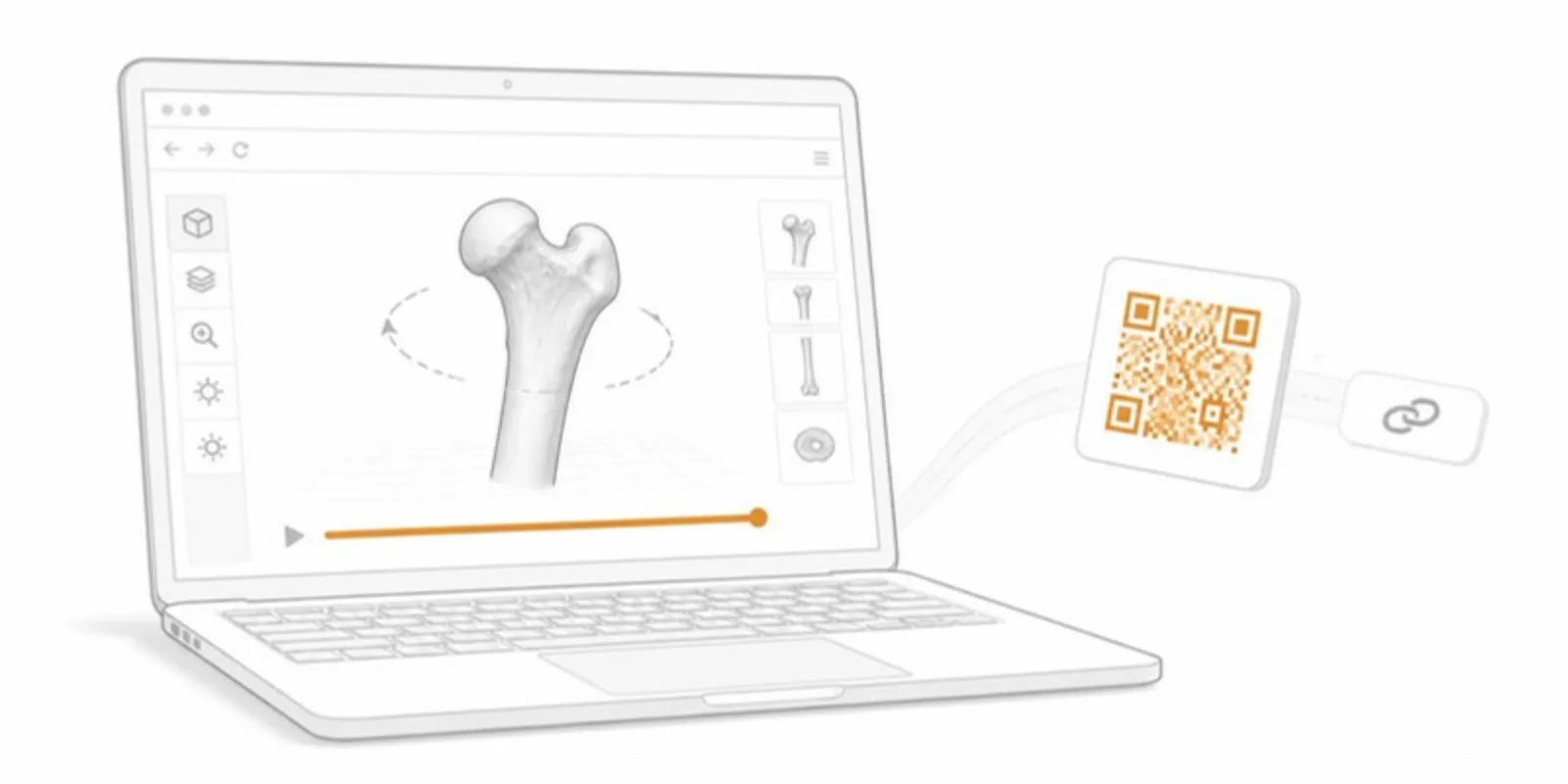
Every model gets a stable public viewer URL and a stable QR code. Because the QR resolves through a fixed identifier, it keeps working even if you later replace the file, recolor it, or extend its license — so the QR you print today will not rot.
4. Place it in your paper, thesis, or poster
- Journal/PDF: add a figure note such as “Interactive 3D model available at [link] — scan the QR code” and drop the QR image next to the figure. Many journals accept a QR inside the figure panel; check the author guidelines.
- Conference poster: put the QR next to the relevant panel; our poster QR guide covers size and placement.
- Thesis: link from the figure caption; examiners can explore the geometry while they read.
- Website, LMS, or repository: embed the viewer as a lightweight iframe.
5. Make the figure itself from the model
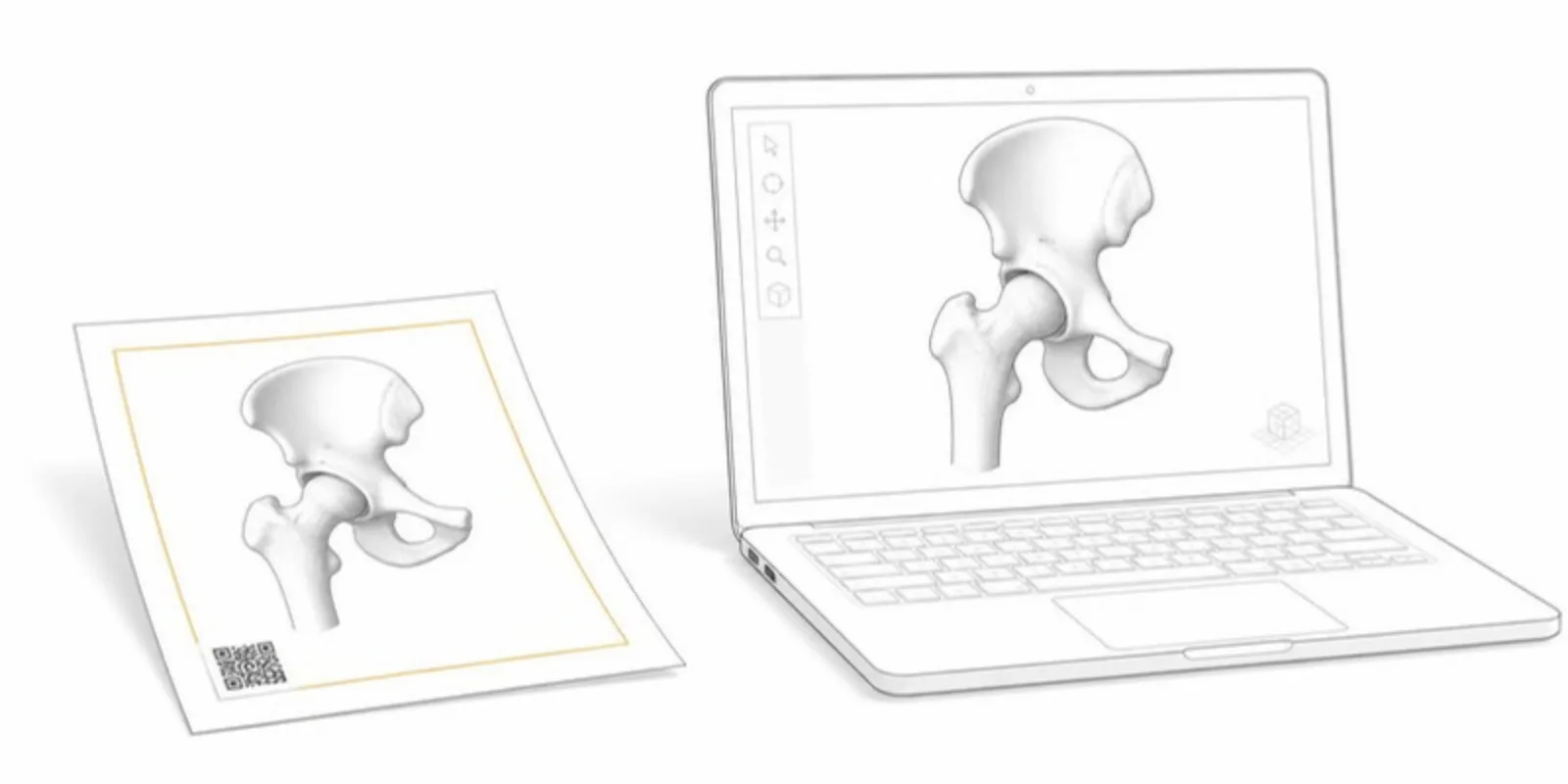
The same model can produce the static figure that goes into the PDF. Save a view (camera, visible layers, labels) and export a publication-ready figure with a scale bar and a QR card, so the printed image and the interactive model always match. Saved scenes let you link straight to the view a figure shows.
6. Keep it compliant
Before sharing, confirm the model is anonymized where required and that you hold the rights to publish it. Responsible sharing is part of good scholarship, and the upload step makes that confirmation explicit. Medical scans need an extra confirmation, and the raw scan is deleted after conversion.
That’s it — one upload turns a 3D asset into an interactive, AR-ready figure your readers can actually explore.
Frequently asked questions
Can I put an interactive 3D model in a PDF paper?
A PDF can’t reliably show interactive 3D in every reader, but it can carry a link and a QR code. Readers open the model in their browser from the link, and on a phone the QR code opens it in 3D and AR.
Will the link still work if I update the model after publication?
Yes. The viewer link and QR code point to a permanent identifier, so replacing the file, changing colours, or upgrading the plan keeps the same link.
Which 3D formats can I upload?
GLB/glTF, STL, OBJ (with its MTL and textures), FBX, STEP/STP, a DICOM series as a ZIP, and segmentations in NIfTI, NRRD, or DICOM-SEG.
Ready to try it? Create a free account and publish your first interactive model.
Related guides
-
The Complete Guide to QR Codes on Academic Posters
Best practices for putting QR codes on conference posters: what to link, where to place them, sizing, and how to turn a static poster...
-
DICOM to STL: How to Turn a CT Scan into a 3D Printable Model
Convert DICOM CT or MRI to STL for 3D printing with free tools: anonymize, segment by Hounsfield threshold, clean the mesh, export, and...
-
How to Add a 3D Model to PowerPoint (and Let the Audience Explore It)
Four ways to put a 3D model in a PowerPoint presentation: native 3D models, rendered images, video, and a QR code that opens the model...