Why Interactive 3D Figures Belong in Scientific Publishing
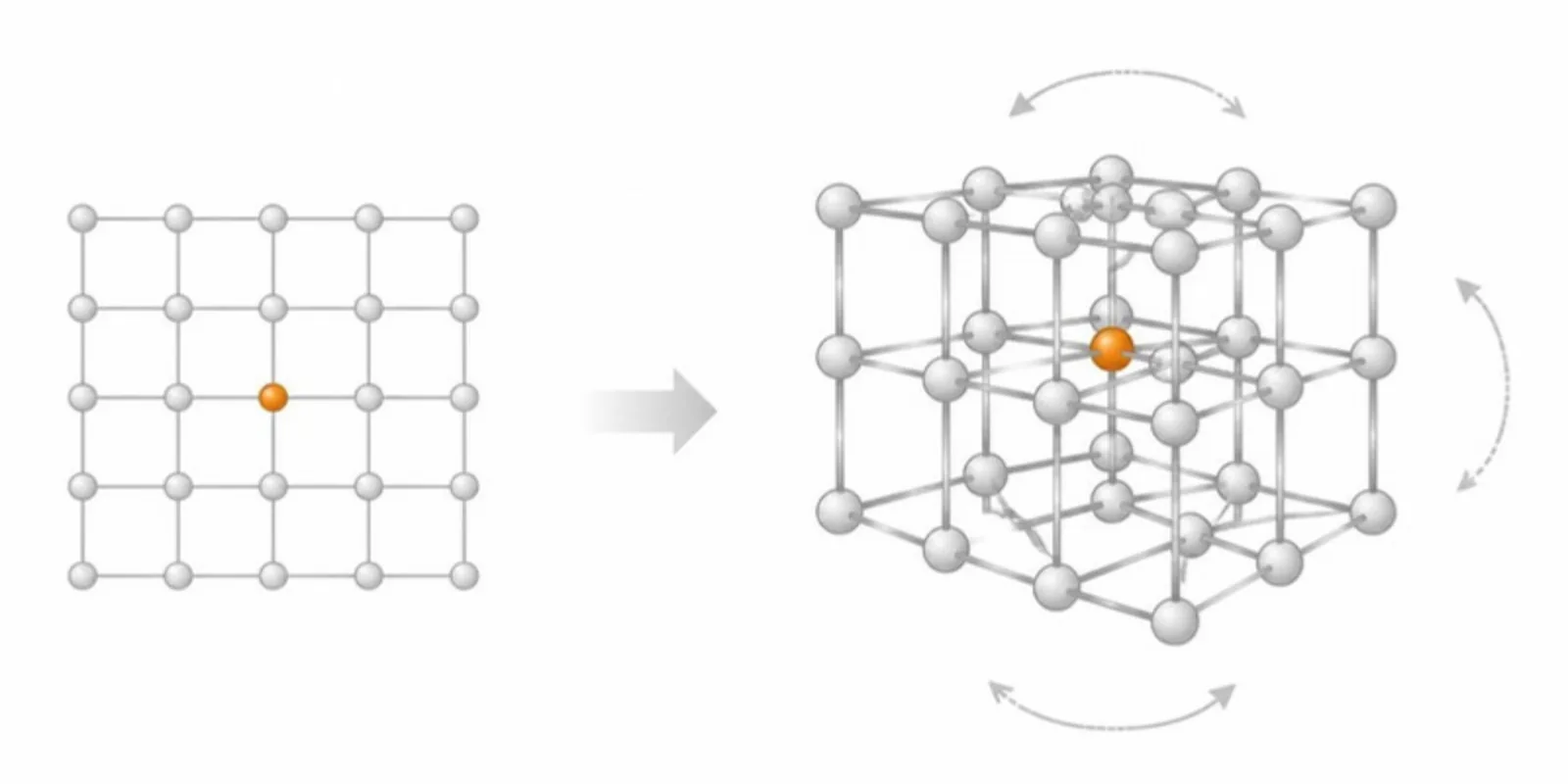
Most scientific results that are three-dimensional are still communicated in two dimensions. We render a chosen viewpoint, flatten it, and hope the reader reconstructs the rest. Interactive 3D figures remove that compromise.
What we lose with static figures
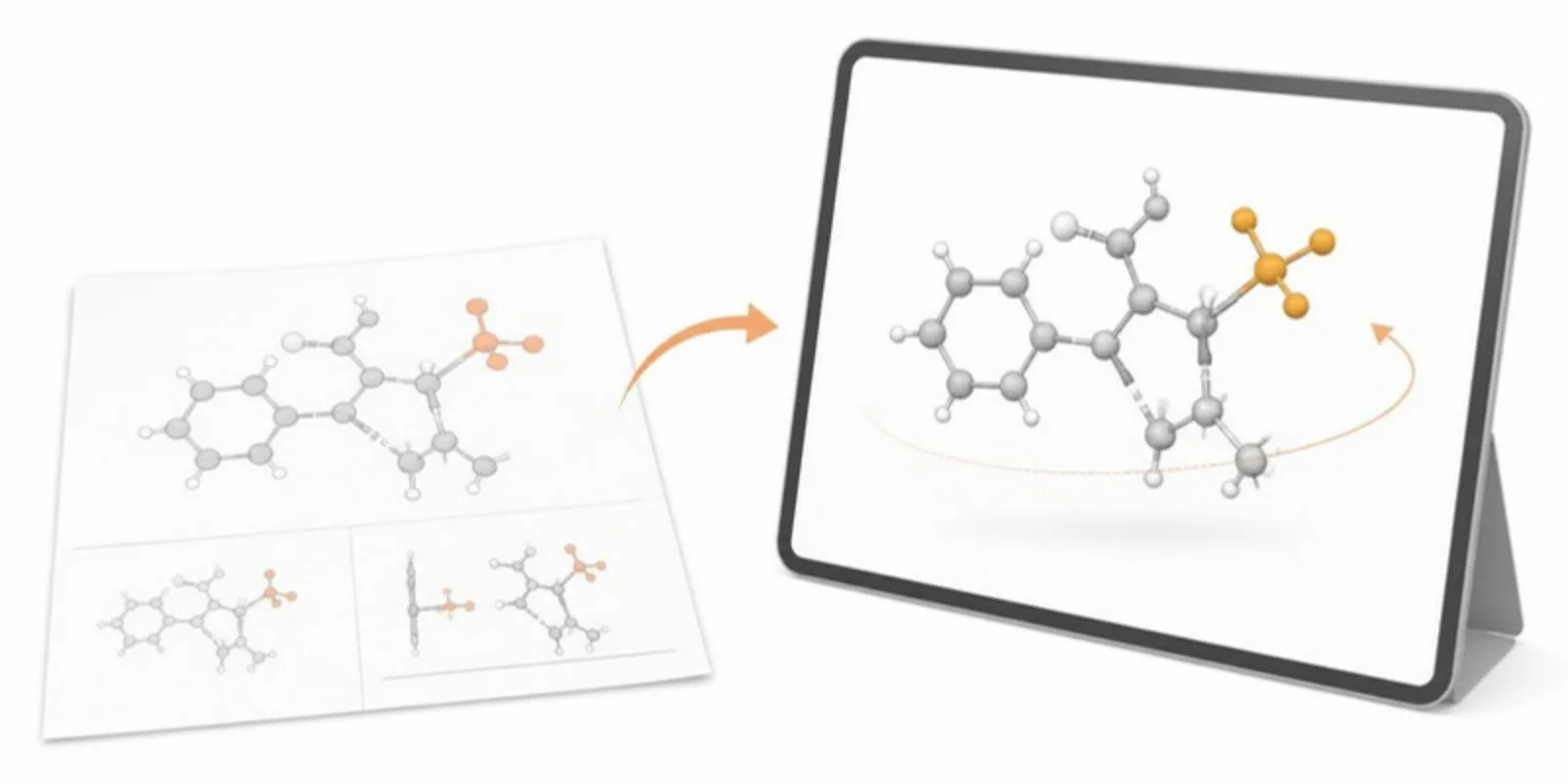
A single rendered angle hides occluded structures, makes spatial relationships ambiguous, and forces authors to pick one viewpoint among many. Reviewers and readers can’t check the parts the author didn’t show, and they can’t measure anything the figure doesn’t label.
What interactive 3D adds
- Comprehension: readers explore the geometry themselves, from any angle.
- Reproducibility: the actual model — not a screenshot of it — travels with the paper, supporting the move toward FAIR, open research objects.
- Verification: reviewers can cut through the model with a section plane and check dimensions instead of trusting a caption.
- Engagement: an interactive figure is memorable, and on mobile it becomes an AR object the reader can place in front of them.
Why now
Three forces are converging: journals increasingly mandate data availability; 3D capture (photogrammetry, micro-CT, AI generation) is getting cheap and common; and open web standards (glTF/GLB, USDZ, WebXR) make interactive 3D render anywhere without plugins. The infrastructure to publish 3D well finally exists.
What a good interactive figure looks like
- It opens on the view the paper discusses. Save that view as a scene and link to it directly, so the reader doesn’t start from an arbitrary angle.
- It keeps parts separate. Structures, components, or phases are layers the reader can hide and isolate.
- It matches the printed figure. Export the static figure from the same model so the two never drift apart; see publication-ready figures and comparisons.
- It has a stable link that still works after you correct or replace the model.
- It is light enough for a phone, because many readers will scan the QR code.
The friction problem — and the fix
Historically, embedding interactive 3D meant custom web work that most authors won’t do. That’s the gap AcademicAR fills: upload your model, get an optimized, AR-ready viewer and a stable QR code, and link it from your figure caption. The interactive object lives alongside your paper instead of dying as a static image. For the practical steps, see how to add interactive 3D models to your research paper.
Deposit and display
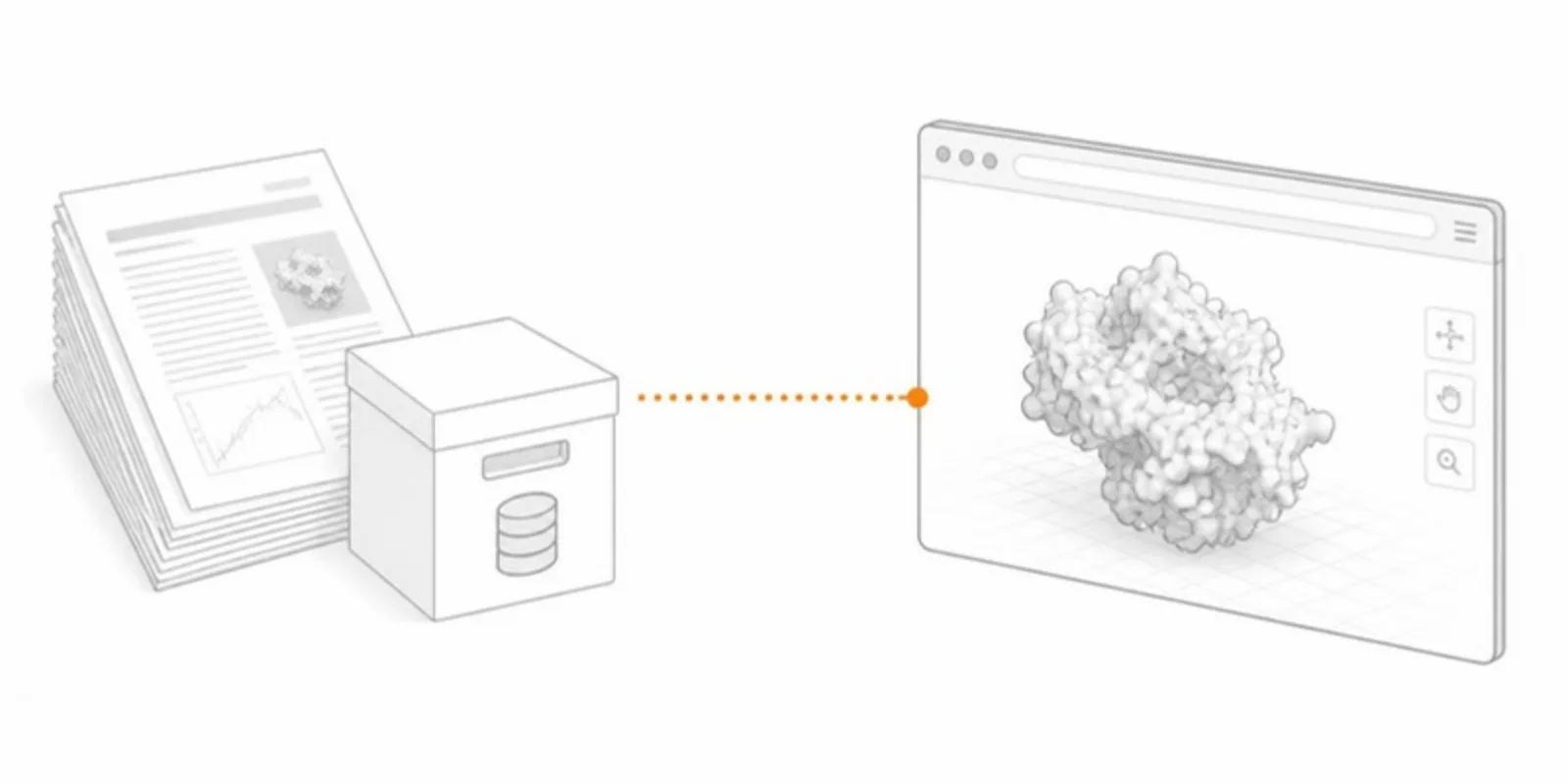
Interactive viewing doesn’t replace archiving. Deposit the underlying data in a repository with a persistent identifier, cite it, and use the interactive viewer as the readable layer on top. Our guide to research 3D platforms compares the options.
Interactive 3D figures aren’t a gimmick — they’re a more honest way to communicate three-dimensional results. As tooling removes the friction, they’ll become an expected part of the record.
Frequently asked questions
Do journals accept interactive 3D figures?
Most journals publish a static figure in the article and accept links to supplementary material. A common approach is a static figure with a caption link and QR code to the interactive model.
How do I cite an interactive 3D model in a paper?
Cite the archived dataset by its DOI, and add the viewer link or QR code in the figure caption or data availability statement.
What makes an interactive figure reproducible?
The actual geometry is shared, not only a rendering, and it stays available at a stable link. Archiving the source data in a repository completes it.
Related guides
-
A Sketchfab Alternative for Researchers: What Academic 3D Sharing Needs
Sketchfab is a great general 3D platform. Here's what researchers need on top of it, from stable QR codes and medical uploads to...
-
DICOM to STL: How to Turn a CT Scan into a 3D Printable Model
Convert DICOM CT or MRI to STL for 3D printing with free tools: anonymize, segment by Hounsfield threshold, clean the mesh, export, and...
-
How to Add a 3D Model to PowerPoint (and Let the Audience Explore It)
Four ways to put a 3D model in a PowerPoint presentation: native 3D models, rendered images, video, and a QR code that opens the model...