The Complete Guide to QR Codes on Academic Posters
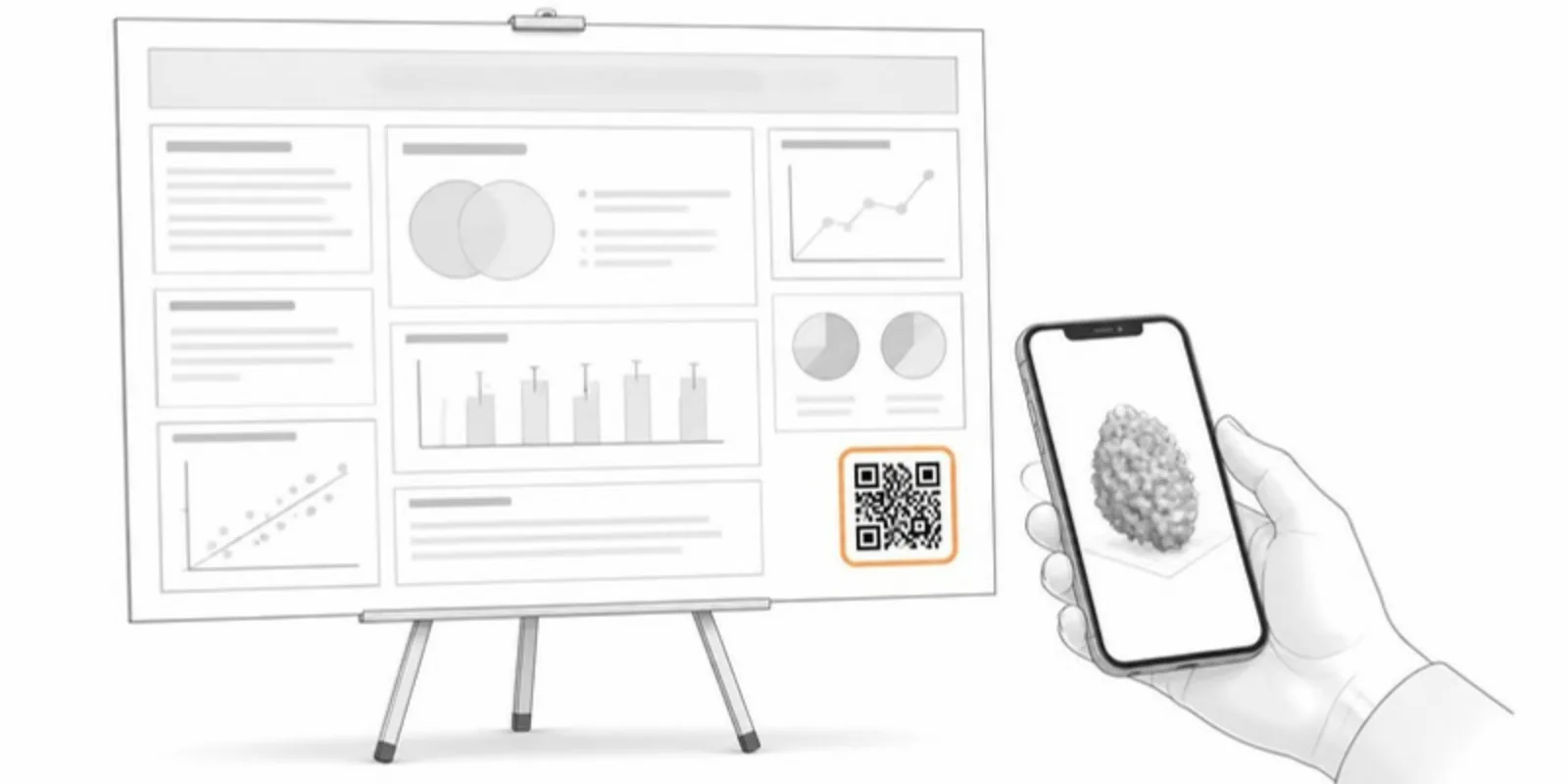
A poster has minutes to make an impression, and wall space is scarce. A QR code is the cheapest way to extend a poster beyond its borders — linking to your data, your paper, or, increasingly, an interactive 3D model of whatever you’re presenting. Here’s how to do it well.
What to link to
- An interactive 3D/AR model of your specimen, structure, or device — the most memorable option, because viewers can handle it themselves.
- The full paper or preprint (DOI link).
- Supplementary data, code, or a short video.
Avoid linking to a generic lab homepage; make the destination specific to the poster. If you have several models, one QR per model next to its figure works better than one QR to a list.
Placement and sizing
- Put the QR near the relevant figure, not just in a footer, so the link has obvious context.
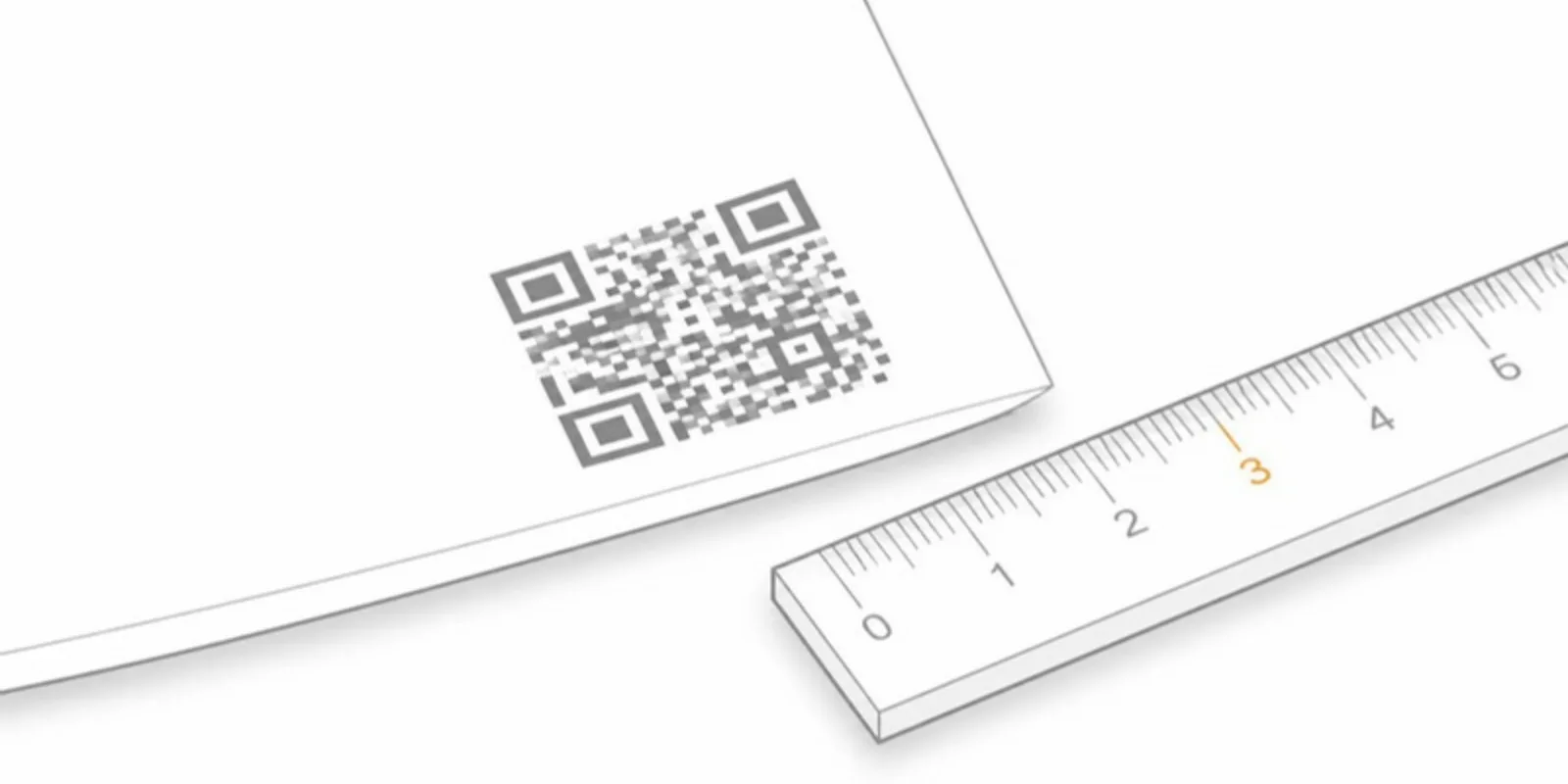
- Make it at least 3–4 cm square on a printed poster so phones lock on from a comfortable standing distance; 5 cm or more if people will scan from across an aisle.
- Keep a quiet margin of white space around the code, and print it dark on light. Inverted or low-contrast QR codes fail on many phones.
- Add a one-line call to action: “Scan to explore the model in 3D & AR.”
Make it durable
Use a QR that points to a stable resolver URL, not a raw file path that might move. AcademicAR’s model QR codes resolve through a permanent identifier, so the same printed poster keeps working after you replace or upgrade the model later. That matters because posters get photographed, shared, and pinned on lab walls for years.
Design the landing experience
The scan is only half of it. What opens should work on a phone held at arm’s length, on conference Wi-Fi:
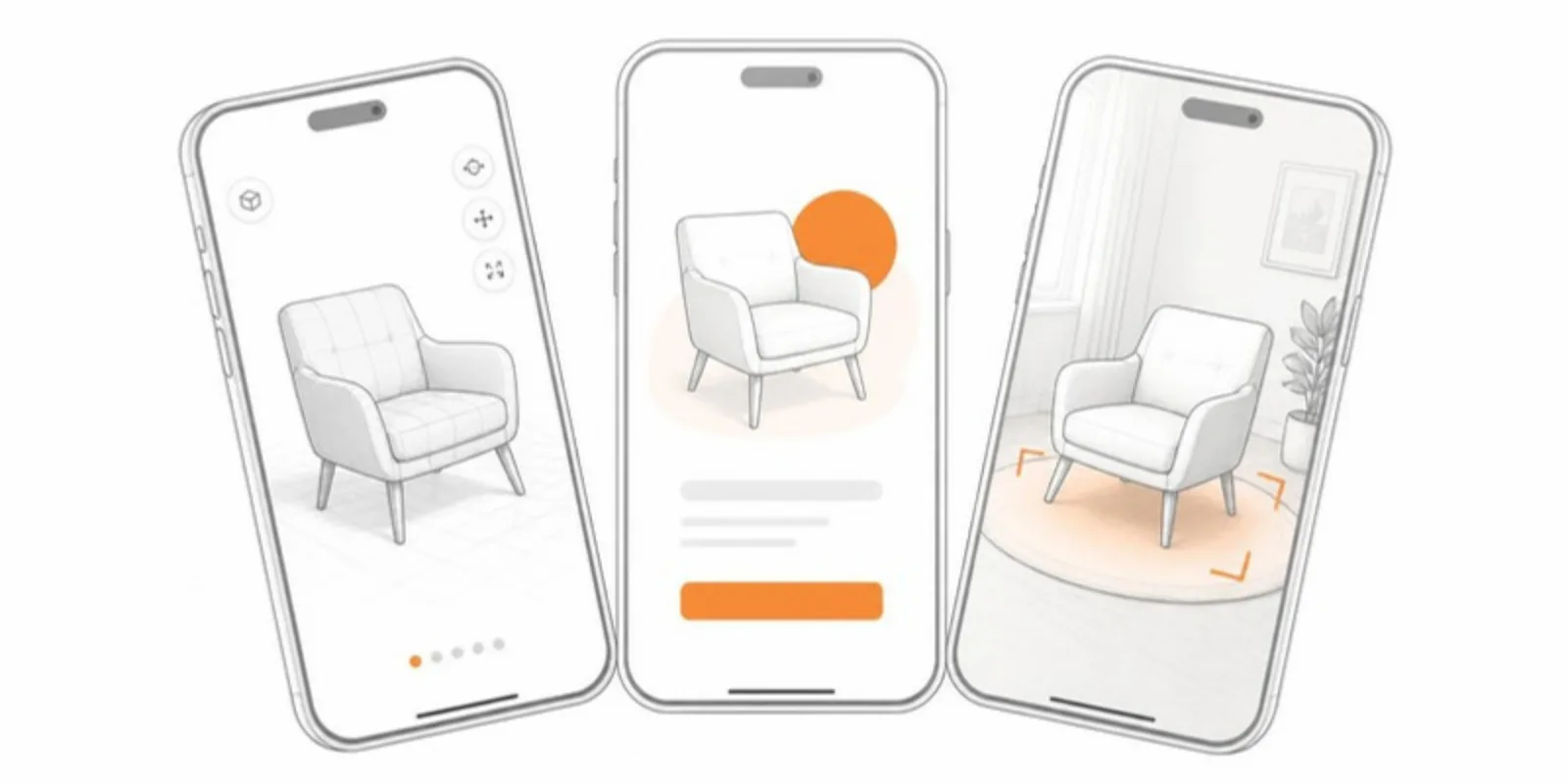
- Keep the model light. Decimate dense scans so it loads quickly.
- Start from a good view. Save a default view or a scene so the first thing people see is the part your poster discusses.
- Offer AR. Many visitors will tap View in AR and place the model on the floor in front of the poster. That moment is what people remember.
The same QR can go on a slide at your talk; see how to add a 3D model to PowerPoint.
Measure it (optional)
If you want to know whether people scanned, link through a destination you control. AcademicAR shows each model’s views, QR scans, and AR starts, so you can see what the poster session actually produced and justify the effort next time.
A quick checklist
- One specific, valuable destination per QR.
- Placed next to the figure it explains.
- 3–4 cm minimum, with margin and strong contrast.
- A short call to action.
- A stable URL that won’t break.
- A light model and a good first view on a phone.
Done right, a QR turns a poster from something people glance at into something they hold in their hands.
Frequently asked questions
How big should a QR code be on a poster?
At least 3–4 cm square for scanning from a normal standing distance, and larger (5 cm or more) if people will scan from further away. Leave a white margin around it.
What should a poster QR code link to?
Something specific to the poster: an interactive 3D model of the specimen or device, the paper or preprint, or the dataset. A 3D model is the most engaging because visitors can explore it and place it in AR.
Will my poster QR code still work after the conference?
It will if it points to a stable link. AcademicAR’s QR codes resolve through a permanent identifier, so they keep working when you replace or update the model.
Generate a stable QR code for your 3D model in a couple of minutes.
Related guides
-
How to Add Interactive 3D Models to Your Research Paper
A step-by-step guide to embedding interactive 3D models and AR in academic papers, theses, and posters using a QR code — no coding required.
-
DICOM to STL: How to Turn a CT Scan into a 3D Printable Model
Convert DICOM CT or MRI to STL for 3D printing with free tools: anonymize, segment by Hounsfield threshold, clean the mesh, export, and...
-
How to Add a 3D Model to PowerPoint (and Let the Audience Explore It)
Four ways to put a 3D model in a PowerPoint presentation: native 3D models, rendered images, video, and a QR code that opens the model...