A Sketchfab Alternative for Researchers: What Academic 3D Sharing Needs
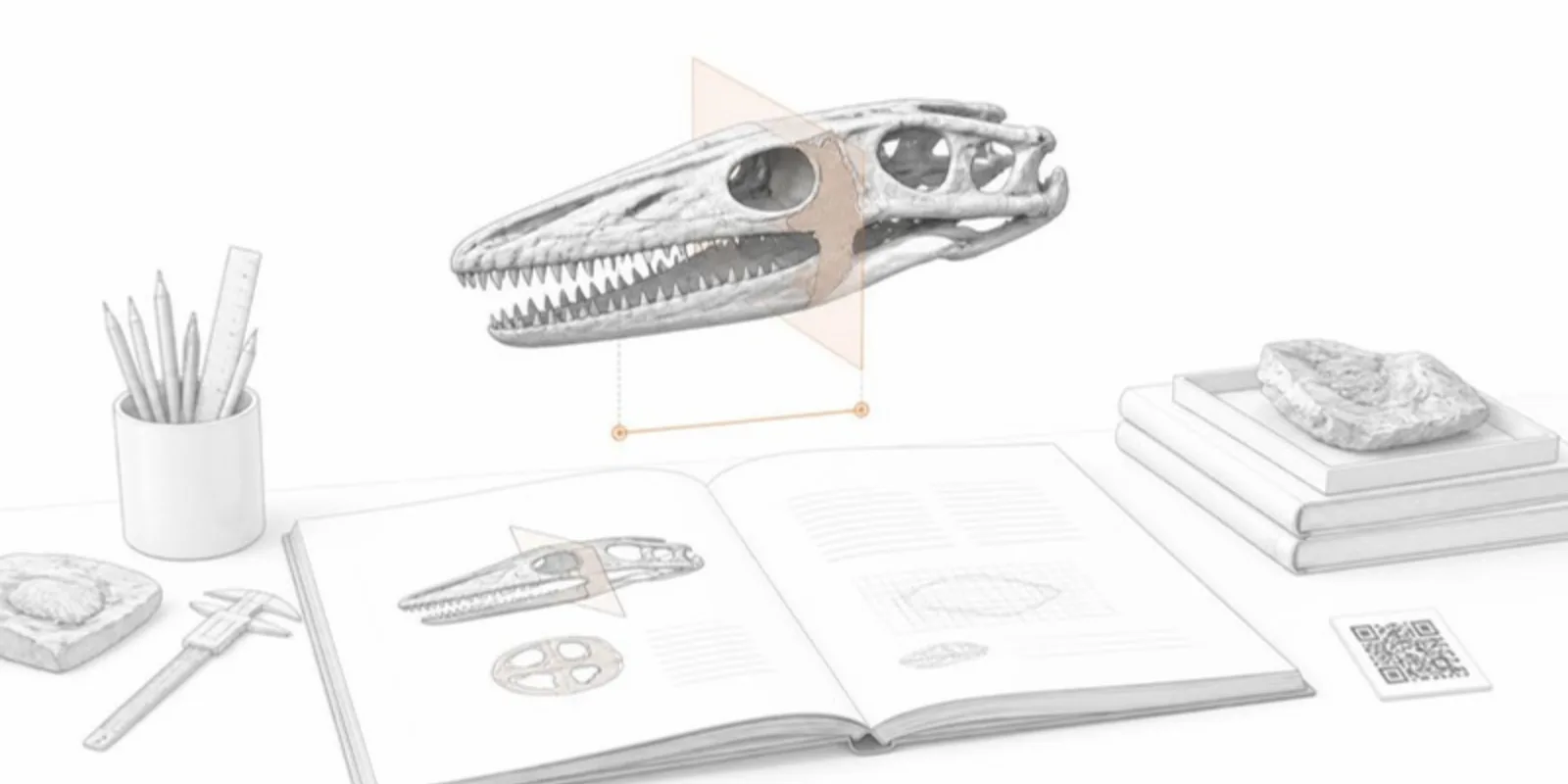
Sketchfab is the best-known place to publish 3D models online, and for good reason: it has a polished viewer, embeds, annotations, AR, and a large community. Plenty of museums and labs use it. But it was built as a general platform for 3D creators, and research has needs it wasn’t designed around. If you’re looking for a Sketchfab alternative for academic work, here’s what to check, and where each kind of tool fits.
What research sharing needs
A link that outlives the paper. A figure caption or poster QR code is printed once and read for years. The link must keep pointing at the right model after you replace the file, fix the colours, or move it to another project.
Your input formats. Research models start as CT and MRI scans, segmentations, STEP assemblies from CAD, and photogrammetry. Converting each of these by hand before upload is where most of the time goes.
Compliance built in. Medical and human-subject data needs anonymization, and authors must confirm they have the right to publish. The platform should make that explicit and handle raw scans carefully.
Scientific tools, not only display. Readers want to look inside (section planes, cross-sections), measure, compare two states side by side, and export a figure for the paper.
Teaching and presenting. Saved views, guided tours, and AR that works on the students’ own phones.
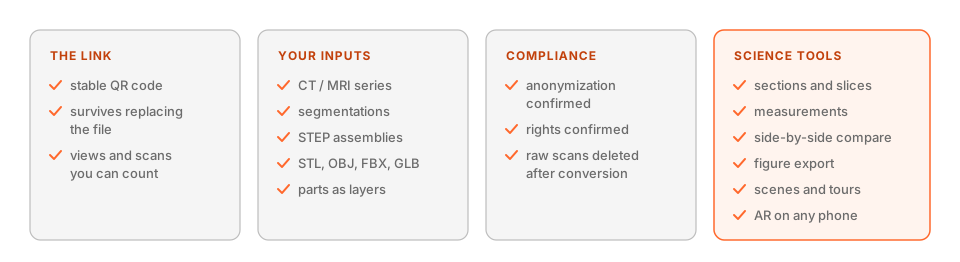 What to check before choosing where to host research models.
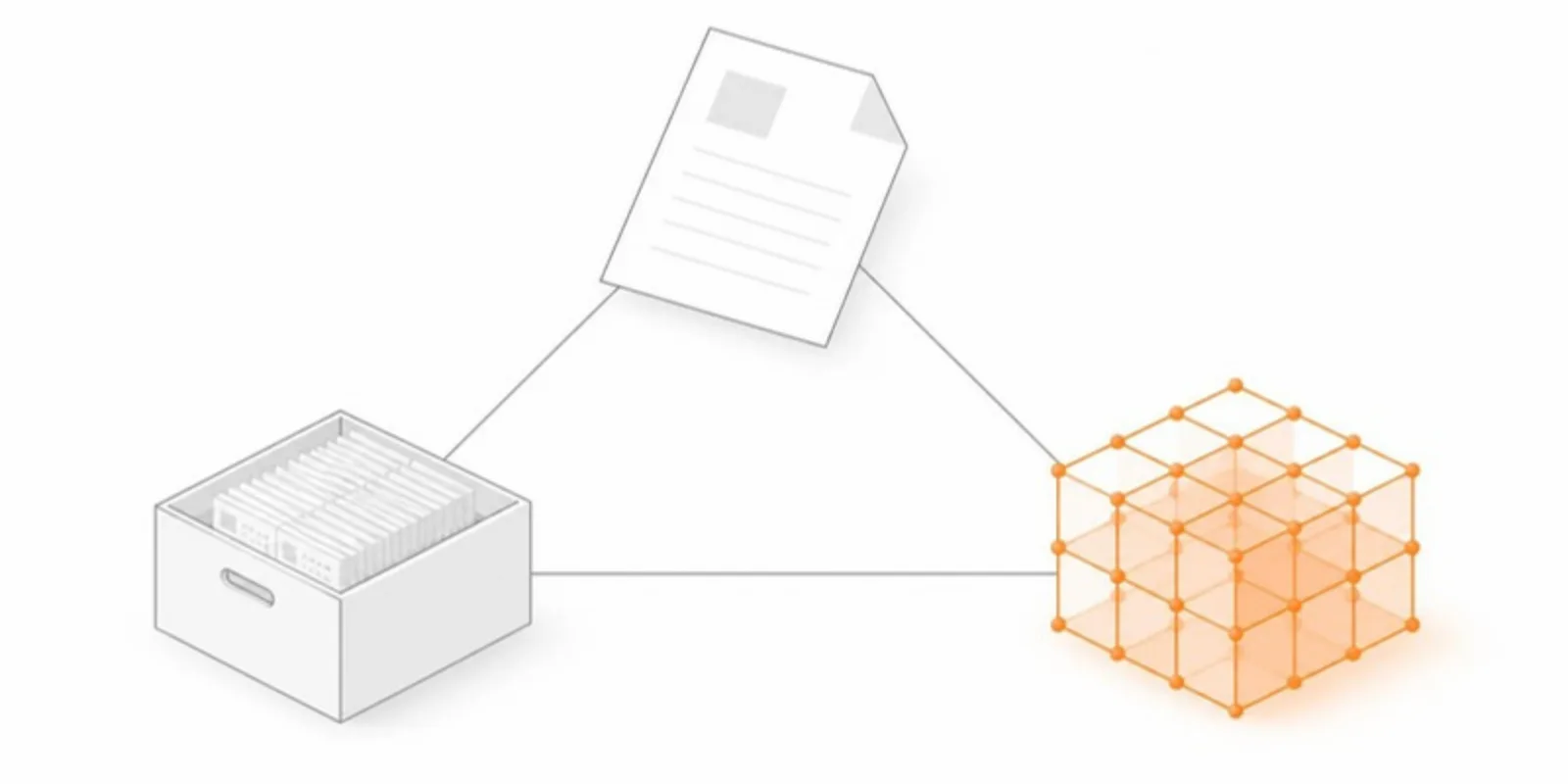
How the options fit
- General 3D platforms (such as Sketchfab). Excellent viewer and reach. A good fit for portfolios, cultural heritage showcases, and public outreach to a broad audience. You convert medical and CAD data yourself first.
- Research repositories (such as MorphoSource or Zenodo). Built for archiving files with persistent identifiers and metadata. The right place to deposit the raw data; less focused on an interactive viewing experience for readers.
- AcademicAR. Built for putting interactive 3D into publications, posters, and teaching. Use it alongside a repository: deposit the data there, and share the readable, interactive version here.
What AcademicAR does differently
- Stable QR codes and viewer links that survive replacements, recolours, and plan upgrades.
- Direct uploads of GLB, STL, OBJ, FBX, STEP/STP, DICOM series (with bone, skin, contrast and custom HU thresholds), and segmentations (NIfTI, NRRD, DICOM-SEG), with every part or structure as its own layer.
- Compliance confirmation on every upload, an extra check for medical data, and raw scans deleted after conversion.
- Research tools in the viewer: a section plane and 2D slice view, structure measurements, side-by-side comparisons, and publication figure export.
- Teaching: saved scenes, guided tours, and AR on iPhone and Android with no app.
- Licensing per model, with institutional contracts for departments that publish many models.
Choosing
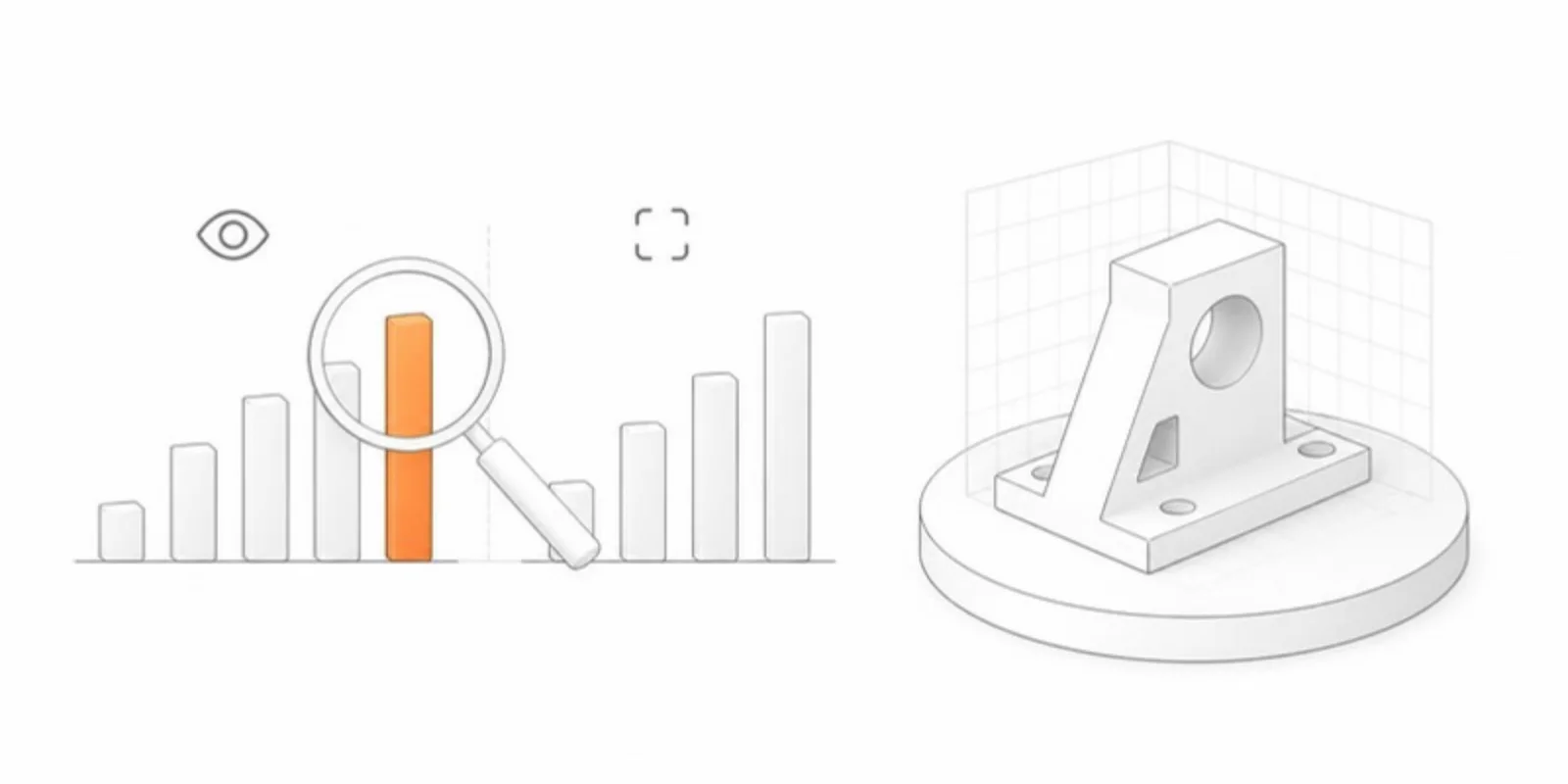
If your audience is the general public and the model is already a clean mesh, a general platform may be all you need. If the model comes from a scanner or CAD, goes into a paper or a poster, or carries patient data, choose a tool built for that workflow, and keep depositing your raw data in a repository either way.
Frequently asked questions
Is there a free alternative to Sketchfab for academic use?
AcademicAR has a free plan to try a model in the viewer and in AR, and paid plans are priced per model rather than as a monthly subscription. Research repositories such as Zenodo are free for depositing files but are not interactive viewers.
Can I upload DICOM or STEP files instead of a mesh?
Yes. AcademicAR converts DICOM series (as a ZIP), segmentations, and STEP/STP assemblies on upload, so you don’t have to make a mesh in other software first.
Should I still deposit my 3D data in a repository?
Yes. A repository gives your data a persistent identifier and long-term archiving. Link to it from the paper, and use an interactive viewer so readers can actually explore the model.
Compare plans or create a free account to try your own model.
Related guides
-
How to View and Share an STL File Online (No Software Needed)
Open an STL file in your browser and share it as a link and QR code that opens in 3D and AR on any phone. No CAD or slicer software needed.
-
How to Embed a 3D Model on a Website, LMS, or Lab Page
Two ways to embed an interactive 3D model on a web page: self-host with model-viewer, or paste a hosted viewer iframe into WordPress,...
-
What Is a STEP (.stp) File and How to Open It Without CAD
STEP and STP files explained: what's inside, which programs open them, and how to view and share a STEP assembly in your browser and AR...