AR for Archaeology
Interactive 3D & AR for archaeology and heritage
Let readers handle the artifact — rotate a vessel, inspect tool marks, place a reconstruction at full scale — without the object ever leaving the store.
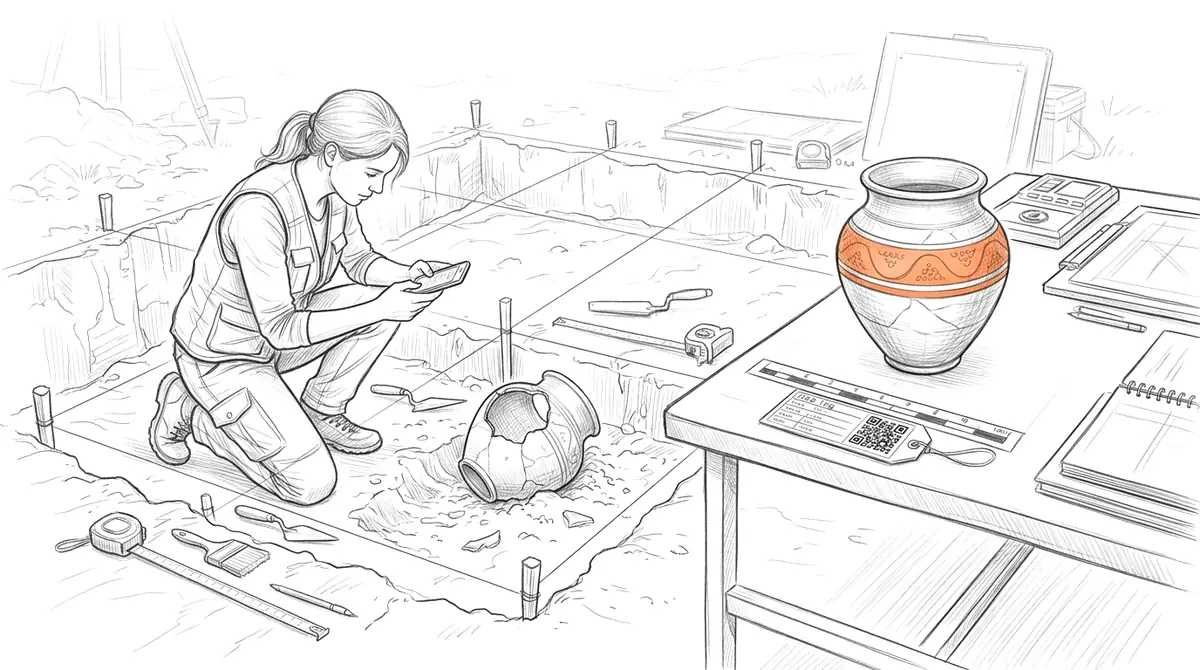
Photogrammetry and structured-light scanning have made high-fidelity 3D records of artifacts routine, but those models too often sit unseen in a data repository. AcademicAR publishes a scanned find or a digital reconstruction as an interactive viewer with augmented reality, so a ceramic, lithic, or architectural fragment can be rotated, measured by eye, and placed at true scale.
Drop a QR code into an excavation report, museum label, site guide, or paper, and the object becomes explorable to anyone with a phone — no proprietary viewer, no download.
Why archaeology needs interactive 3D
Document at a glance.
Surface detail, tool marks, and form read far better on a rotatable scan than on a plate of fixed photographs.
Protect fragile originals.
Share and study a digital surrogate widely while the physical artifact stays safe in storage.
Make reconstructions legible.
Place a reconstructed structure or vessel at full scale so its size and proportion land immediately.
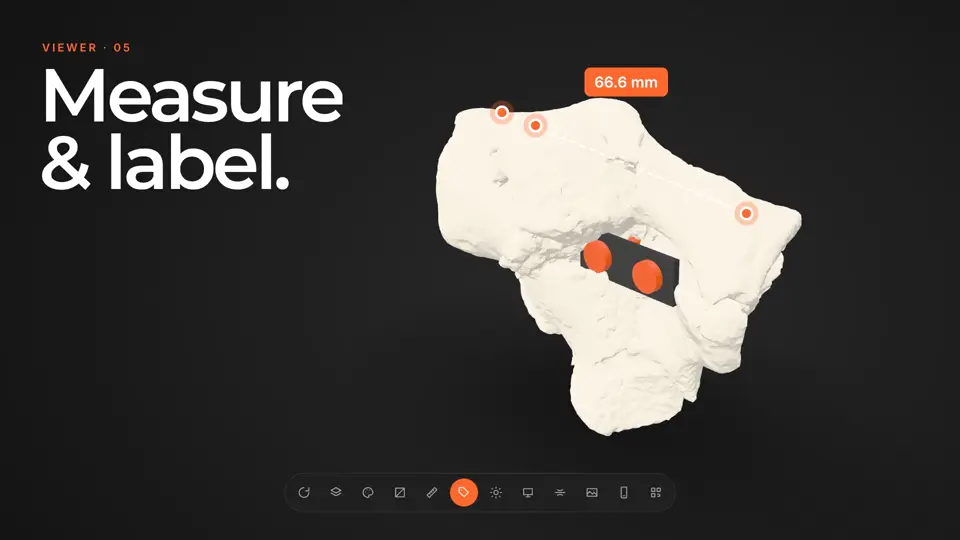
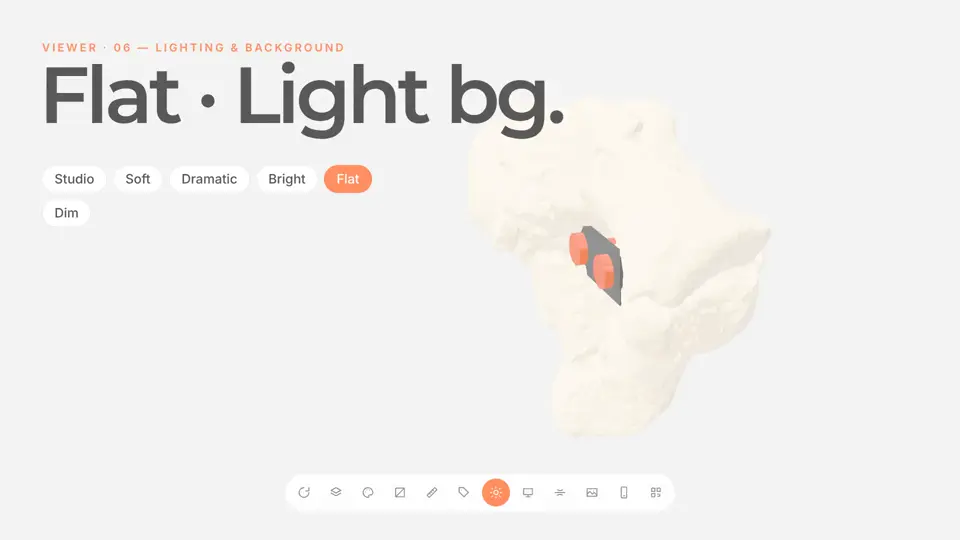
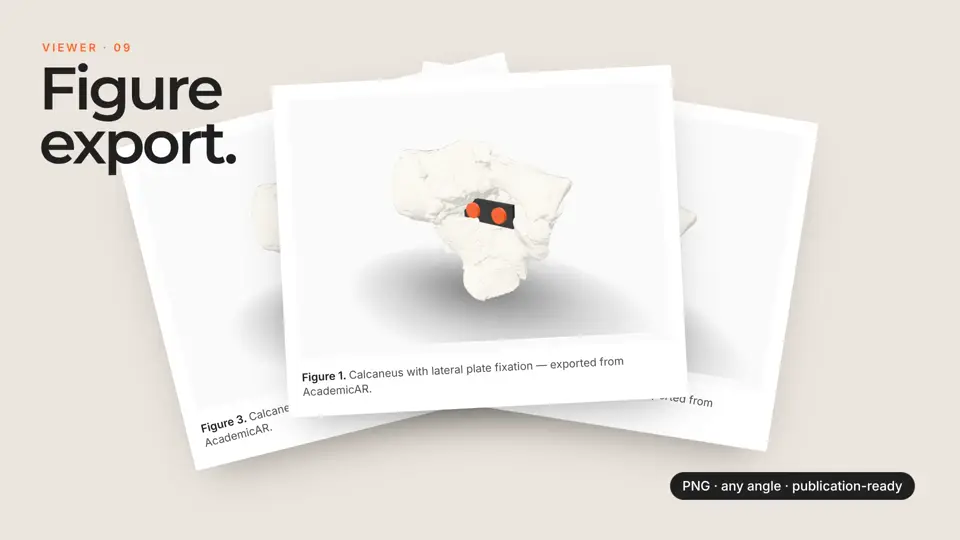
Viewer tools archaeology teams reach for
Every published model opens in the same viewer. These are the tools that matter most for archaeology work.
How it works
-
Step 1
Upload your model
Drop in a GLB, STL, OBJ, FBX or STEP file, or a CT/MR segmentation. It's converted and optimized for the web automatically.
-
Step 2
Get a viewer & QR code
You get an interactive 3D viewer with tap-to-place AR, a short link, and a stable QR code.
-
Step 3
Share anywhere
Place the QR code on a slide, poster, handout, label, or paper. Your audience needs no app and no headset.
Ways archaeology teams use it
Excavation reports & papers
Replace a plate of photographs with an interactive model readers can turn and inspect.
Museum & site interpretation
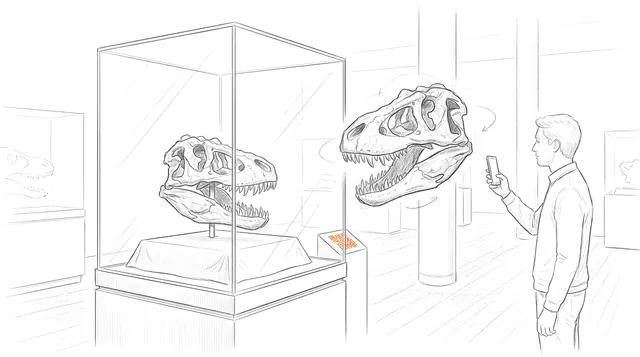
A QR code on the label opens a 3D model so visitors explore an object they can't physically handle.
Teaching material culture
Give students typological examples they can rotate and compare instead of slides.
Guides for archaeology
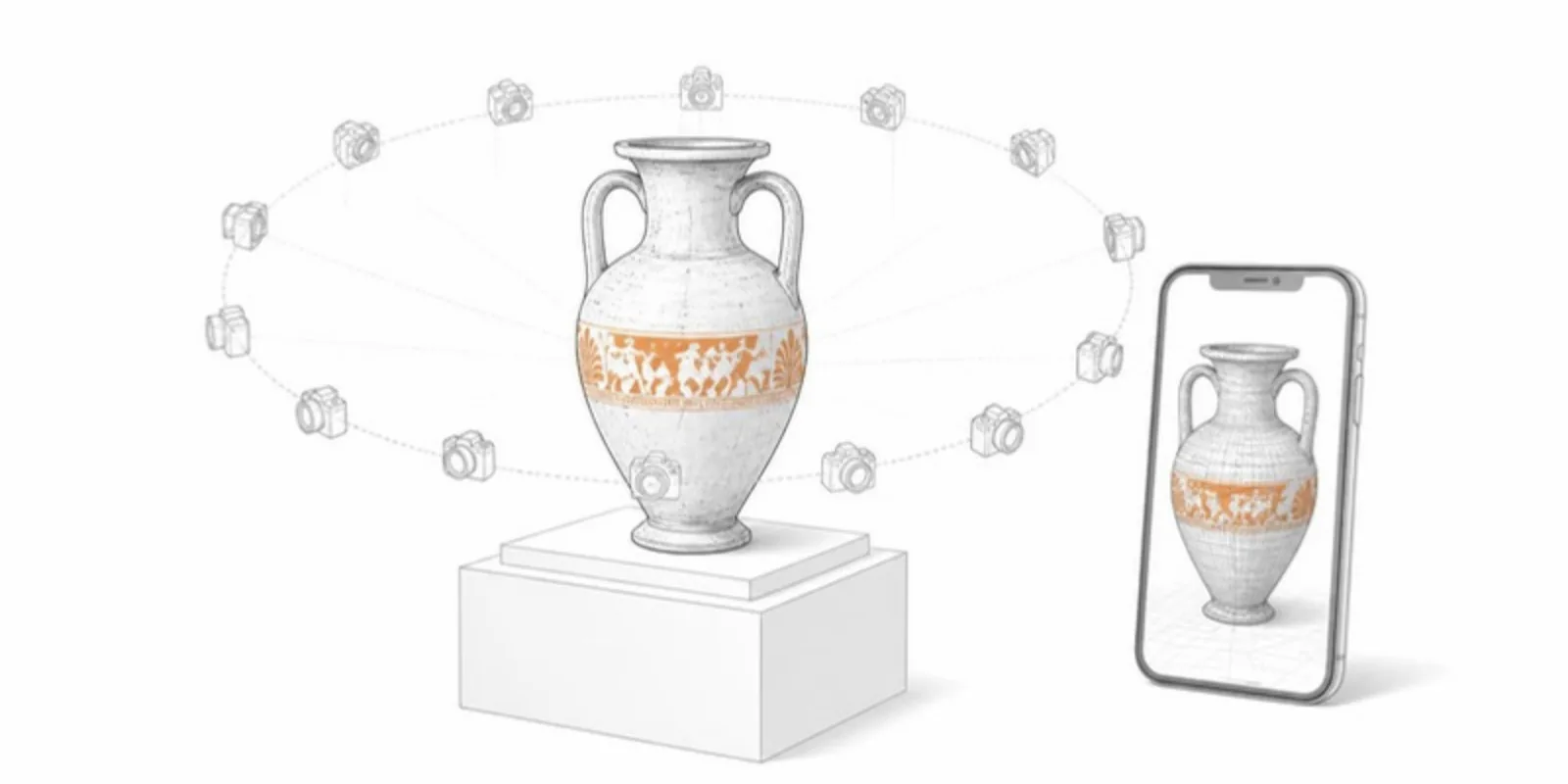 AR for Archaeology: Bringing Artifacts to Life in 3D
How 3D scanning and augmented reality help archaeologists share, study, and teach with fragile artifacts — without risking the originals.
AR for Archaeology: Bringing Artifacts to Life in 3D
How 3D scanning and augmented reality help archaeologists share, study, and teach with fragile artifacts — without risking the originals.
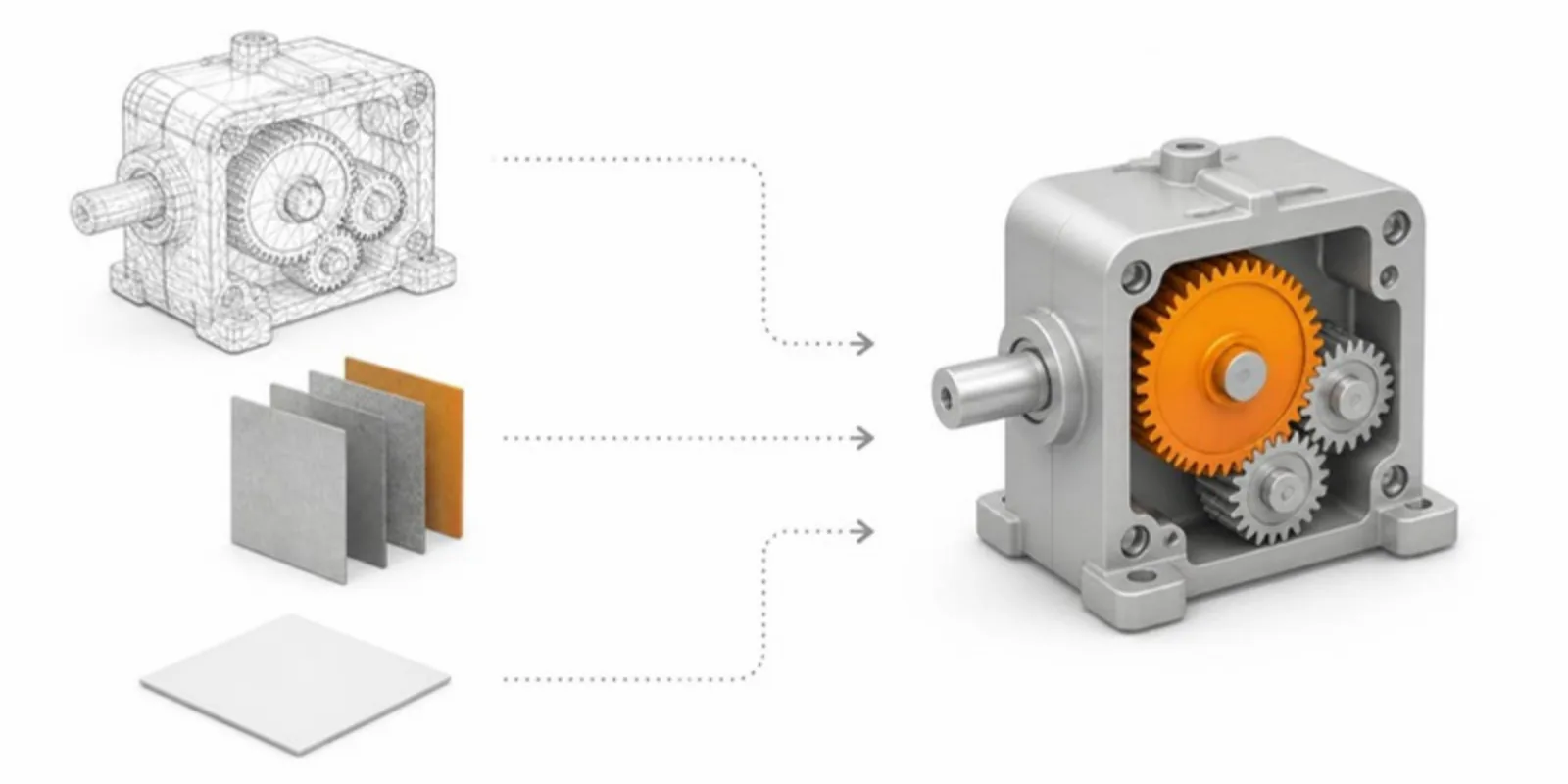 How to Convert OBJ and FBX to GLB Without Losing Textures
Convert OBJ (with its MTL and textures) and FBX to GLB for the web: what each format carries, the free tools, and how to keep materials, units, and parts intact.
How to Convert OBJ and FBX to GLB Without Losing Textures
Convert OBJ (with its MTL and textures) and FBX to GLB for the web: what each format carries, the free tools, and how to keep materials, units, and parts intact.
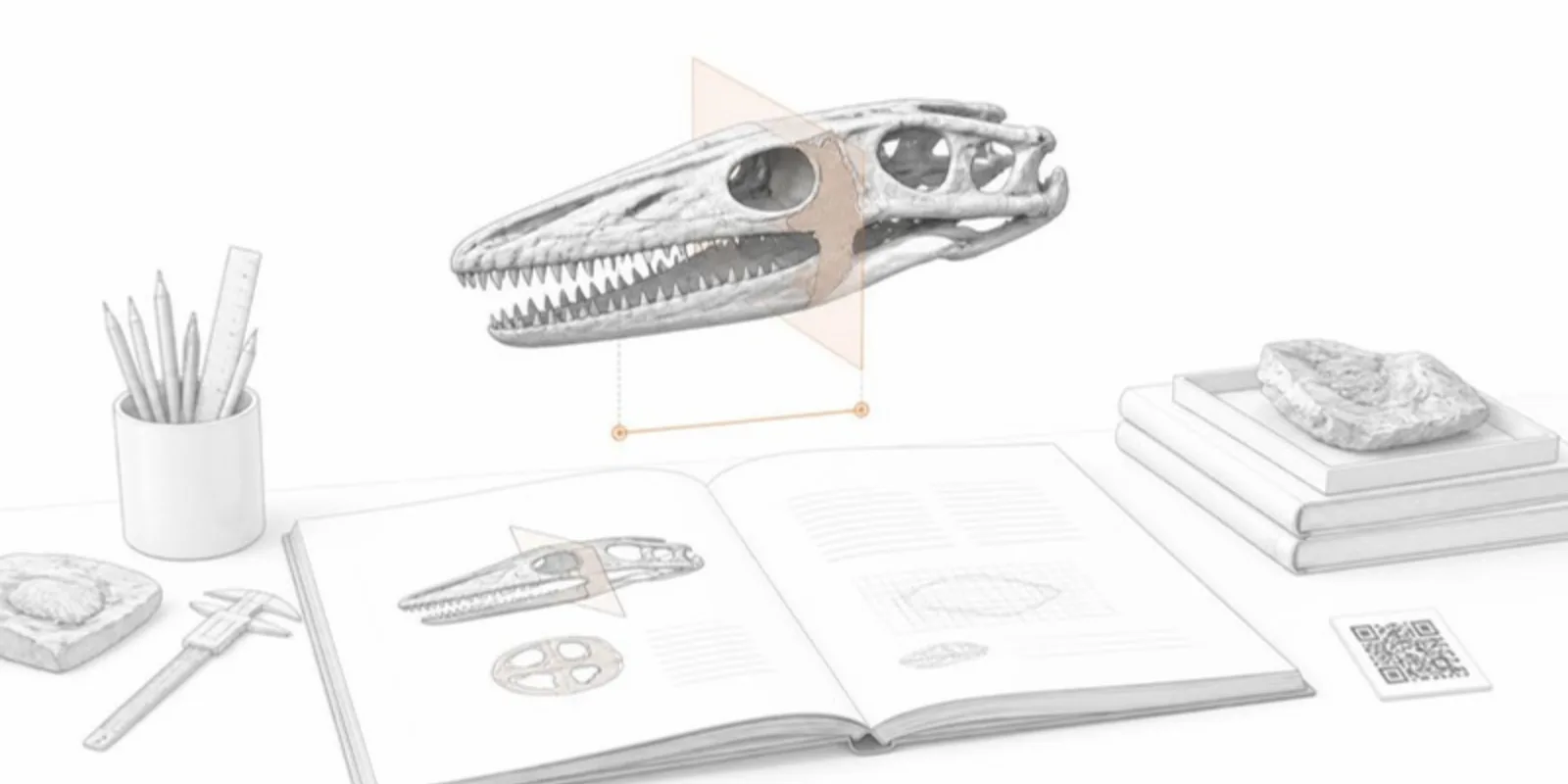 A Sketchfab Alternative for Researchers: What Academic 3D Sharing Needs
Sketchfab is a great general 3D platform. Here's what researchers need on top of it, from stable QR codes and medical uploads to sections and measurements, and how the options compare.
A Sketchfab Alternative for Researchers: What Academic 3D Sharing Needs
Sketchfab is a great general 3D platform. Here's what researchers need on top of it, from stable QR codes and medical uploads to sections and measurements, and how the options compare.
Archaeology FAQ
Can I upload a photogrammetry model?
Yes. Export your textured mesh to GLB, OBJ, STL, or FBX and AcademicAR converts and optimizes it for fast web viewing, textures included.
Will textures and color survive upload?
Baked textures and vertex colors in your GLB are preserved through conversion.
Can I set the real-world size for AR?
Yes — set a scale reference so the AR placement matches the artifact's true dimensions.
Is it suitable for unpublished or sensitive finds?
You control whether a model is public. Confirm you hold the rights and follow any permit or repository restrictions before sharing.
Does the link stay stable for citation?
Yes. The QR code and short link are permanent and survive model replacement, so they're safe to cite.
Explore other fields
All use cases
Publish your first archaeology model
Create a free account, upload a model, and share an interactive 3D & AR figure in minutes.