AR for Chemistry
Interactive 3D & AR for molecular and materials chemistry
Stereochemistry, binding sites, and crystal packing make sense when you can turn the molecule in your hands instead of squinting at a wedge-and-dash drawing.
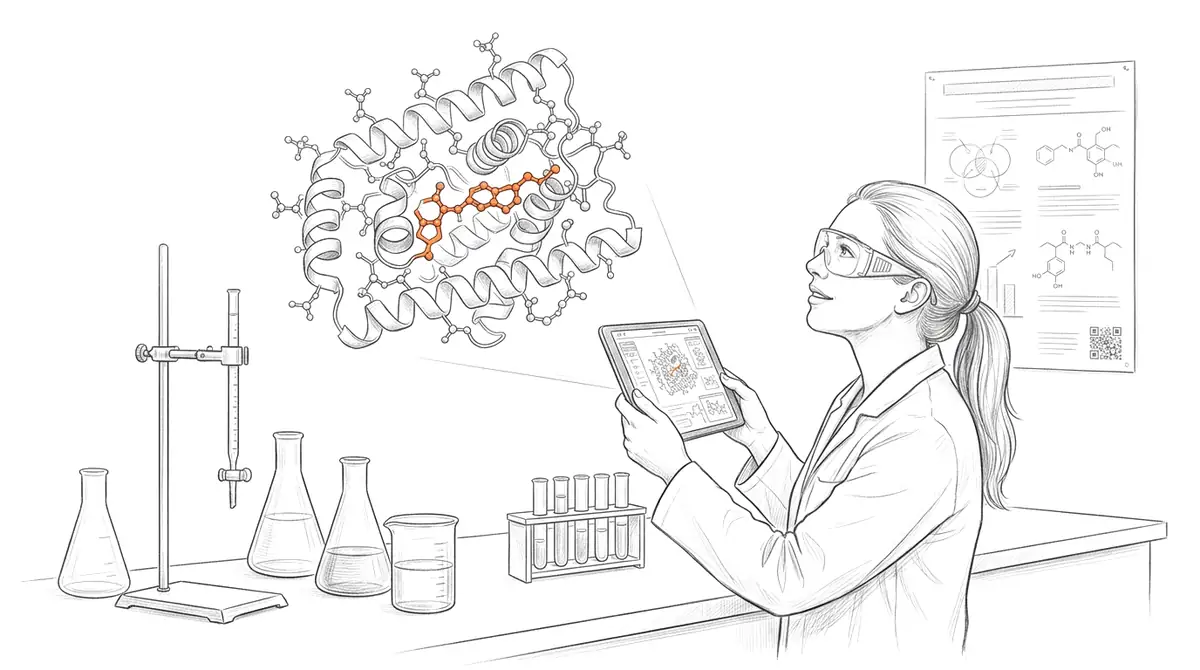
Chemistry lives in three dimensions — chirality, conformation, orbital overlap, and crystal packing are all spatial — yet most of it is taught and published as flat 2D structures. AcademicAR takes a 3D model exported from your modelling software and publishes it as an interactive viewer with augmented reality, so a protein active site or a unit cell can be rotated, zoomed, and placed on a real desk.
Generate the geometry in PyMOL, VMD, Avogadro, Mercury, or any tool that exports GLB/OBJ/STL, upload it, and share a QR code on your poster, slide, or supplementary materials.
Why chemistry needs interactive 3D
Stereochemistry stops being abstract.
R/S configuration and axial vs. equatorial positions are obvious when the model turns; they're guesswork on paper.
Show binding, not just structure.
Rotate a ligand inside its pocket to convey shape complementarity and key contacts that a single rendered view hides.
Make crystallography tangible.
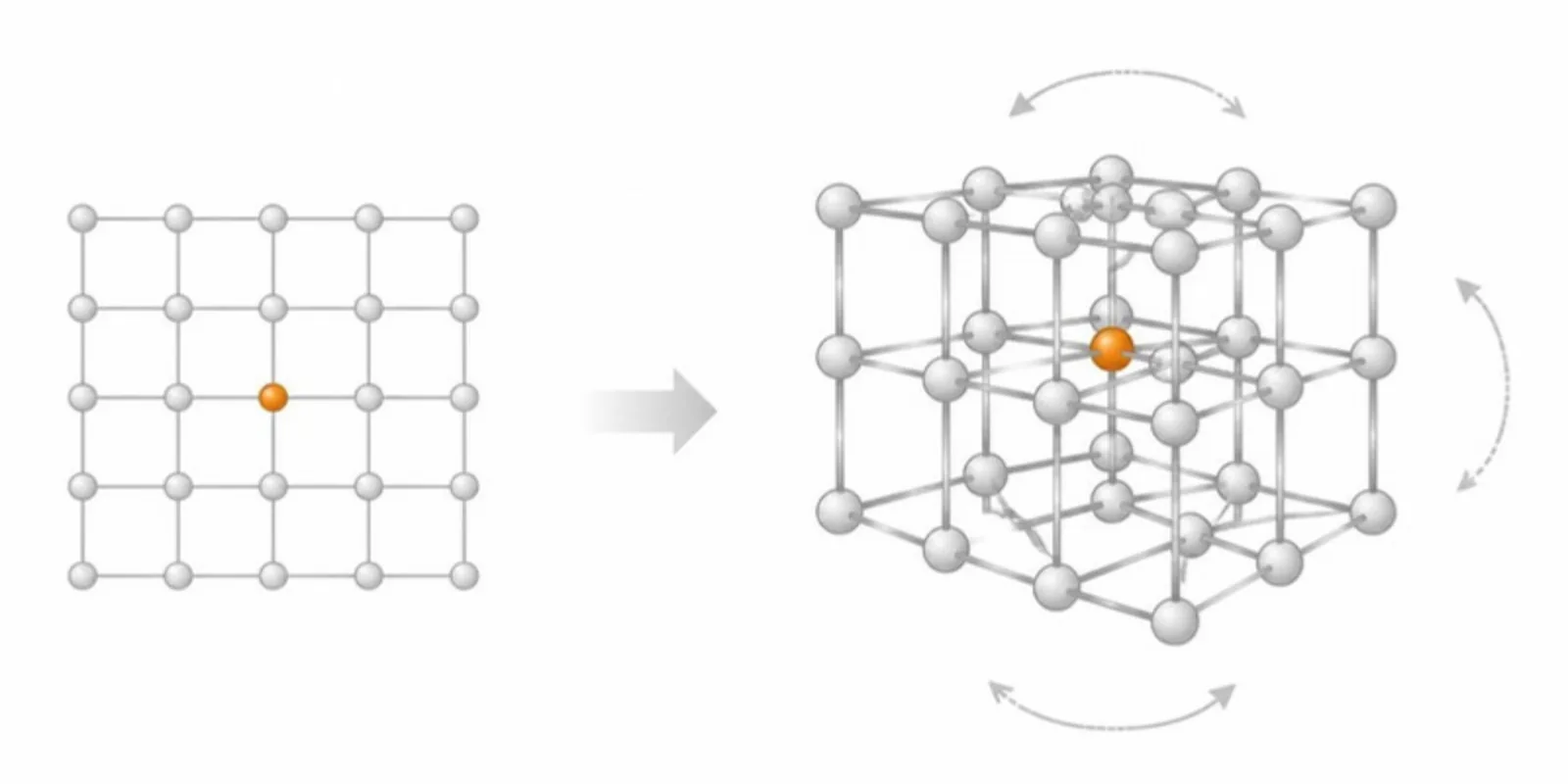
Place a unit cell or a packing diagram at a graspable size so symmetry and layering read instantly.
Viewer tools chemistry teams reach for
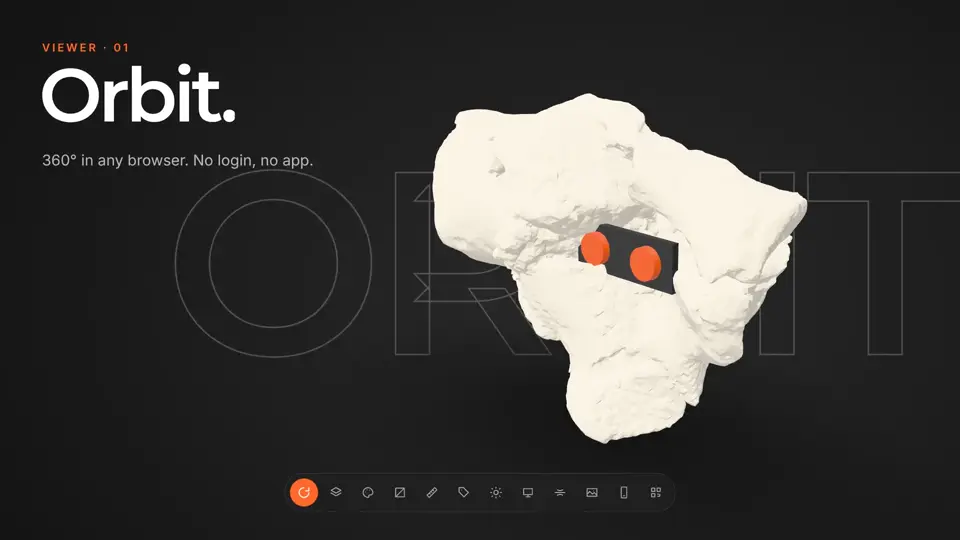
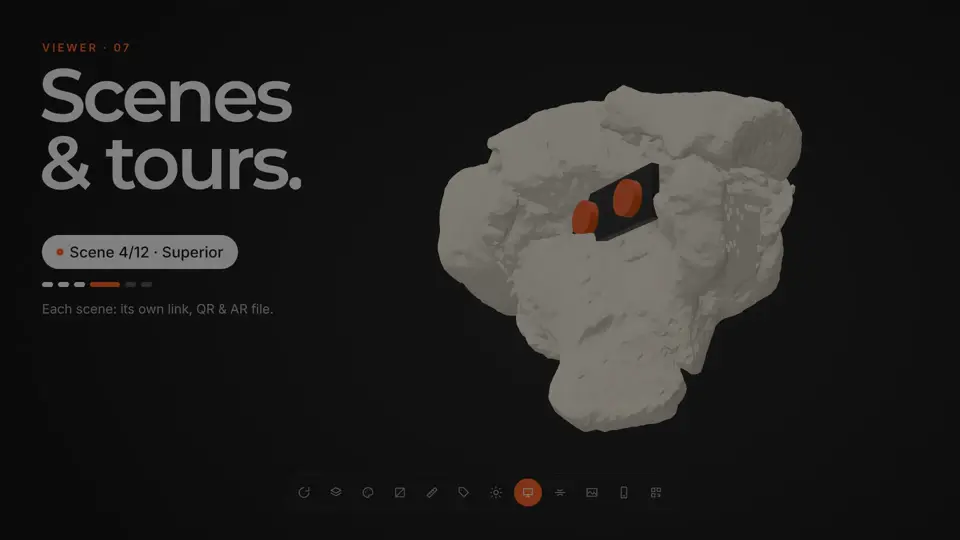
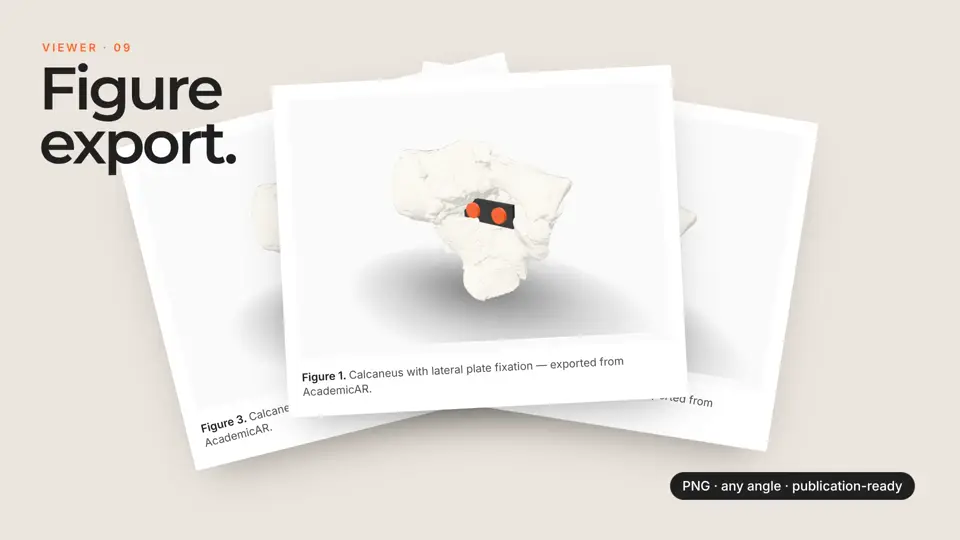
Every published model opens in the same viewer. These are the tools that matter most for chemistry work.
How it works
-
Step 1
Upload your model
Drop in a GLB, STL, OBJ, FBX or STEP file, or a CT/MR segmentation. It's converted and optimized for the web automatically.
-
Step 2
Get a viewer & QR code
You get an interactive 3D viewer with tap-to-place AR, a short link, and a stable QR code.
-
Step 3
Share anywhere
Place the QR code on a slide, poster, handout, label, or paper. Your audience needs no app and no headset.
Ways chemistry teams use it
Conference posters
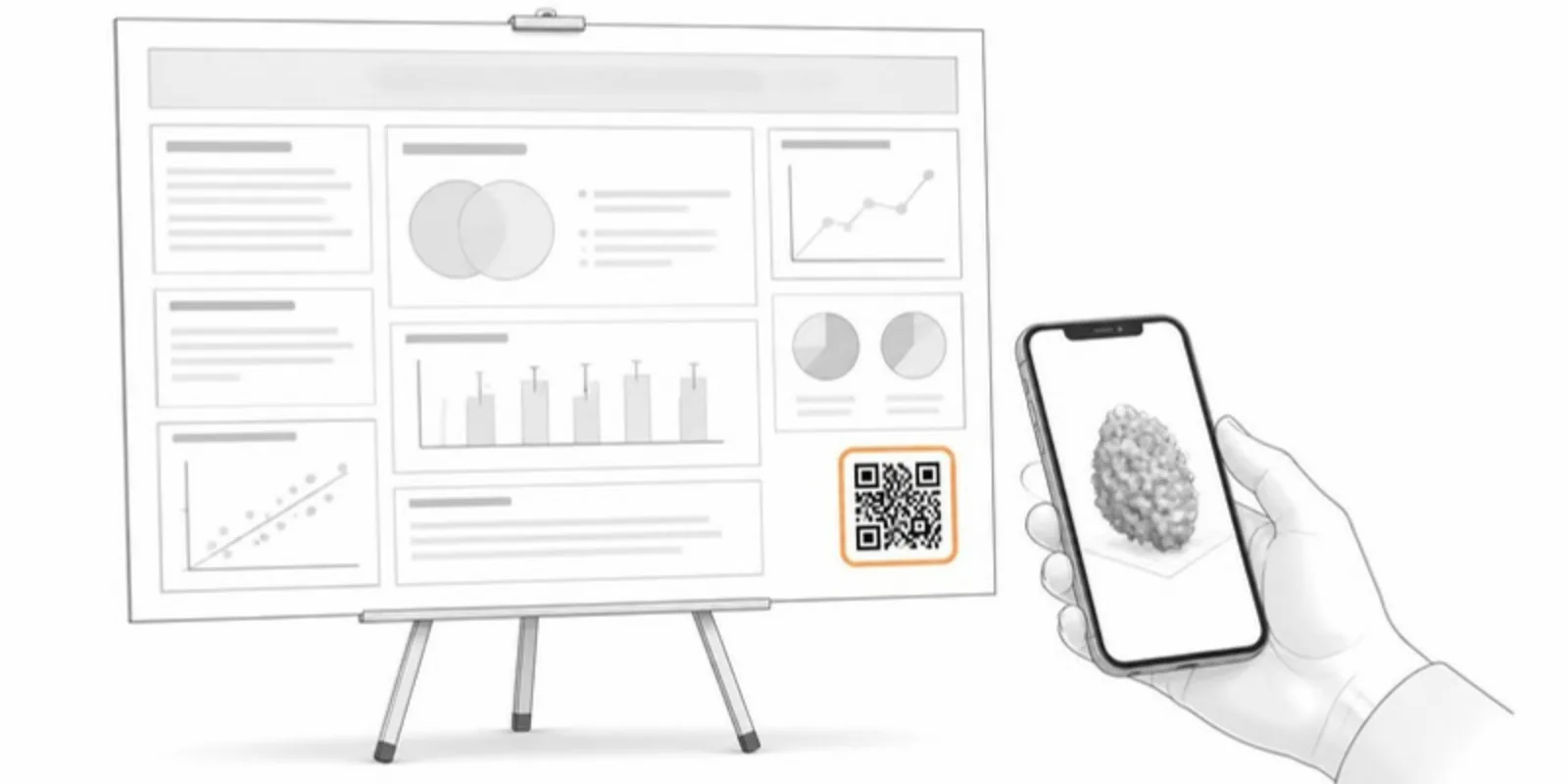
A QR code next to your 2D scheme lets reviewers open the real 3D structure and inspect the geometry you're arguing about.
Teaching organic & inorganic
Hand students a model of the exact molecule on the slide so they can check stereochemistry themselves.
Supplementary information
Deposit interactive structures alongside a paper so readers explore conformers and complexes instead of static figures.
Guides for chemistry
 Why Interactive 3D Figures Belong in Scientific Publishing
Static figures lose information. Interactive 3D figures improve comprehension, reproducibility, and engagement — and they're easier to add than you think.
Why Interactive 3D Figures Belong in Scientific Publishing
Static figures lose information. Interactive 3D figures improve comprehension, reproducibility, and engagement — and they're easier to add than you think.
 GLB vs STL vs glTF vs OBJ: Choosing a 3D Format for the Web
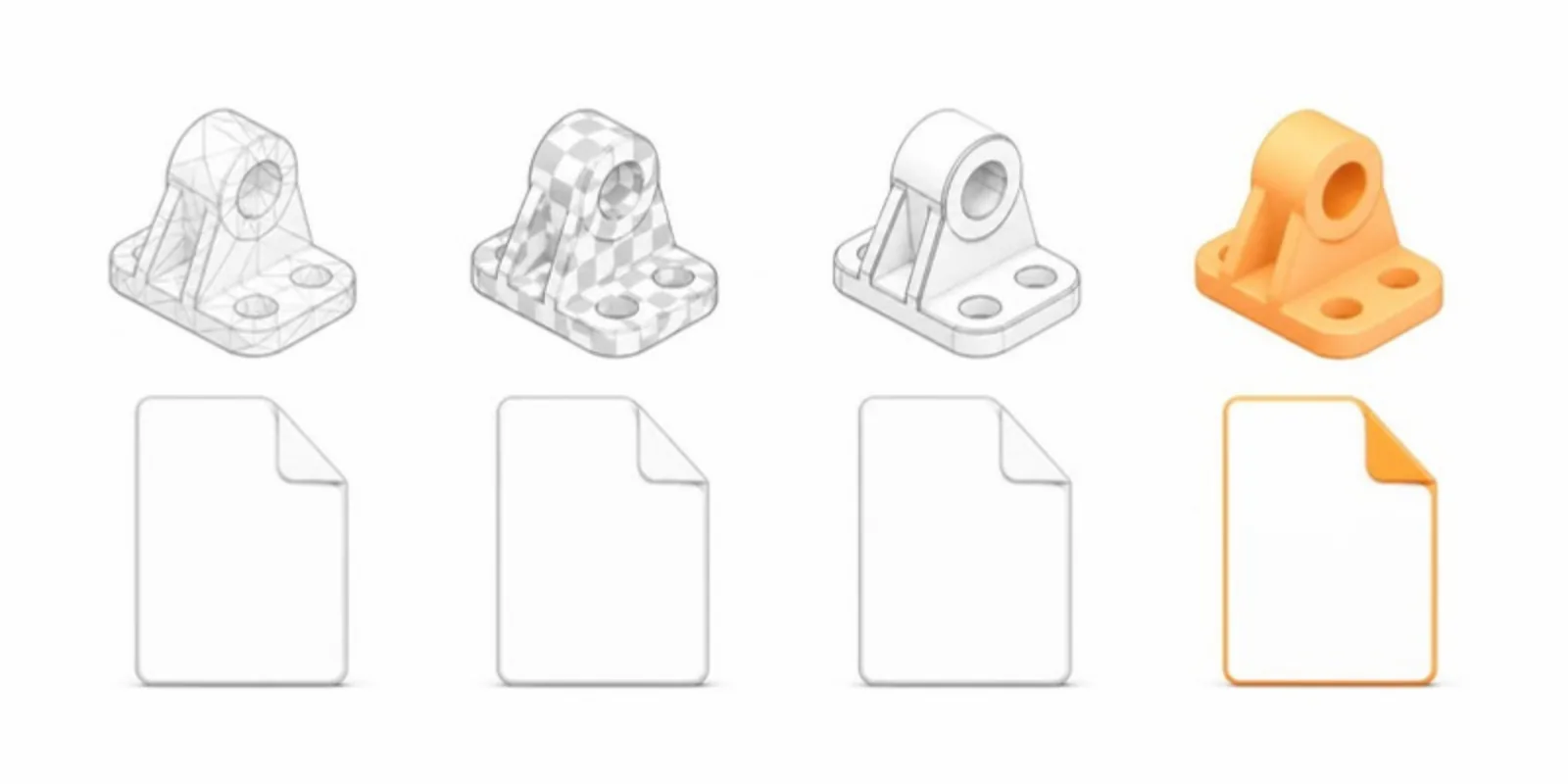
A practical comparison of GLB, glTF, STL, OBJ, and FBX for sharing research 3D models online — which to use, and why GLB usually wins for the web.
GLB vs STL vs glTF vs OBJ: Choosing a 3D Format for the Web
A practical comparison of GLB, glTF, STL, OBJ, and FBX for sharing research 3D models online — which to use, and why GLB usually wins for the web.
 The Complete Guide to QR Codes on Academic Posters
Best practices for putting QR codes on conference posters: what to link, where to place them, sizing, and how to turn a static poster into an interactive demo.
The Complete Guide to QR Codes on Academic Posters
Best practices for putting QR codes on conference posters: what to link, where to place them, sizing, and how to turn a static poster into an interactive demo.
Chemistry FAQ
Which formats can I upload from chemistry software?
Export to GLB, OBJ, STL, or FBX from PyMOL, VMD, Avogadro, Blender, or Mercury and AcademicAR converts and optimizes it for the web. (Raw PDB/CIF files should be turned into a mesh first.)
Can I keep my atom colors and materials?
Yes — colors and materials baked into your exported GLB are preserved, and you can recolor the model later without breaking the QR code.
Is AR useful for small molecules?
Very — placing even a small molecule at a graspable scale on a desk makes conformation and symmetry far easier to reason about than a flat drawing.
Can readers view it without installing anything?
Yes. The viewer is a standard web page; AR placement works in the browser on most modern phones.
Can I add labels to atoms or sites?
You can place annotation hotspots to call out an active site, a substituent, or a coordination center.
Explore other fields
All use cases
Publish your first chemistry model
Create a free account, upload a model, and share an interactive 3D & AR figure in minutes.