AR for Biology
Interactive 3D & AR for biology and life sciences
From a confocal reconstruction to a whole-organism micro-CT scan, let students and reviewers explore the specimen instead of a single chosen camera angle.
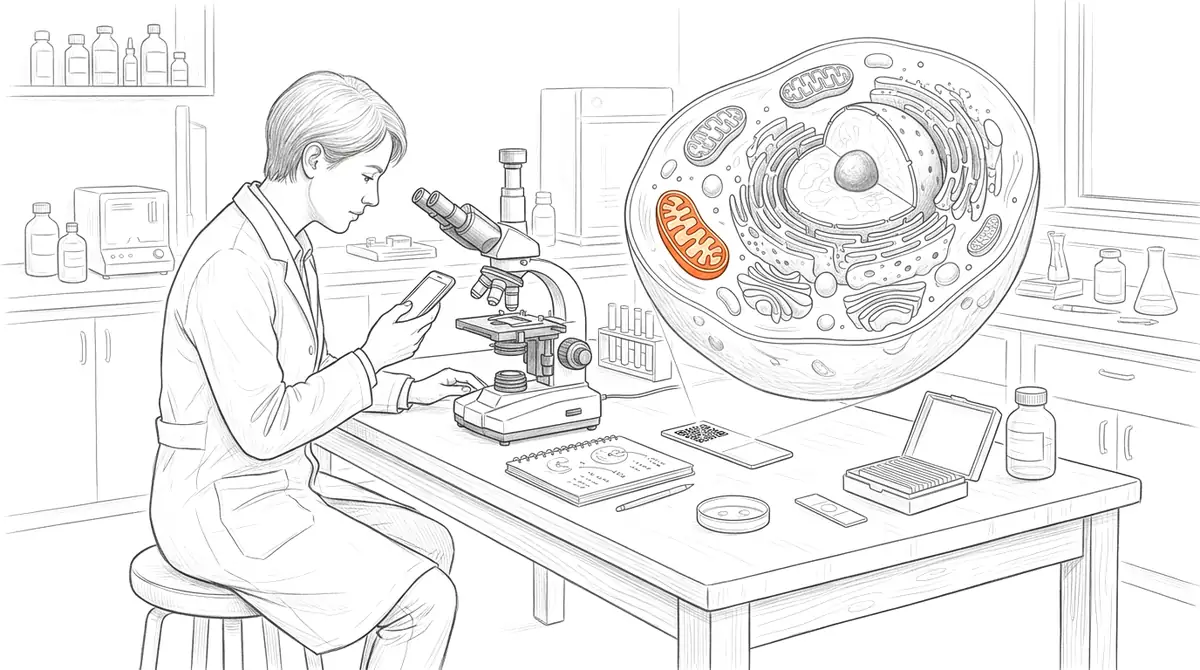
Biological structure spans scales — organelles, cells, tissues, whole organisms — and almost all of it is volumetric. AcademicAR turns a confocal stack reconstruction, a micro-CT scan, or a photogrammetry model of a specimen into an interactive viewer with augmented reality, so the geometry can be examined from any angle and placed at a chosen scale.
Upload from STL, OBJ, GLB, or FBX, and publish a QR code for your figure, poster, field guide, or museum-style label — no app and no specialised viewer required.
Why biology needs interactive 3D
Morphology is the message.
Form and structure carry the meaning in much of biology; an interactive mesh shows it without forcing one fixed viewpoint.
Bridge micrographs and volume.
A rotatable reconstruction connects 2D imaging to the 3D object it came from, which static panels rarely manage.
Reuse rare specimens.
A scanned holotype or fragile specimen can be shared and studied widely without risking the physical sample.
Viewer tools biology teams reach for
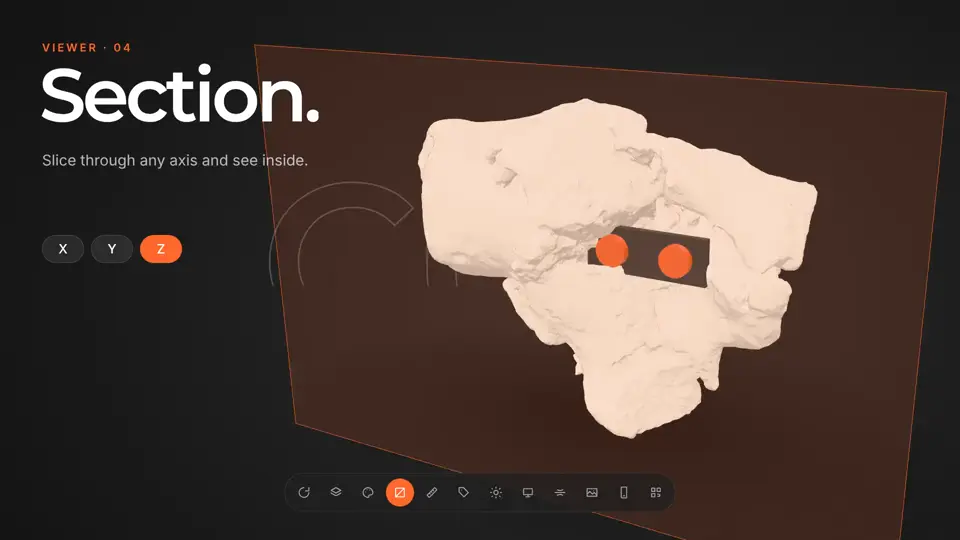
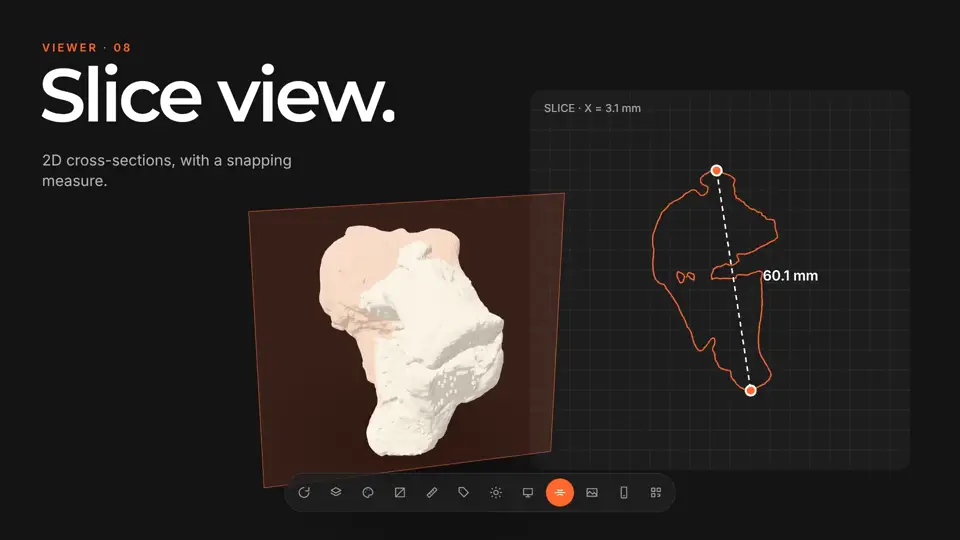
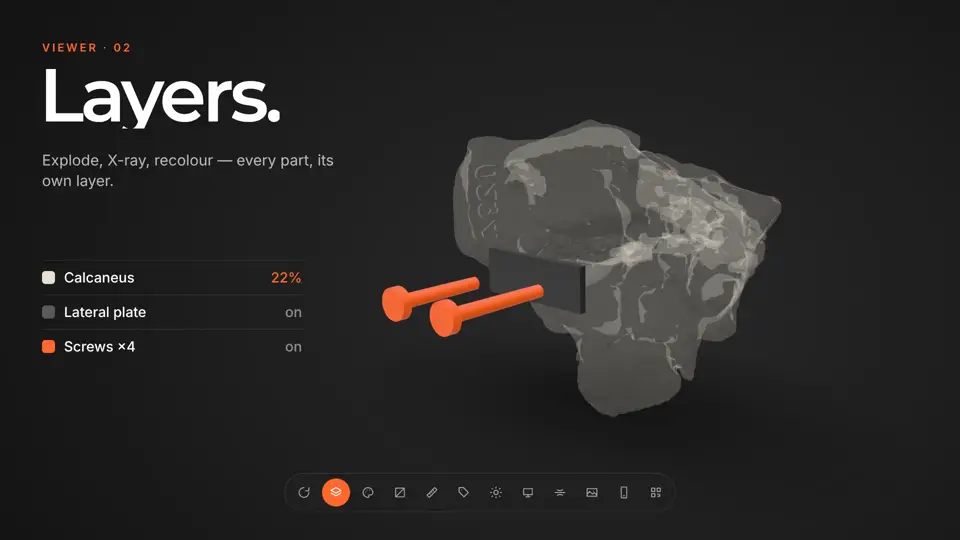
Every published model opens in the same viewer. These are the tools that matter most for biology work.
How it works
-
Step 1
Upload your model
Drop in a GLB, STL, OBJ, FBX or STEP file, or a CT/MR segmentation. It's converted and optimized for the web automatically.
-
Step 2
Get a viewer & QR code
You get an interactive 3D viewer with tap-to-place AR, a short link, and a stable QR code.
-
Step 3
Share anywhere
Place the QR code on a slide, poster, handout, label, or paper. Your audience needs no app and no headset.
Ways biology teams use it
Morphology & systematics papers
Attach interactive type-specimen models so reviewers can assess characters directly from the geometry.
Teaching cell & developmental biology
Let students walk around a cell or embryo reconstruction at a scale they can grasp.
Natural-history outreach
Put a QR code beside a specimen so visitors open a 3D model and rotate what's behind the glass.
Guides for biology
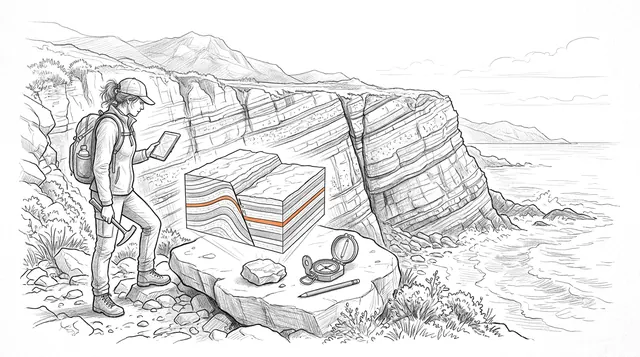
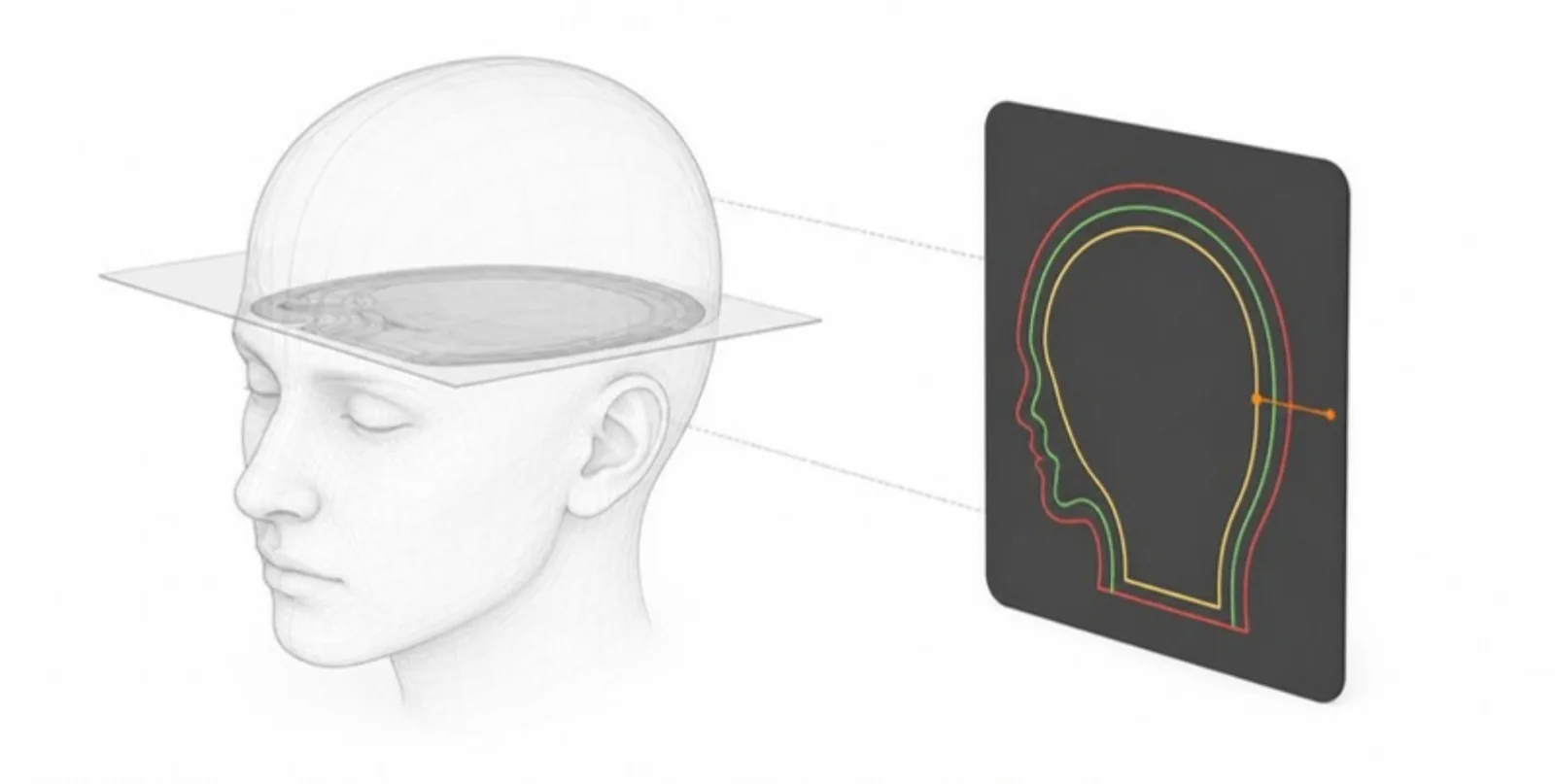 Reading Cross-Sections in 3D: Section Planes and Colour-Coded Slice Views
How the section plane and the 2D slice view let readers cut through a 3D model, see every structure in its own colour, and measure on the cut — for anatomy and engineering alike.
Reading Cross-Sections in 3D: Section Planes and Colour-Coded Slice Views
How the section plane and the 2D slice view let readers cut through a 3D model, see every structure in its own colour, and measure on the cut — for anatomy and engineering alike.
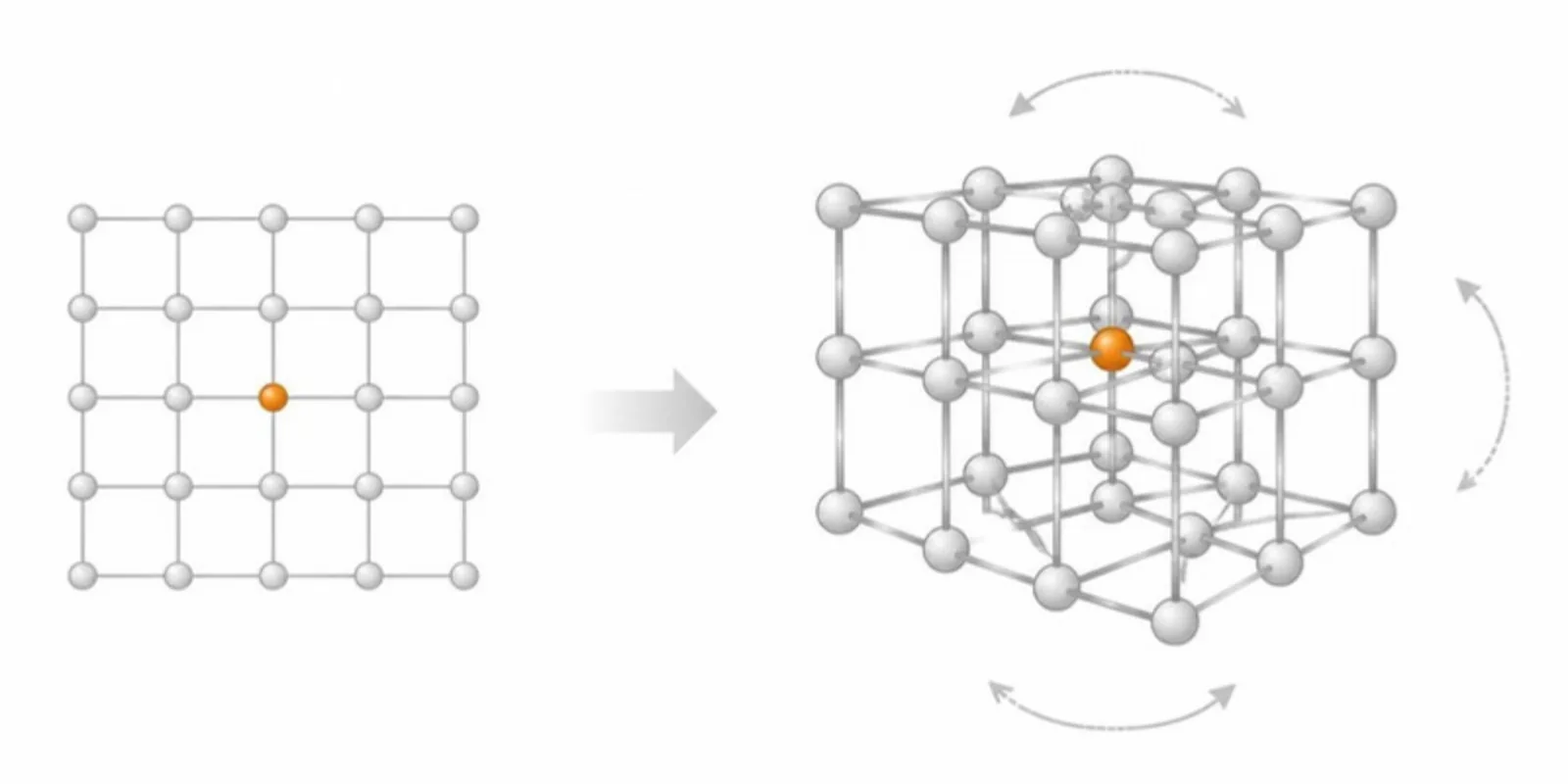 Why Interactive 3D Figures Belong in Scientific Publishing
Static figures lose information. Interactive 3D figures improve comprehension, reproducibility, and engagement — and they're easier to add than you think.
Why Interactive 3D Figures Belong in Scientific Publishing
Static figures lose information. Interactive 3D figures improve comprehension, reproducibility, and engagement — and they're easier to add than you think.
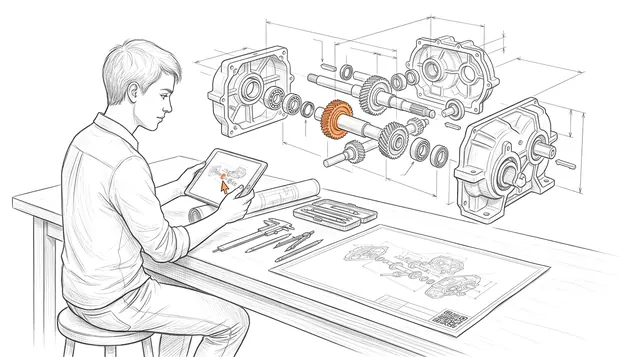
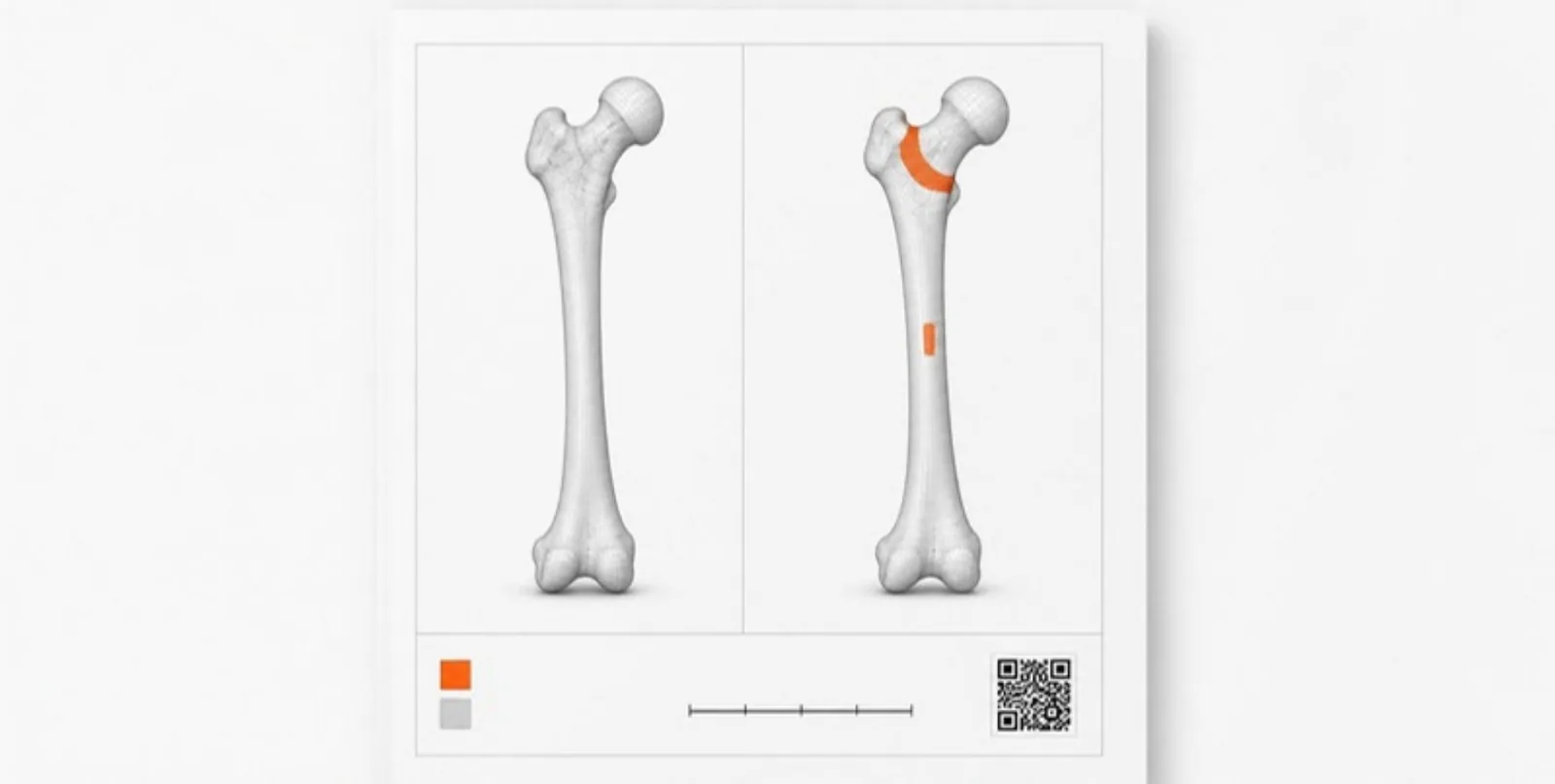 Publication-Ready Figures and Side-by-Side Comparisons from 3D Models
Export high-resolution figures from an interactive 3D model with a title, layer legend, scale bar, and QR code, and pair two models in a synchronized comparison for before/after and design studies.
Publication-Ready Figures and Side-by-Side Comparisons from 3D Models
Export high-resolution figures from an interactive 3D model with a title, layer legend, scale bar, and QR code, and pair two models in a synchronized comparison for before/after and design studies.
Biology FAQ
Can I publish a holotype or type specimen?
Yes. Many researchers share scanned specimens as interactive figures; confirm you hold the rights and follow your repository's policy before publishing.
What if my reconstruction is very large?
Large meshes are automatically compressed and optimized for the web on upload, so they load smoothly even on phones.
Does AR work for microscopic structures?
Yes — you set a display scale, so a cell or organelle can be placed on a desk at any size that makes the structure clear.
Can I link the model back to my paper?
Each public model page can show the publication title, authors, and DOI, so the model and the article stay connected.
Do viewers need an account?
No. Anyone with the link or QR code can view and place the model; only uploading requires an account.
Explore other fields
All use cases
Publish your first biology model
Create a free account, upload a model, and share an interactive 3D & AR figure in minutes.