AR for Engineering
Interactive 3D & AR for engineering and design
Let a reviewer, student, or client turn the part and place the assembly on a real bench — without a CAD license or a heavy file download.
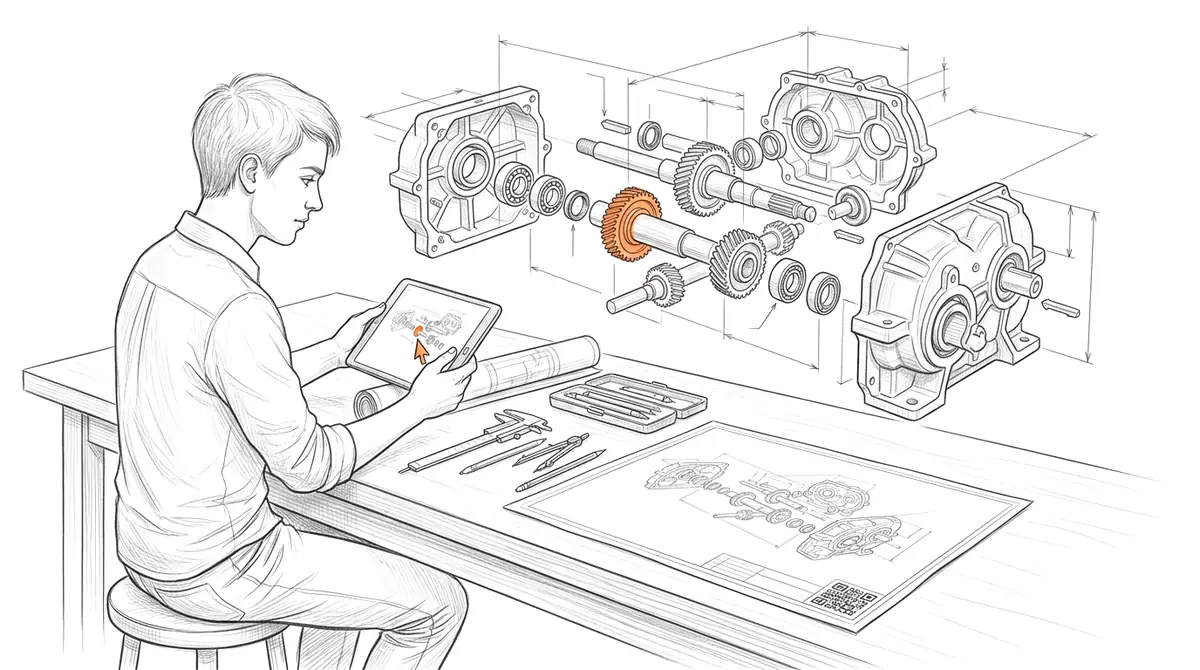
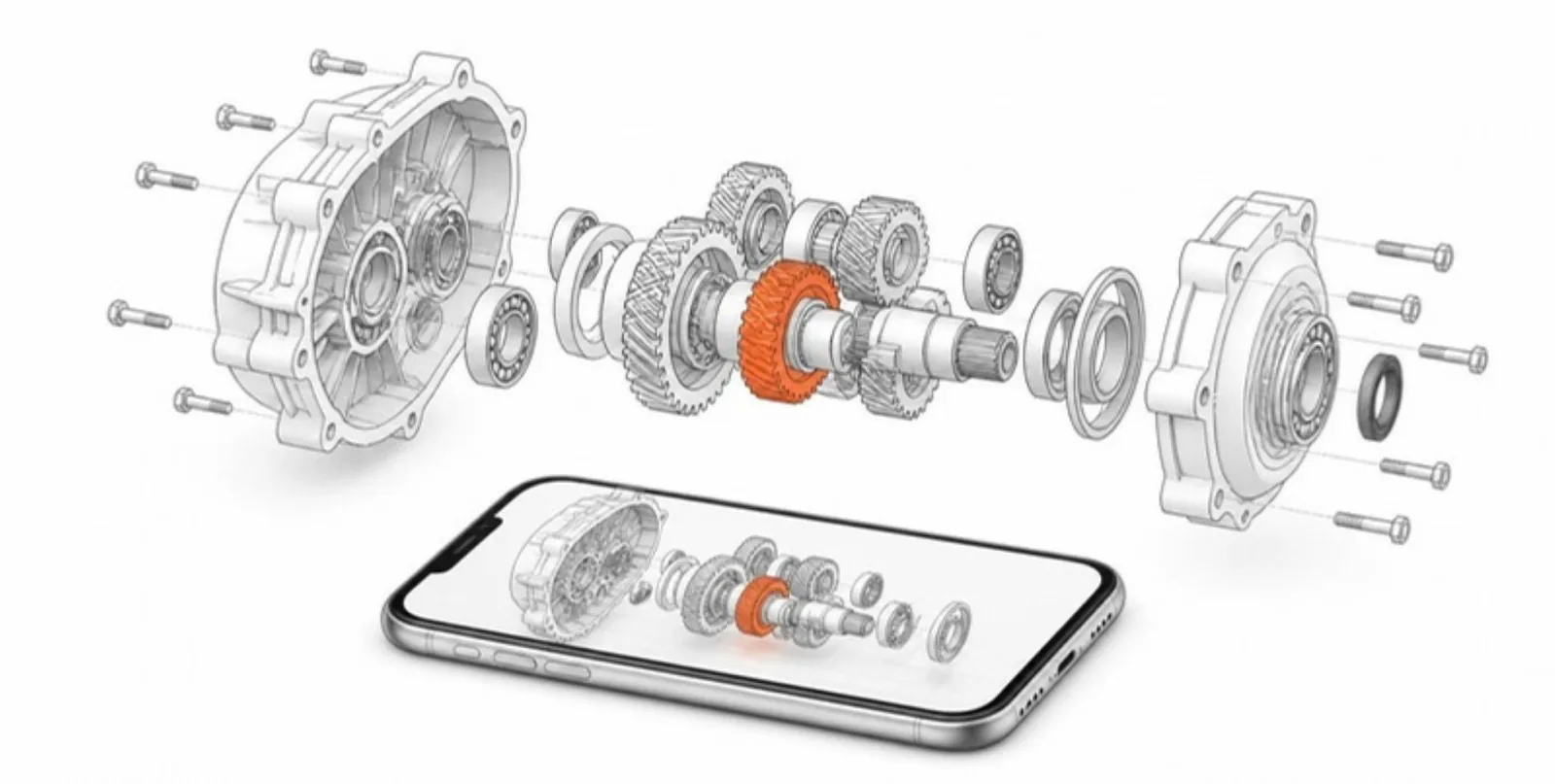
Engineering work is created in 3D but shared as 2D drawings, screenshots, and PDFs that lose the spatial information that matters. AcademicAR publishes a CAD export as an interactive viewer with augmented reality, so a part, mechanism, or assembly can be rotated, examined, and placed at true scale on a desk or in a room — without anyone needing a CAD seat.
Export from SolidWorks, Fusion 360, Onshape, Blender, or any tool that writes GLB/OBJ/STL/FBX, upload, and share a QR code on a report, poster, datasheet, or course handout.
Why engineering needs interactive 3D
Drawings lose the third dimension.
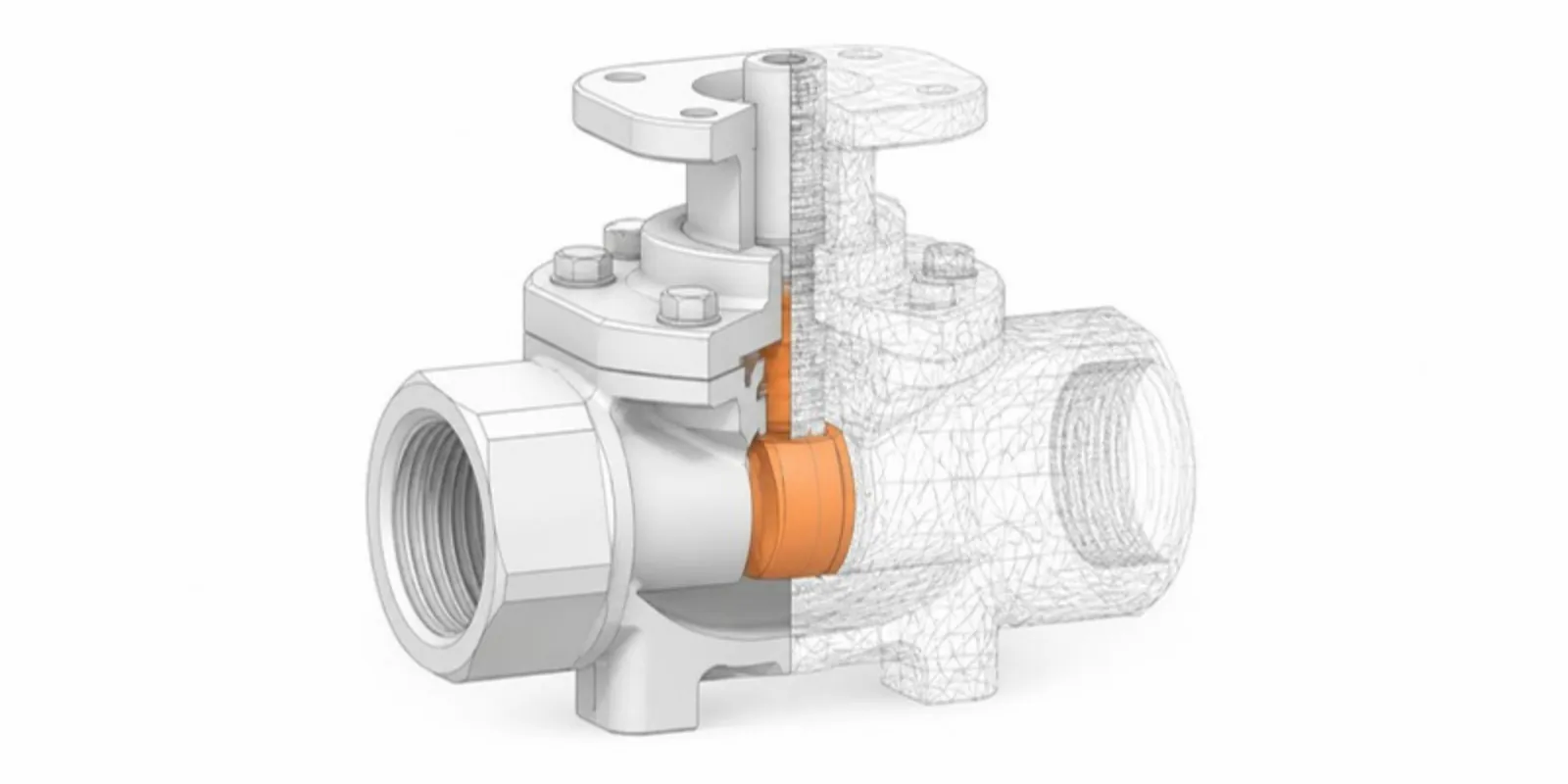
An interactive model conveys fit, clearance, and form in a way orthographic views and renders can't.
AR validates real-world scale.
Placing a part or assembly at full size in the actual space catches size and ergonomics issues early.
No CAD seat to review.
Stakeholders open the model in a browser instead of installing software or wrangling a STEP file.
Viewer tools engineering teams reach for
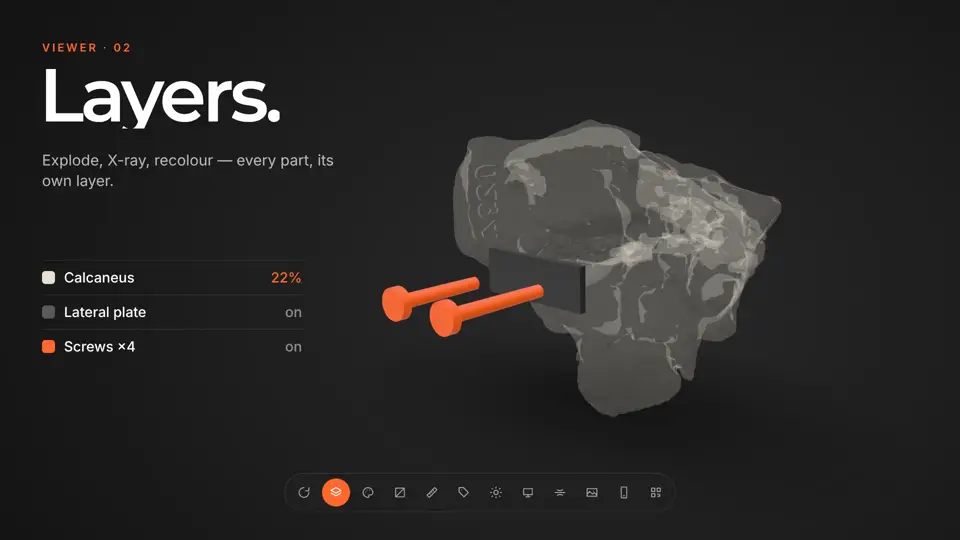
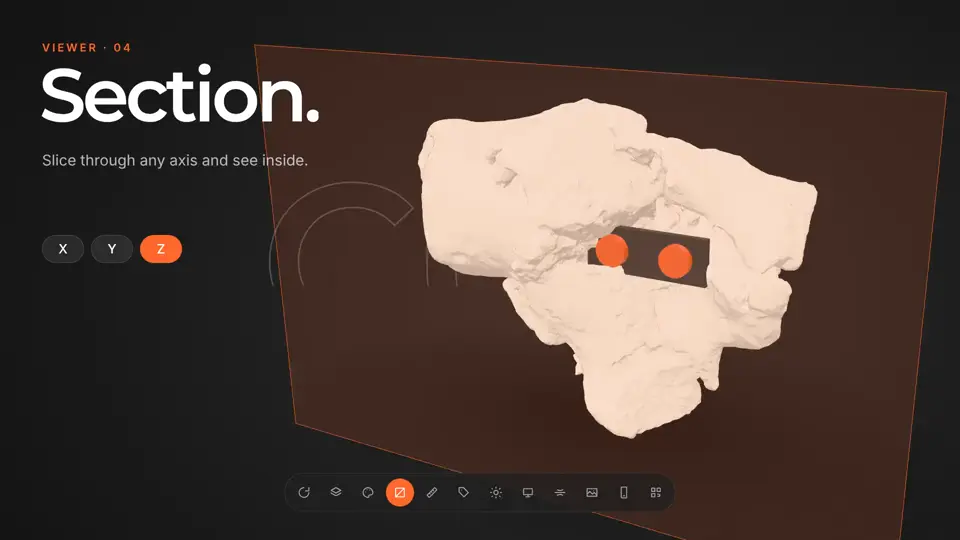
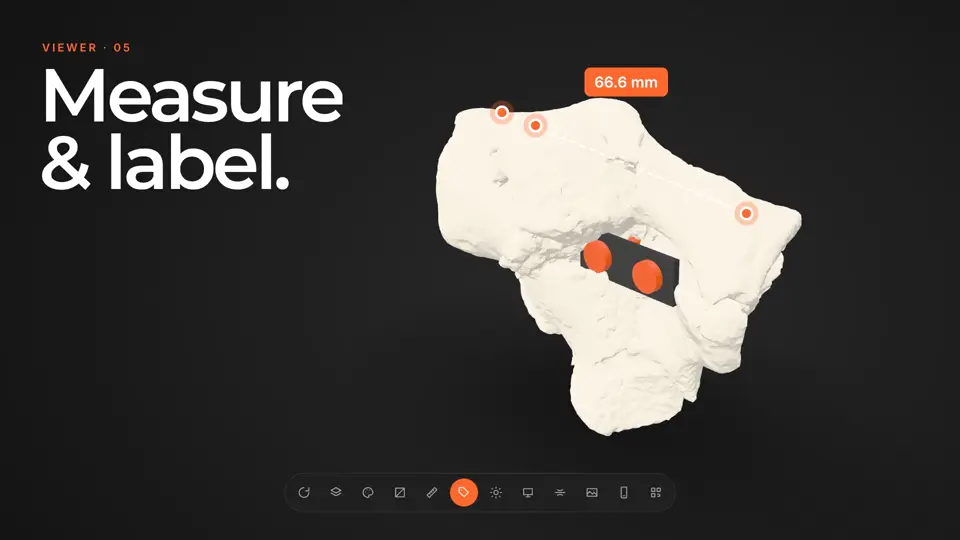
Every published model opens in the same viewer. These are the tools that matter most for engineering work.
How it works
-
Step 1
Upload your model
Drop in a GLB, STL, OBJ, FBX or STEP file, or a CT/MR segmentation. It's converted and optimized for the web automatically.
-
Step 2
Get a viewer & QR code
You get an interactive 3D viewer with tap-to-place AR, a short link, and a stable QR code.
-
Step 3
Share anywhere
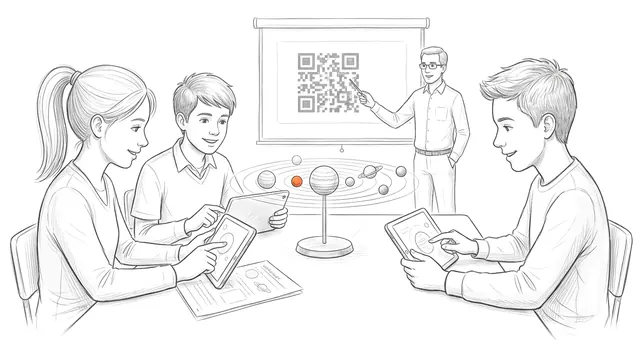
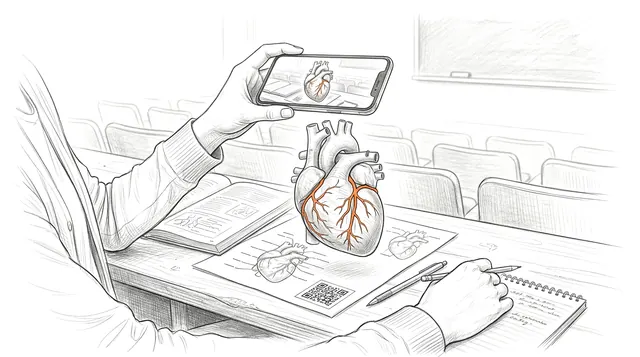
Place the QR code on a slide, poster, handout, label, or paper. Your audience needs no app and no headset.
Ways engineering teams use it
Design reviews & reports
Share an interactive assembly so reviewers explore the geometry instead of flipping through rendered views.
Teaching mechanisms & CAD
Give students a rotatable model of the exact part on the slide to inspect features and tolerances.
Posters & capstone showcases
A QR code lets visitors open and place your design at full scale at a conference or expo.
Guides for engineering
 From STEP to AR: Sharing CAD Assemblies in Engineering Research
Upload STEP/STP, FBX, or OBJ assemblies and share them as interactive 3D with one layer per part, cross-sections, clearances, and AR — for engineering papers, theses, and teaching.
From STEP to AR: Sharing CAD Assemblies in Engineering Research
Upload STEP/STP, FBX, or OBJ assemblies and share them as interactive 3D with one layer per part, cross-sections, clearances, and AR — for engineering papers, theses, and teaching.
 What Is a STEP (.stp) File and How to Open It Without CAD
STEP and STP files explained: what's inside, which programs open them, and how to view and share a STEP assembly in your browser and AR without CAD.
What Is a STEP (.stp) File and How to Open It Without CAD
STEP and STP files explained: what's inside, which programs open them, and how to view and share a STEP assembly in your browser and AR without CAD.
 How to Convert STL to GLB (and Why It Matters for Sharing)
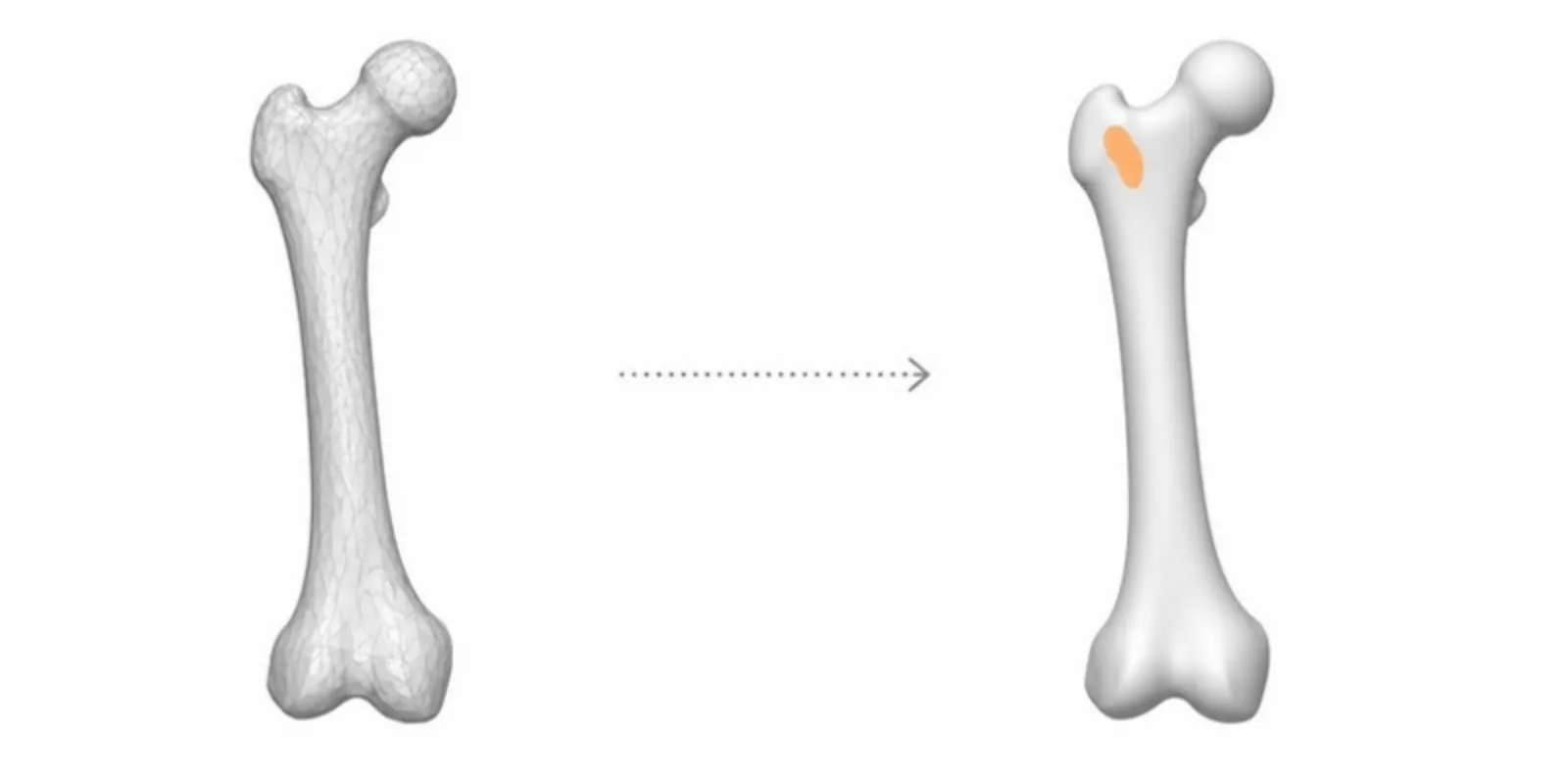
Convert STL to GLB for the web: set units and colour, keep the file small with Draco, and get a viewer link, AR, and a QR code in one step.
How to Convert STL to GLB (and Why It Matters for Sharing)
Convert STL to GLB for the web: set units and colour, keep the file small with Draco, and get a viewer link, AR, and a QR code in one step.
Engineering FAQ
Which CAD exports work?
Export to GLB, OBJ, STL, or FBX from your CAD or 3D tool. (Tessellate solids to a mesh first — AcademicAR works with meshes, not native CAD or STEP files.)
Can I show an assembly with multiple parts?
Yes — export the assembly as a single mesh with its materials and it views as one interactive model.
Do reviewers need any software?
No. The viewer is a web page and AR placement runs in the browser on most modern phones and tablets.
Can I set the model to real dimensions?
Yes — set a scale reference so AR placement matches the part's true size.
Are my files kept private?
You choose whether a model is public. Private models are only reachable by you and the people you share the link with.
Explore other fields
All use cases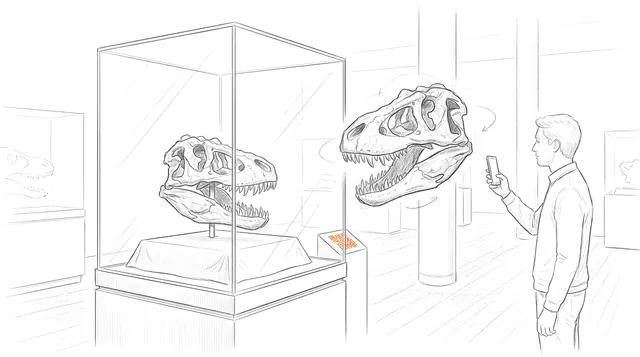
Publish your first engineering model
Create a free account, upload a model, and share an interactive 3D & AR figure in minutes.