AR for Geology
Interactive 3D & AR for geology and earth science
Bring the outcrop into the classroom — rotate a hand sample, walk around a folded structure, place a core at scale, all from a browser.
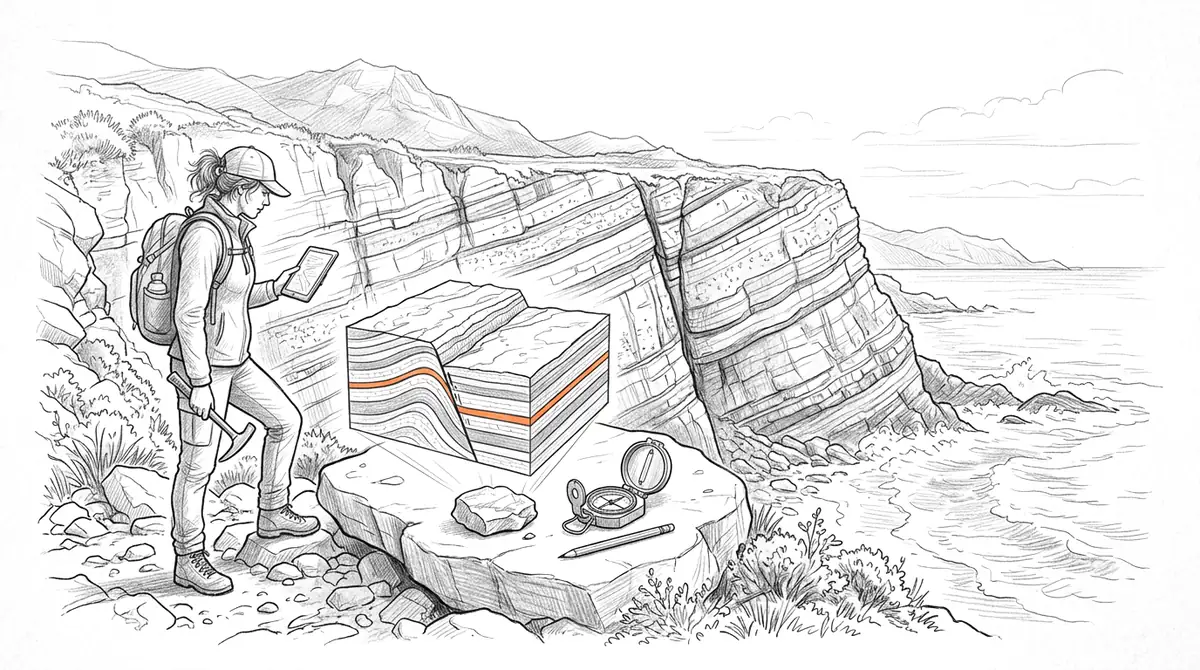
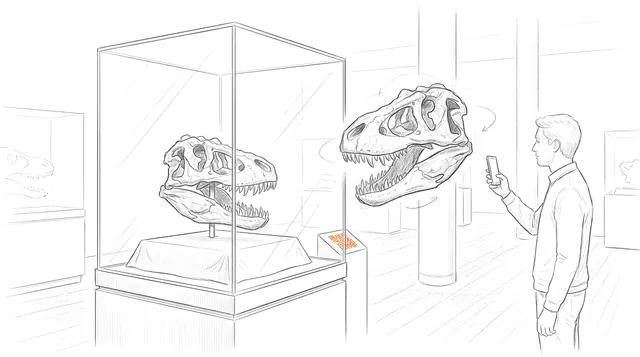
Earth science depends on three-dimensional observation — the geometry of a fold, the texture of a hand sample, the structure of a fossil — but field access is seasonal, costly, and sometimes impossible. AcademicAR turns a scanned specimen or a photogrammetry model of an outcrop into an interactive viewer with augmented reality, so structure and texture can be examined from every side and placed at a workable scale.
Upload from GLB, OBJ, STL, or FBX and share a QR code in a field guide, lab manual, poster, or paper, so anyone can explore the specimen on a phone.
Why geology needs interactive 3D
Structure is spatial.
Folds, faults, and bedding relationships are obvious when you can turn the model; they're ambiguous in a single photo.
Extend the field season.
A scanned outcrop or sample is available to study and teach long after — and far from — the field site.
Standardise specimens.
Every student gets the same reference specimen to rotate and compare, regardless of what's in the teaching drawer.
Viewer tools geology teams reach for
Every published model opens in the same viewer. These are the tools that matter most for geology work.
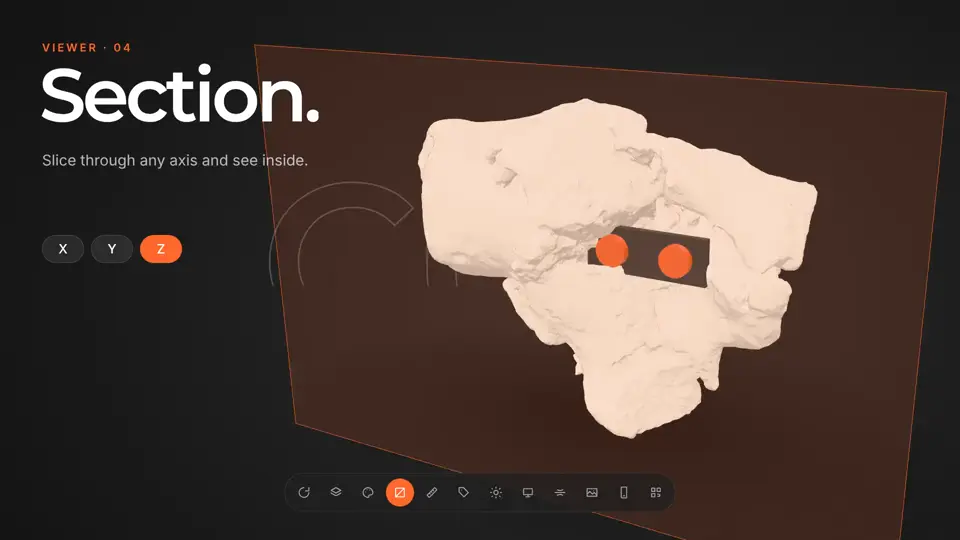
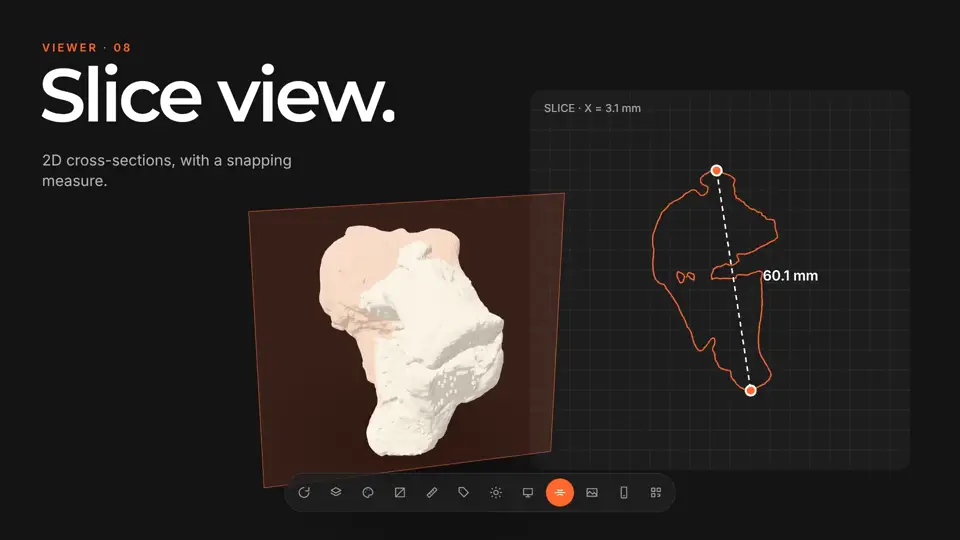
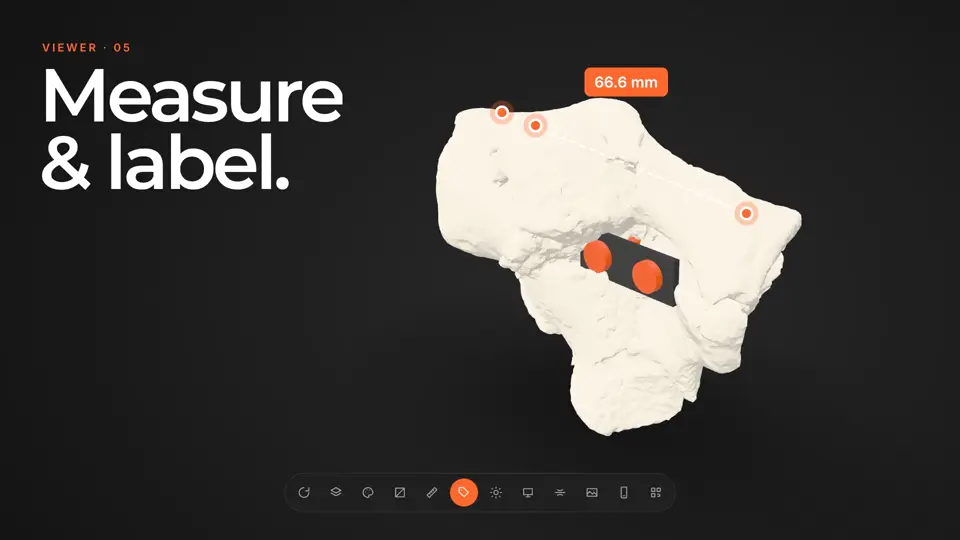
How it works
-
Step 1
Upload your model
Drop in a GLB, STL, OBJ, FBX or STEP file, or a CT/MR segmentation. It's converted and optimized for the web automatically.
-
Step 2
Get a viewer & QR code
You get an interactive 3D viewer with tap-to-place AR, a short link, and a stable QR code.
-
Step 3
Share anywhere
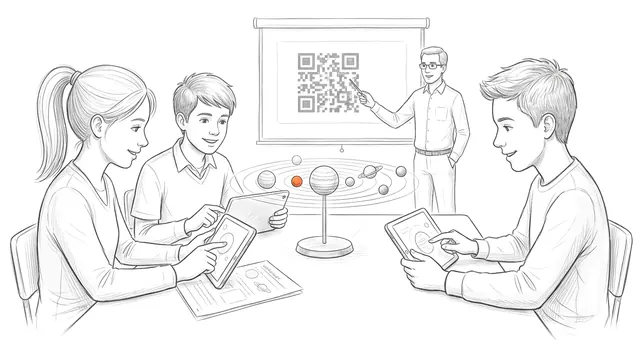
Place the QR code on a slide, poster, handout, label, or paper. Your audience needs no app and no headset.
Ways geology teams use it
Field & lab teaching
Pair each station with a scanned hand sample students can rotate and zoom on their own device.
Structural geology papers
Show a folded or faulted structure as an interactive model so reviewers can assess the geometry.
Core & sample archives
Publish scanned cores and specimens with stable links for reference and citation.
Guides for geology
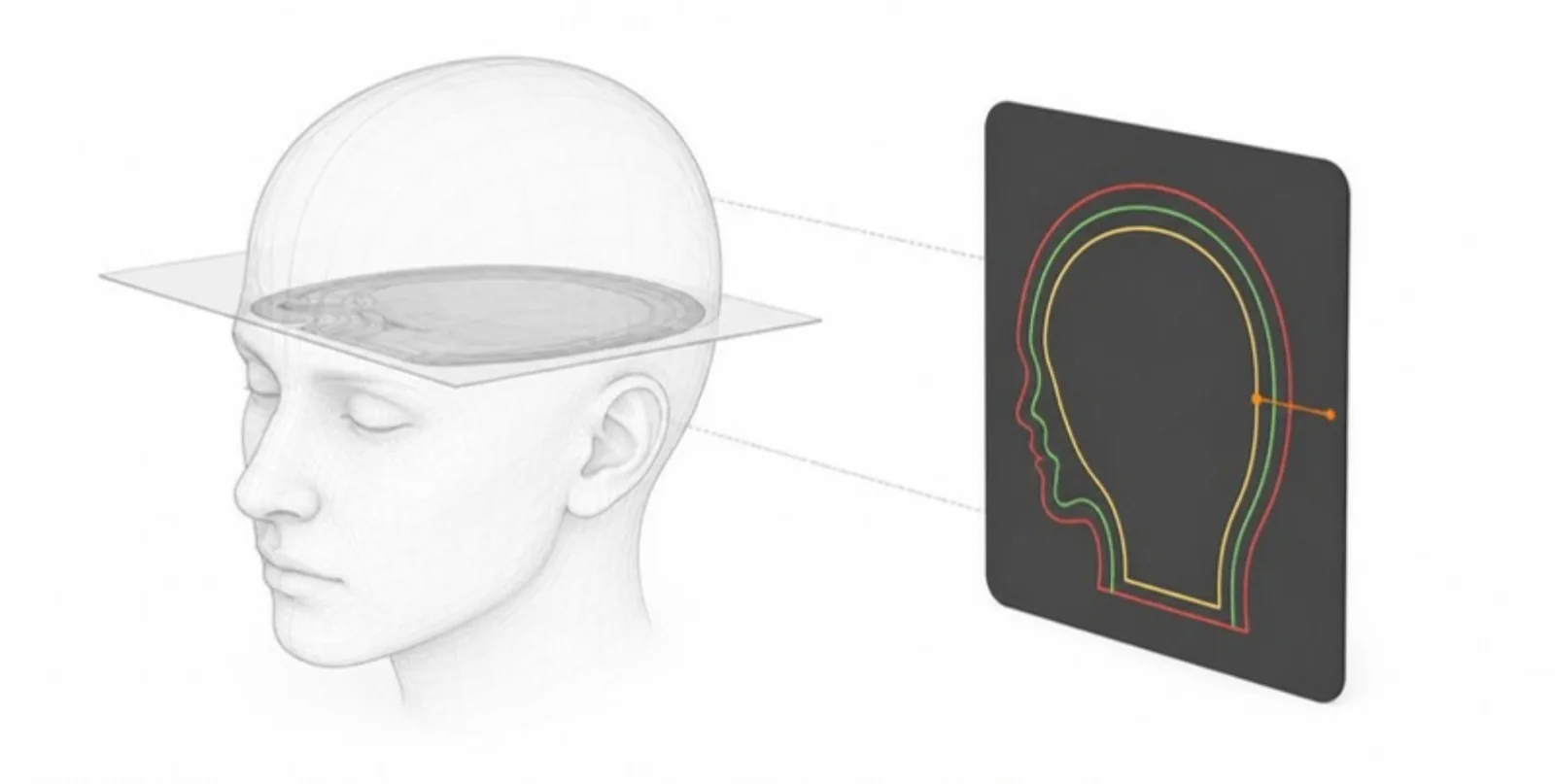 Reading Cross-Sections in 3D: Section Planes and Colour-Coded Slice Views
How the section plane and the 2D slice view let readers cut through a 3D model, see every structure in its own colour, and measure on the cut — for anatomy and engineering alike.
Reading Cross-Sections in 3D: Section Planes and Colour-Coded Slice Views
How the section plane and the 2D slice view let readers cut through a 3D model, see every structure in its own colour, and measure on the cut — for anatomy and engineering alike.
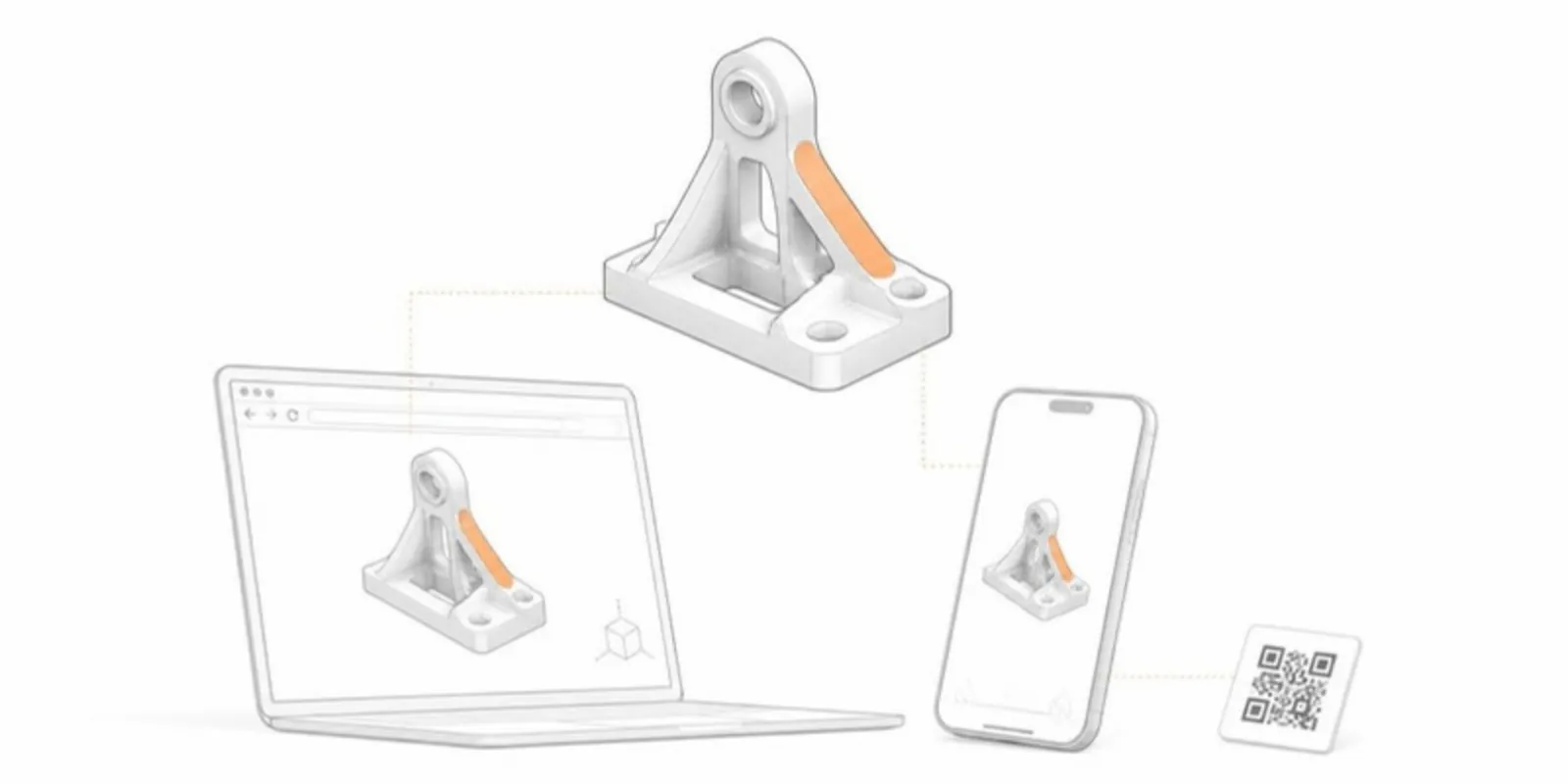 How to View and Share an STL File Online (No Software Needed)
Open an STL file in your browser and share it as a link and QR code that opens in 3D and AR on any phone. No CAD or slicer software needed.
How to View and Share an STL File Online (No Software Needed)
Open an STL file in your browser and share it as a link and QR code that opens in 3D and AR on any phone. No CAD or slicer software needed.
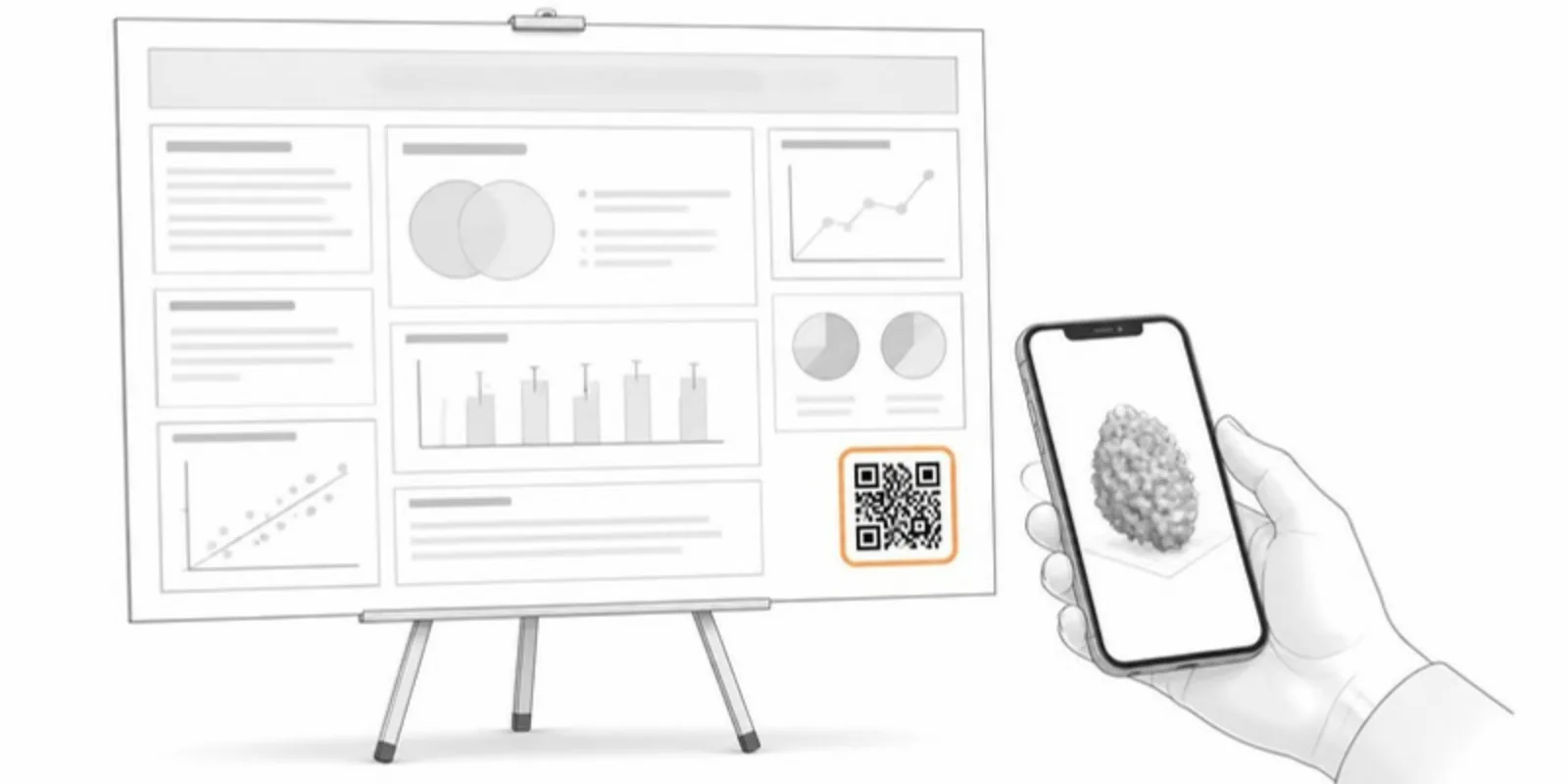 The Complete Guide to QR Codes on Academic Posters
Best practices for putting QR codes on conference posters: what to link, where to place them, sizing, and how to turn a static poster into an interactive demo.
The Complete Guide to QR Codes on Academic Posters
Best practices for putting QR codes on conference posters: what to link, where to place them, sizing, and how to turn a static poster into an interactive demo.
Geology FAQ
Can I publish an outcrop photogrammetry model?
Yes. Export the textured mesh to GLB, OBJ, STL, or FBX; large models are compressed and optimized on upload so they load on phones.
Do textures and surface detail survive?
Baked textures and vertex colors in the GLB are preserved through conversion.
Can I set a real-world scale?
Yes — set a scale reference so a hand sample or core is placed at a realistic size in AR.
Will it run on a student's phone in the field?
Yes. The viewer runs in any modern mobile browser; an internet connection is all that's needed.
Can I cite the model?
Each model has a permanent link and QR code that survive replacement, so they're stable to cite.
Explore other fields
All use cases
Publish your first geology model
Create a free account, upload a model, and share an interactive 3D & AR figure in minutes.