AR for Museums & Heritage
Interactive 3D & AR for museums and collections
Turn a case full of objects-behind-glass into things visitors can rotate, zoom, and place in the gallery — with nothing but the phone in their pocket.
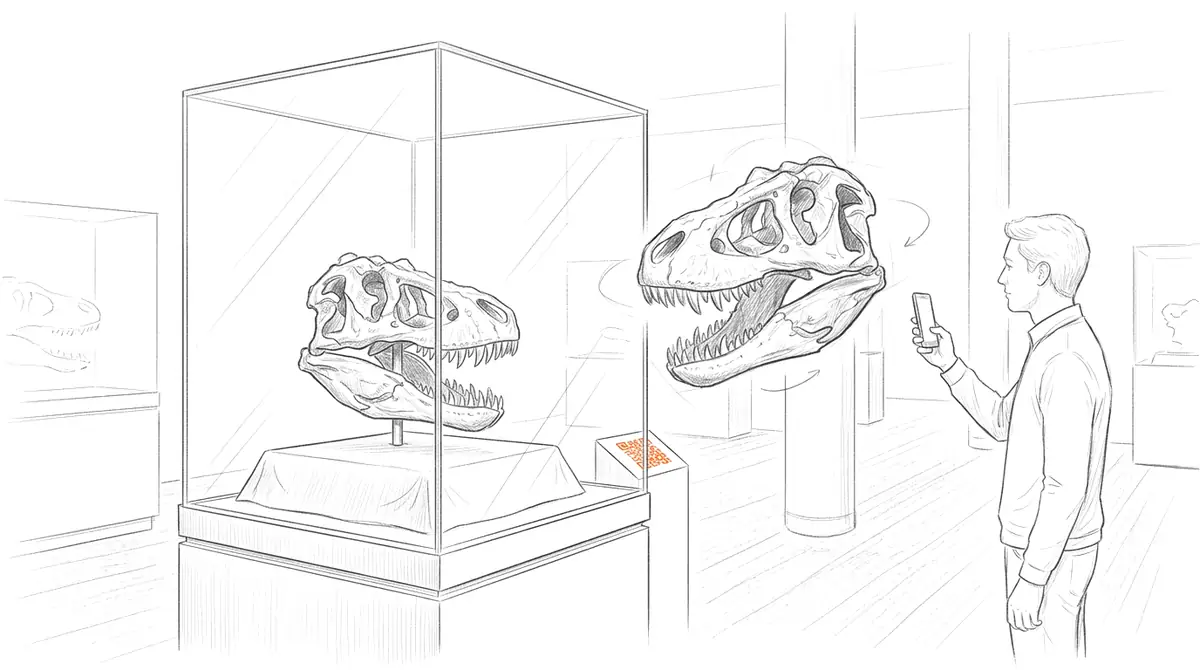
Museums hold far more than they can display, and even objects on show are usually fixed behind glass at a single angle. AcademicAR publishes a scanned object as an interactive viewer with augmented reality, so visitors and researchers can rotate it, zoom into detail, and place it at true scale — extending the collection beyond the gallery wall.
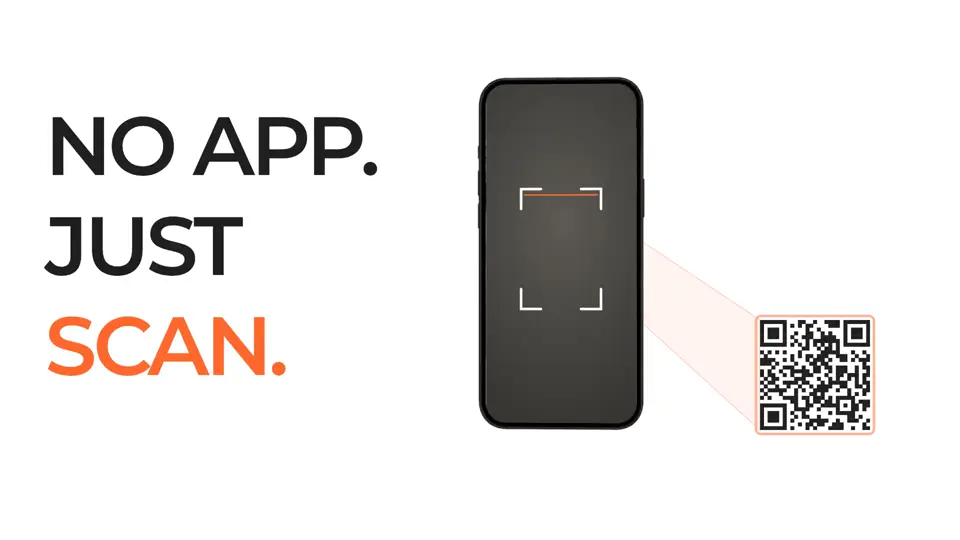
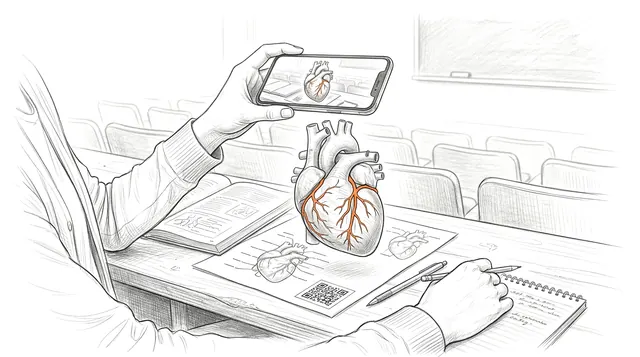
Add a QR code to a label, catalogue entry, or web page and the object opens on any phone, with no app to install and a link that stays stable for citation and reuse.
Why museums & heritage needs interactive 3D
Show what's in storage.
Most of a collection is never on display; a 3D model brings hidden objects to the public without moving them.
Access from any angle.
Visitors explore the back, base, and interior of an object they could never handle in person.
One scan, many channels.
The same model serves the gallery label, the website, the education program, and a research catalogue.
Viewer tools museums & heritage teams reach for
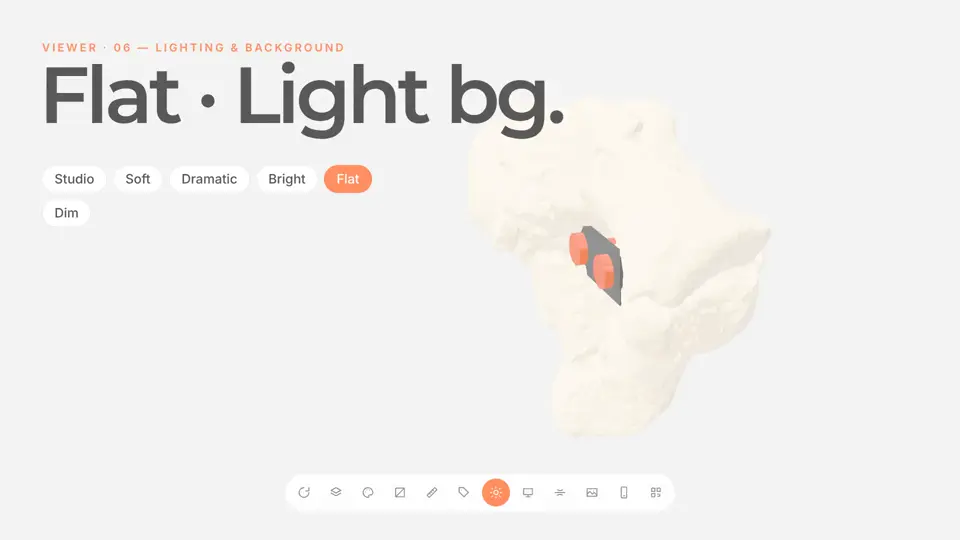
Every published model opens in the same viewer. These are the tools that matter most for museums & heritage work.
How it works
-
Step 1
Upload your model
Drop in a GLB, STL, OBJ, FBX or STEP file, or a CT/MR segmentation. It's converted and optimized for the web automatically.
-
Step 2
Get a viewer & QR code
You get an interactive 3D viewer with tap-to-place AR, a short link, and a stable QR code.
-
Step 3
Share anywhere
Place the QR code on a slide, poster, handout, label, or paper. Your audience needs no app and no headset.
Ways museums & heritage teams use it
Gallery labels
A QR code beside the case opens a model visitors can turn and place, deepening engagement without extra hardware.
Online collections
Embed interactive objects in catalogue pages so remote audiences explore the collection in 3D.
Education & outreach
Hand classrooms a rotatable model of an object for lessons and activities built around the real thing.
Guides for museums & heritage
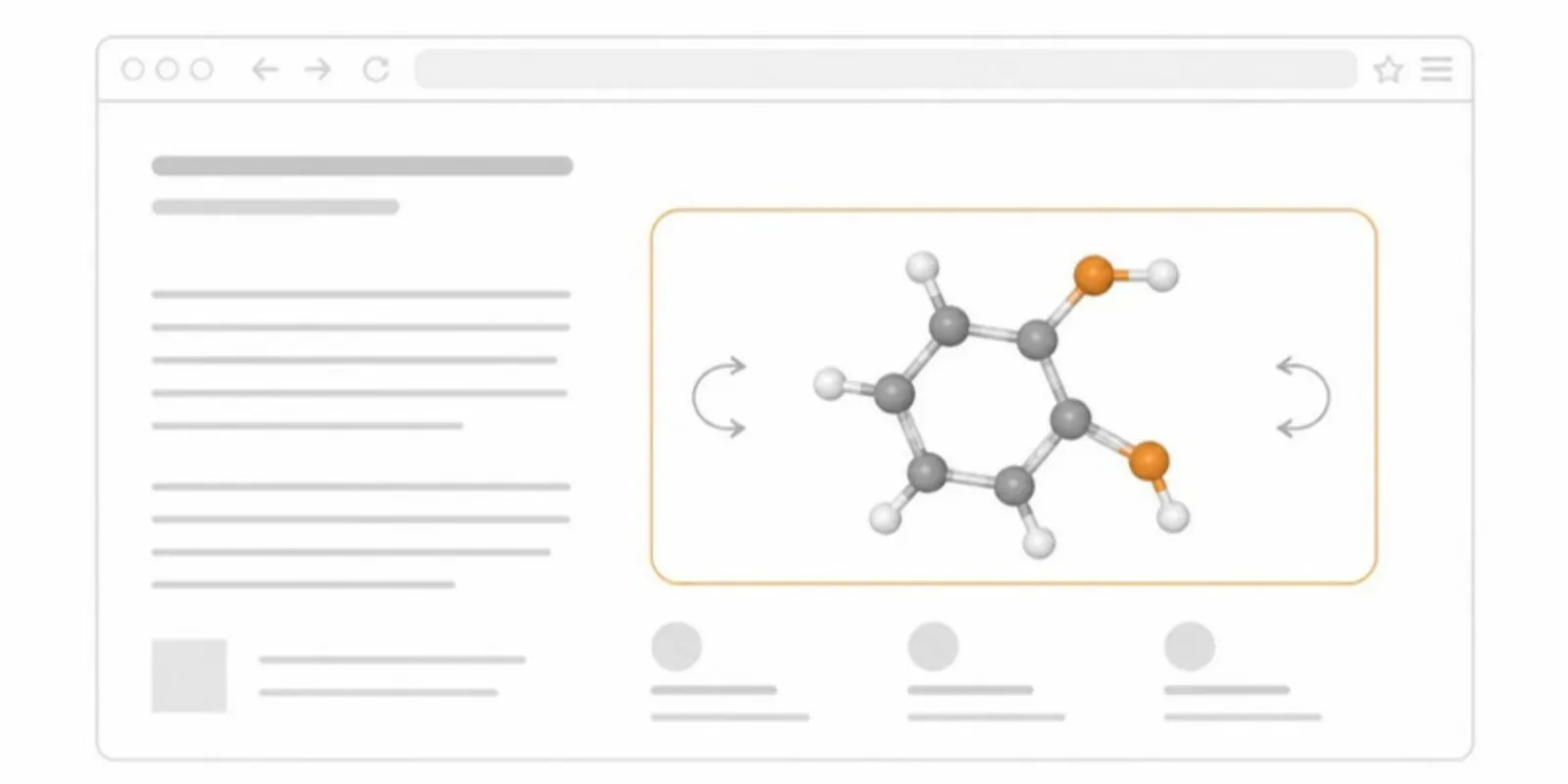 How to Embed a 3D Model on a Website, LMS, or Lab Page
Two ways to embed an interactive 3D model on a web page: self-host with model-viewer, or paste a hosted viewer iframe into WordPress, Moodle, or Canvas.
How to Embed a 3D Model on a Website, LMS, or Lab Page
Two ways to embed an interactive 3D model on a web page: self-host with model-viewer, or paste a hosted viewer iframe into WordPress, Moodle, or Canvas.
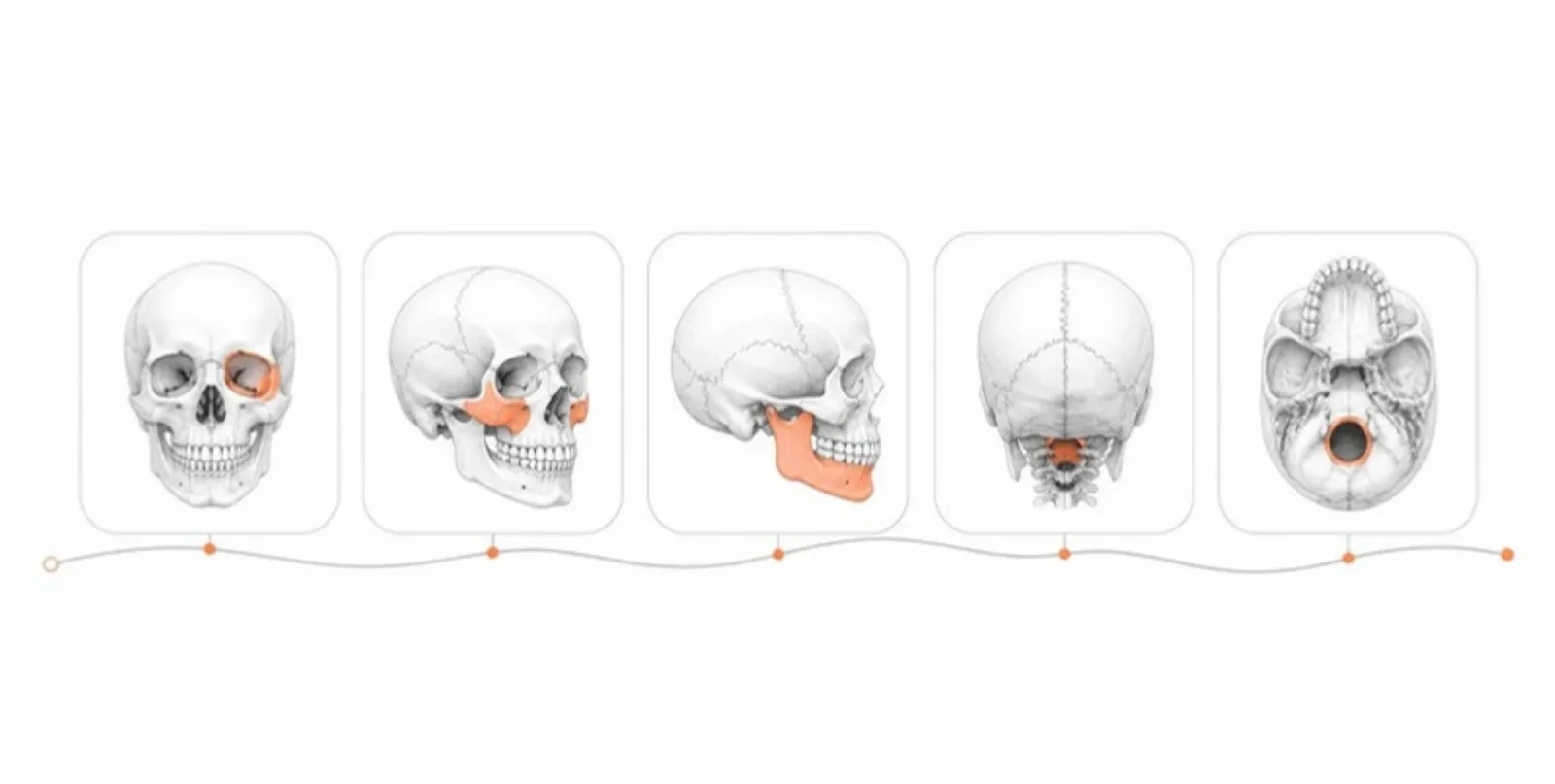 Saved Scenes and Guided Tours: Teaching with 3D Models Step by Step
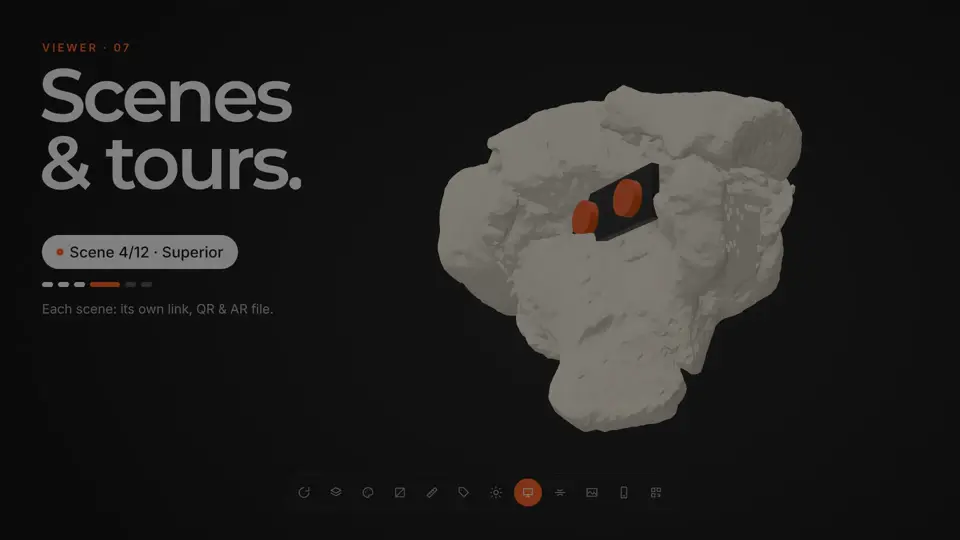
Save up to 12 views of a 3D model — each with camera, layers, colours, and section cut — share each with its own link and QR code, and play them as a guided tour in class or in AR.
Saved Scenes and Guided Tours: Teaching with 3D Models Step by Step
Save up to 12 views of a 3D model — each with camera, layers, colours, and section cut — share each with its own link and QR code, and play them as a guided tour in class or in AR.
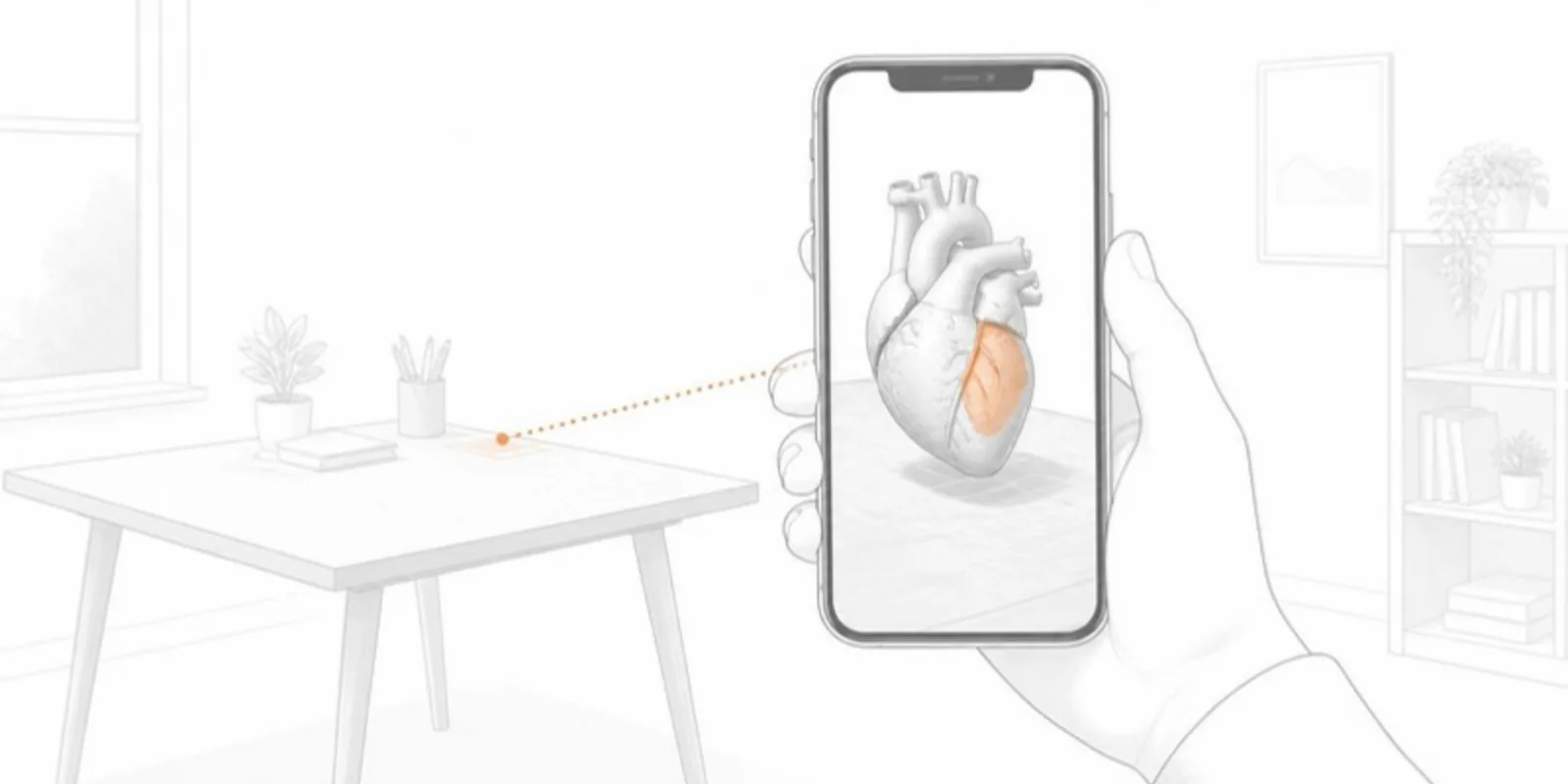 GLB to USDZ: How to Show a 3D Model in AR on iPhone
Why iPhone AR needs USDZ instead of GLB, the free ways to convert GLB to USDZ, and how to share one link that opens AR on both iPhone and Android.
GLB to USDZ: How to Show a 3D Model in AR on iPhone
Why iPhone AR needs USDZ instead of GLB, the free ways to convert GLB to USDZ, and how to share one link that opens AR on both iPhone and Android.
Museums & Heritage FAQ
Do visitors need to install an app?
No. The viewer opens in any modern mobile browser and AR placement works without an install.
Can we keep our scan's textures and color?
Yes — textures and vertex colors baked into the uploaded GLB are preserved, so the object looks right.
Can the model be embedded on our website?
Each model has its own public page and stable link you can place behind a QR code or share directly.
Is the link safe to print on a permanent label?
Yes. The QR code and link are permanent and survive replacing or updating the model, so reprints aren't needed.
Can we control which objects are public?
Yes — you decide whether each model is public, so works in copyright or under embargo stay private.
Explore other fields
All use cases

Publish your first museums & heritage model
Create a free account, upload a model, and share an interactive 3D & AR figure in minutes.