How to Cite and Archive a 3D Model: Zenodo, DOIs and FAIR Data
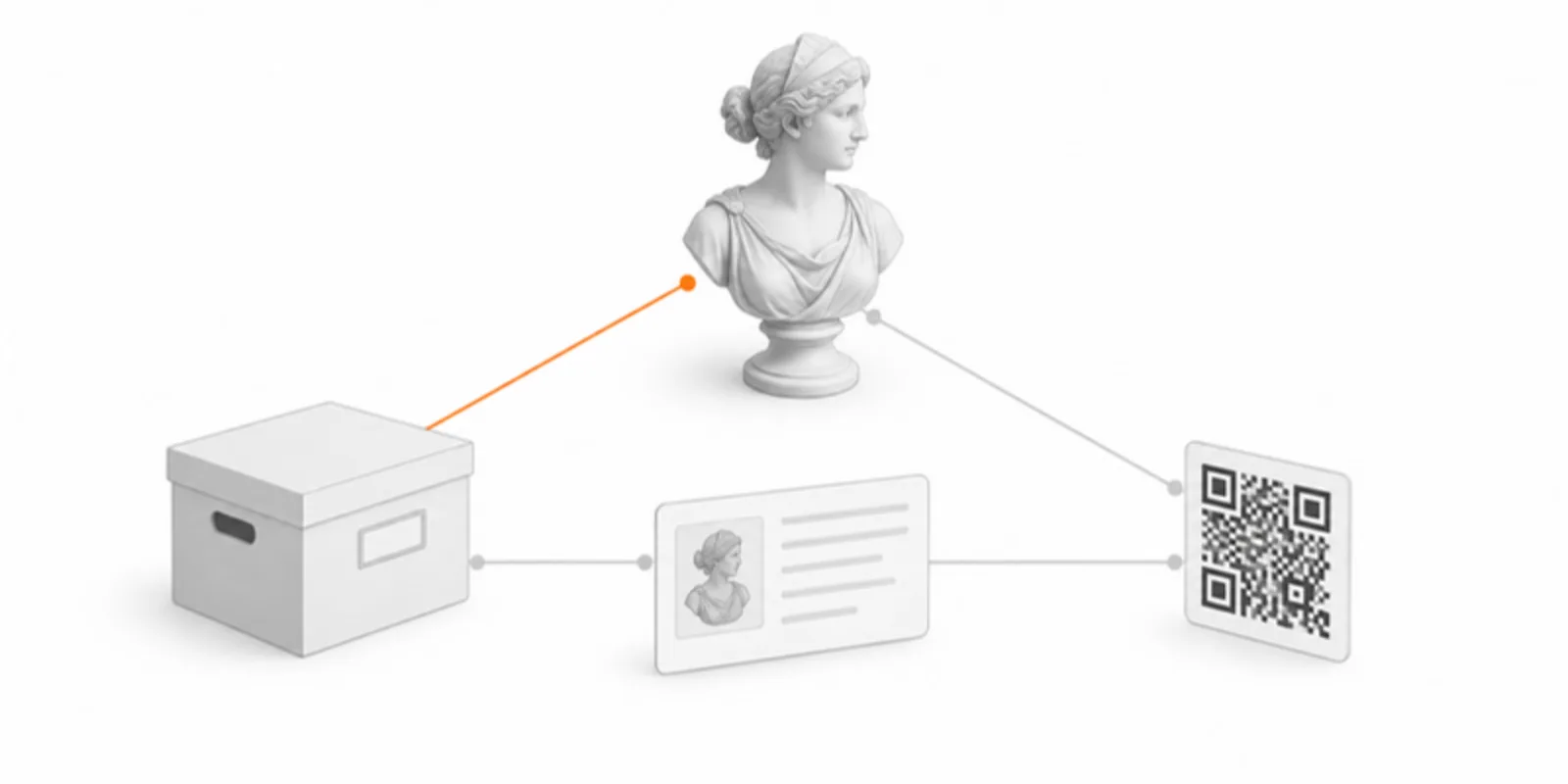
A 3D model that only exists on a laptop, or at a link that dies when an account lapses, is not research data, it is a demo. Funders and journals increasingly ask for data that is FAIR: findable, accessible, interoperable and reusable. For 3D data that means two jobs done together: a viewer that lets people explore the model in seconds, and an archive that preserves the files and gives them a citable identifier.
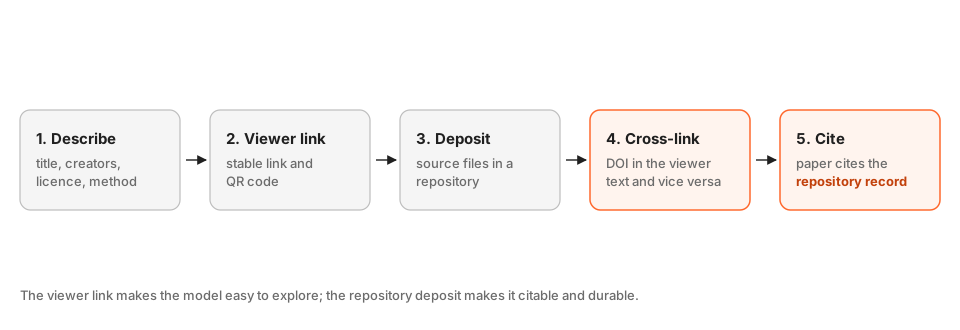
1. Describe the model like a dataset
A model without context cannot be reused. Write a short description that says what it is, how it was made, and how it may be used:
- Title and creators, including the specimen or object identifier;
- Method: scanner or camera, software, voxel size or number of photos, processing steps, threshold or settings;
- Units and scale, and the coordinate orientation if it matters;
- Licence, for example CC BY 4.0 for open reuse, and any restrictions;
- Related paper or project.
Put this in the viewer project description and in the repository record, so the two always agree.
2. Give readers a stable viewer link
Upload the model so it has one address and one QR code. Replacing the file later keeps the link, so a citation does not break when you fix a mesh. This is the link readers will actually use, because it opens in a second with no software. For how to prepare the model see how to add 3D models to research papers.
3. Deposit the source files in a repository
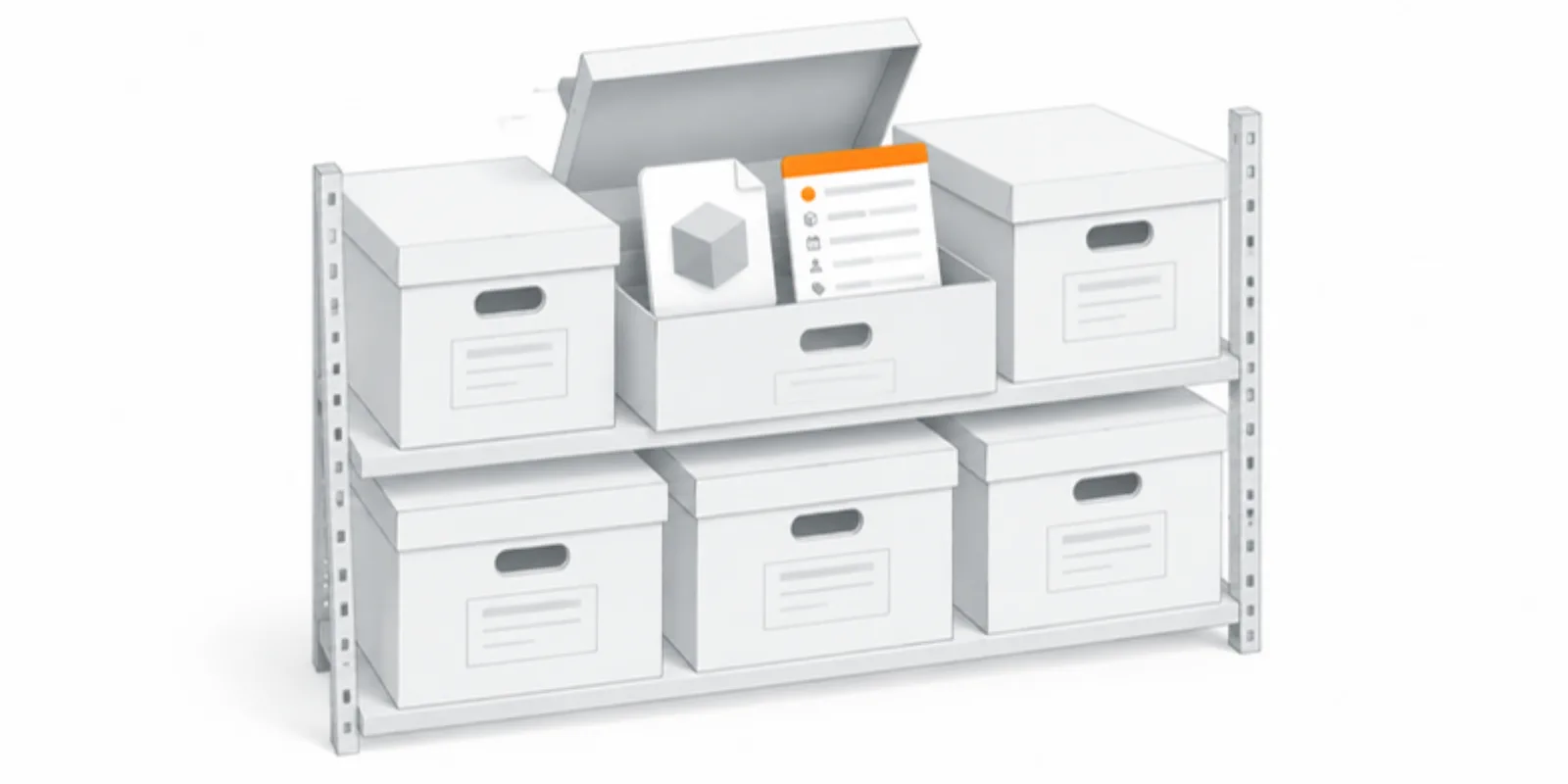
A viewer is not an archive. Deposit the files someone would need to reproduce or reuse the model in Zenodo, your institutional repository, or a domain repository such as MorphoSource for morphology. Include:
- the model in an open format (GLB or glTF, OBJ or STL);
- the raw or intermediate data where you are allowed to share it: photo sets, image stacks, segmentation masks;
- a README with the description above.
For medical data, share only what your ethics approval and consent allow. A segmented, anonymised surface is often shareable when the raw scan is not, see anonymising medical 3D models.
4. Link the two records to each other
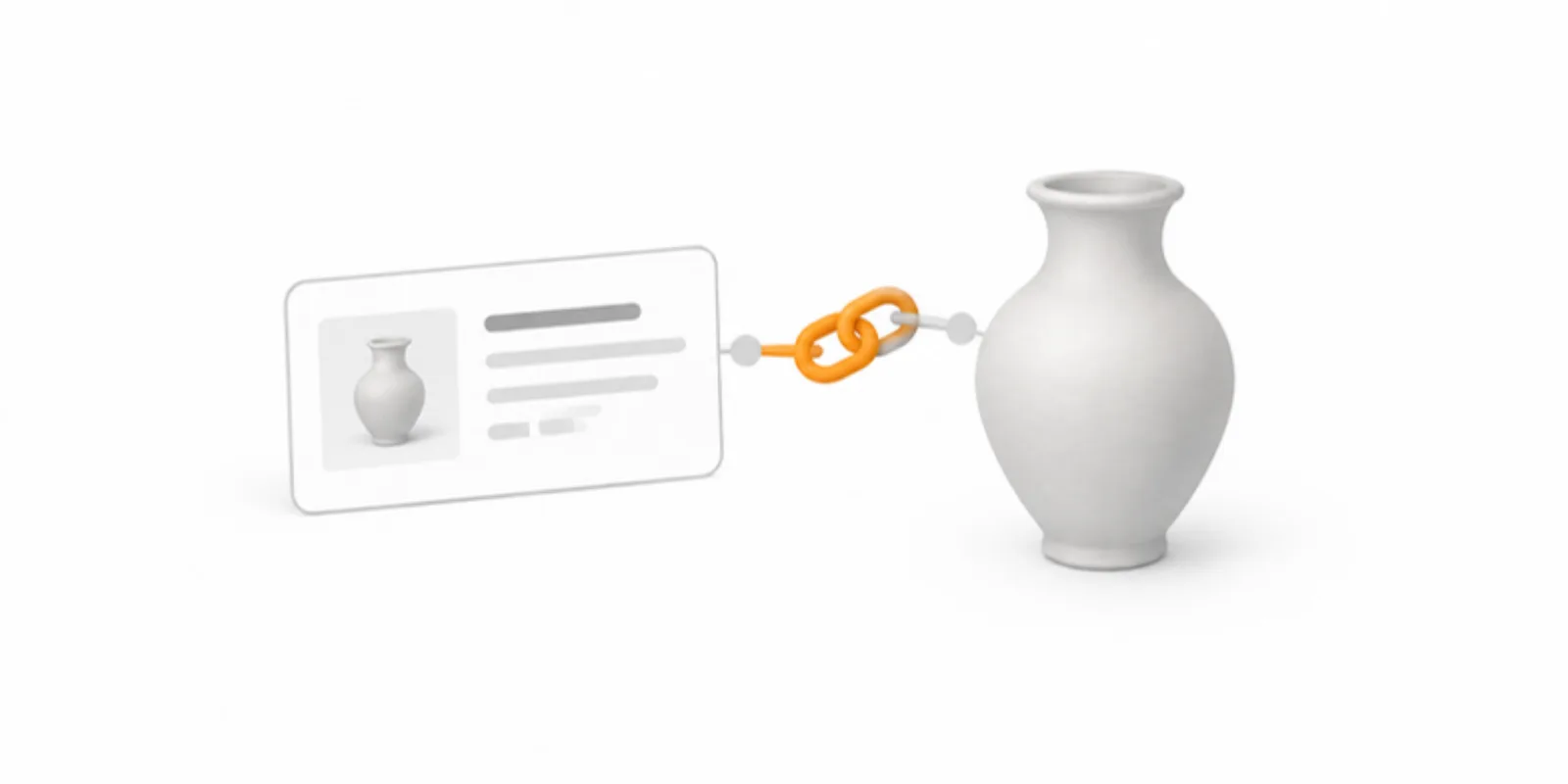
Put the repository DOI in the viewer description, and the viewer link in the repository record. A reader who finds either one can reach the other. AcademicAR provides the stable viewer link and QR code; the DOI comes from the repository you deposit in, and that is the identifier to cite.
5. Cite it in the paper
Cite the dataset like any other, with creators, title, year, repository and DOI, and mention the viewer link in the figure caption and in the data availability statement:
Data availability. The 3D model of specimen A is archived at Zenodo (doi:10.5281/zenodo.XXXXXXX) and can be explored interactively at [viewer link].
Many reference managers accept a dataset entry. For the full publishing context see interactive 3D figures in scientific publishing.
Frequently asked questions
Does AcademicAR issue DOIs?
No. A DOI comes from the repository that hosts your files, such as Zenodo or your university repository. AcademicAR provides the stable viewer link and QR code that make the model easy to explore, and you cite the DOI of the archived data.
Which file format should I archive?
An open, documented format: GLB or glTF, OBJ, or STL for plain geometry. Keep the original raw data as well where you can. Proprietary project files are a poor archive format because they depend on specific software.
What licence should I choose?
CC BY 4.0 is a common choice for open data because it requires attribution and allows reuse. Choose a more restrictive licence only if a contract, consent form or ethics approval requires it, and state the restriction in the record.
What happens to the viewer link if I update the model?
Replacing the model keeps the viewer link and QR code. In the repository, publish a new version of the record so the DOI history shows what changed.
Create a free account and give your 3D data a stable link you can cite next to its archive record.
Related guides
-
How to Put Interactive 3D Models in Your Thesis or Dissertation
A practical way to give a thesis chapter a live 3D model: prepare and size the model, save fixed views for print, add a link and QR code...
-
How to Add a 3D Model as Supplementary Material to a Journal Submission
Make your 3D data reviewable and citable: check the journal's rules, send referees a private Review link, cite the model in the figure...
-
Share a Protein Structure in 3D and AR: Export from ChimeraX, Mol* or PyMOL
Turn a PDB, mmCIF or AlphaFold structure into an interactive 3D model readers can rotate in the browser and place in AR: export GLB from...