How to Anonymise a Medical 3D Model Before You Share It: An Ethics Checklist
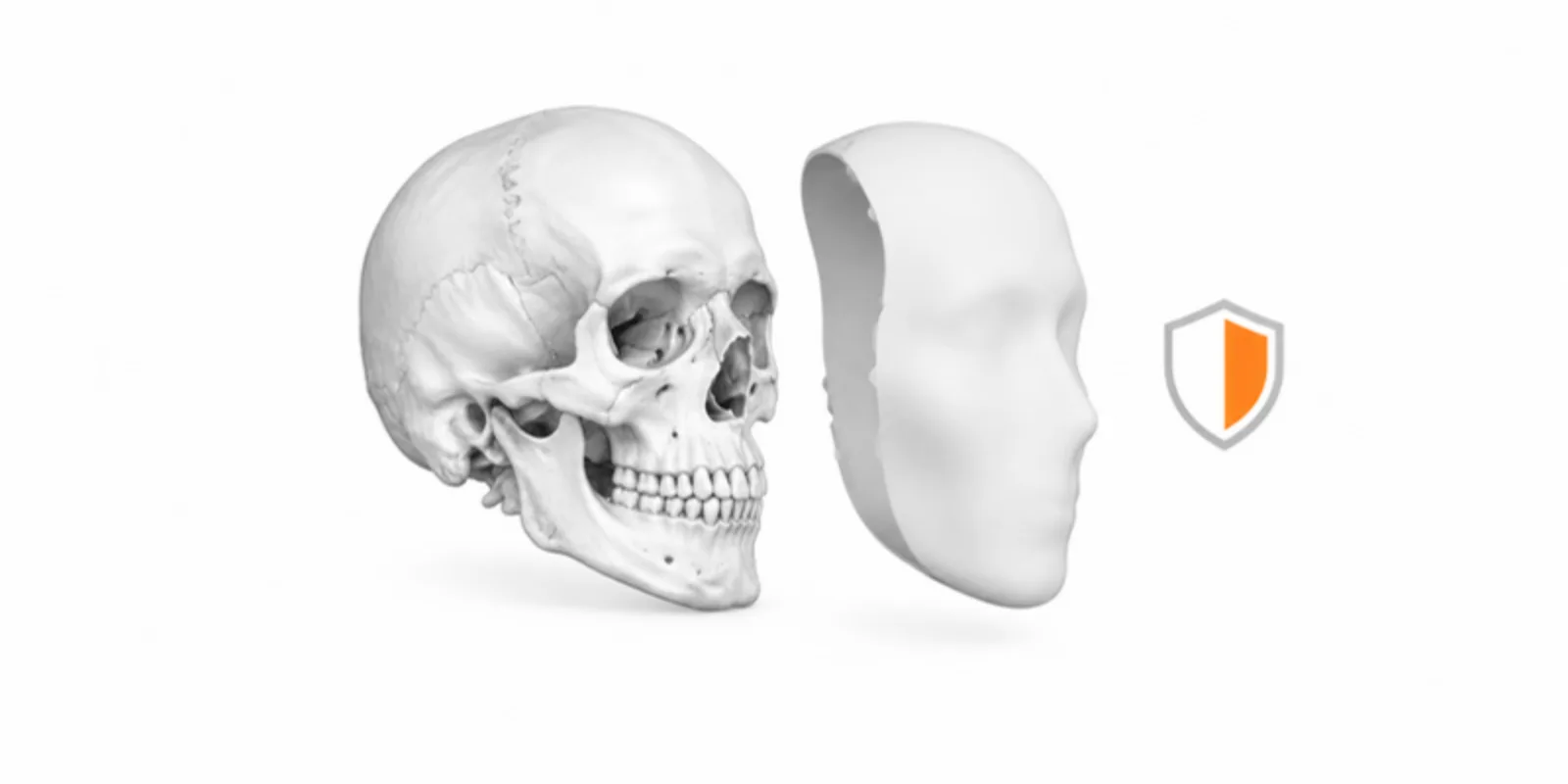
A 3D model made from a patient scan can show more than you intend. The file may carry a name in its metadata, the skull may be recognisable, and a rare condition can identify a person in a small hospital. Anonymisation is a decision you make before you share, not an option you tick afterwards. This checklist walks through it step by step. It is a practical guide, not legal advice: your ethics committee, data protection officer and local law have the last word.
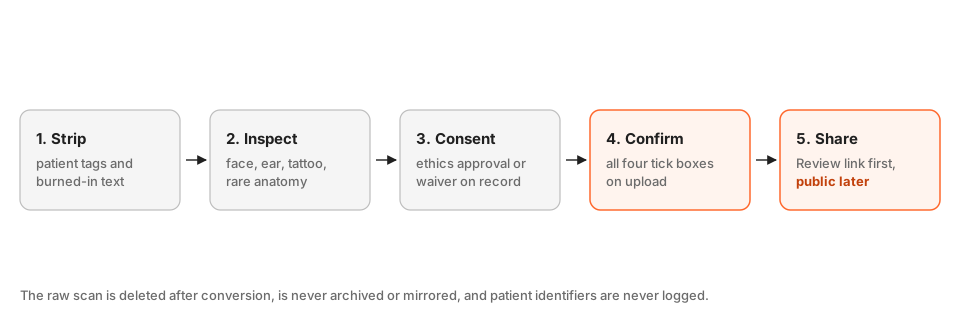
1. Strip identifiers from the data
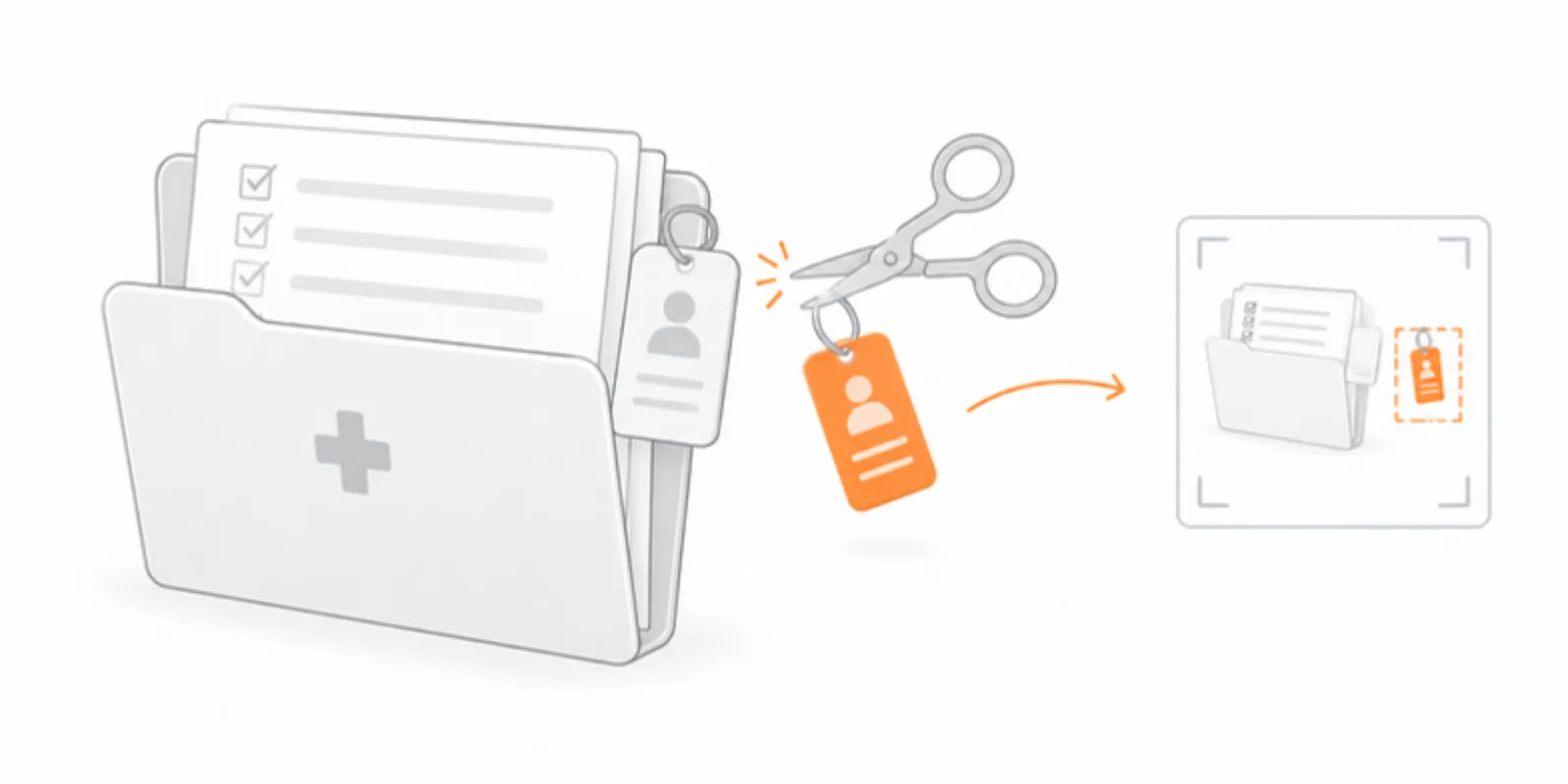
Identifiers hide in more places than the filename:
- DICOM header tags: name, ID, birth date, accession number, institution, referring physician, dates. Export an anonymised series from your PACS or from 3D Slicer before conversion when you can.
- Burned-in text: some modalities print the name or ID into the image pixels. Look at every slice, not just the first.
- Filenames and project titles: use a neutral code, never initials or dates of birth.
2. Check the surface for recognisable features
The model itself can identify someone even when the metadata is clean:
- Faces: a soft-tissue reconstruction of a head CT or MRI can be matched to a photograph. Use a bone-only threshold, crop below the eyes, or deface the volume. See Hounsfield units and CT thresholding for how the threshold decides what is included.
- Ears, tattoos, scars, implants with serial numbers.
- Rare anatomy or pathology in a small population. When the condition itself identifies the patient, consent matters more than any technical step.
3. Confirm consent and ethics approval
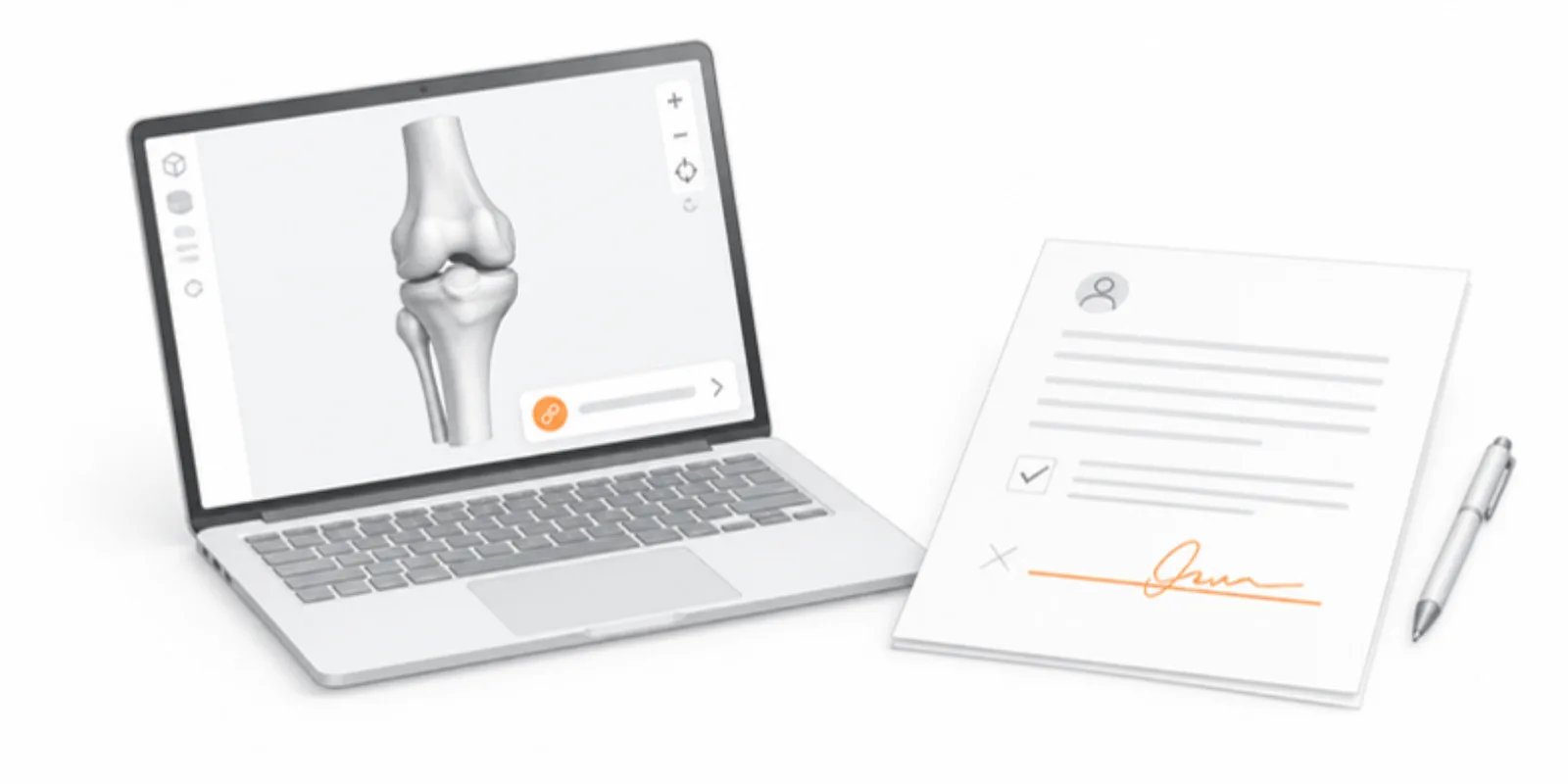
Before sharing, have these on record: patient consent for sharing images or models, or a documented waiver from your ethics committee or institutional review board; the approval number of the study; and, for teaching material, the hospital’s own policy. If the model is for a publication, the journal will also ask. When in doubt, ask before you upload, not after.
4. The confirmations on upload
AcademicAR does not treat this as a formality. Every model upload requires the compliance confirmations (anonymisation, rights, and ethics responsibility), and medical uploads add a separate medical confirmation on top. You are stating that the data is anonymised, that you hold the rights, and that you take responsibility for ethics. Do not tick them to get past the form.
5. What happens to the scan you upload
Knowing the pipeline helps you explain it to an ethics committee:
- The conversion runs on the server, and the raw scan is deleted after conversion, whether it succeeds or fails.
- Medical uploads are never archived or mirrored like ordinary models.
- Patient identifiers are never written to the logs.
Only the converted surface model remains, and that is what you share.
6. Share narrowly first
Start with a Review link, which is unlisted and opens only for people who have the address. Send it to the co-authors or reviewers, check how the model looks to a stranger, and only then decide whether it should be public. For the conversion itself see from DICOM to interactive 3D and segmentations to a 3D viewer; for the teaching side, 3D models in surgical education and case reports.
Frequently asked questions
Is a bone-only model automatically anonymous?
Not automatically. It is much harder to match than a face, but unusual anatomy, implants and rare pathology can still identify a person. Combine a bone-only threshold with consent or a documented waiver.
Do I need to remove DICOM tags before uploading?
Anonymise the series at the source whenever you can. Do not rely on the converter for it: your own export step is where you control exactly which tags leave the hospital system.
What happens to my raw scan after upload?
It is deleted after the conversion finishes, successful or not, and it is never archived or mirrored. Patient identifiers are not written to logs.
Can I share the model publicly for teaching?
Yes, if your consent or ethics approval covers it. Start with a Review link, check the model as a stranger would, and switch to public only when you are sure it is anonymous and permitted.
Create a free account and convert a scan with the compliance steps built in.
Related guides
-
How to Share Micro-CT Specimens as Interactive 3D Morphology
Turn a micro-CT scan of a fossil, insect or tissue sample into named 3D layers readers can rotate, slice and measure, with a link you...
-
NIfTI to 3D Model: Turn .nii.gz Segmentations into an Interactive Viewer
How to turn a NIfTI (.nii or .nii.gz) segmentation into a 3D model: label maps versus intensity images, TotalSegmentator and 3D Slicer...
-
DICOM to STL: How to Turn a CT Scan into a 3D Printable Model
Convert DICOM CT or MRI to STL for 3D printing with free tools: anonymize, segment by Hounsfield threshold, clean the mesh, export, and...