How to Put Interactive 3D Models in Your Thesis or Dissertation
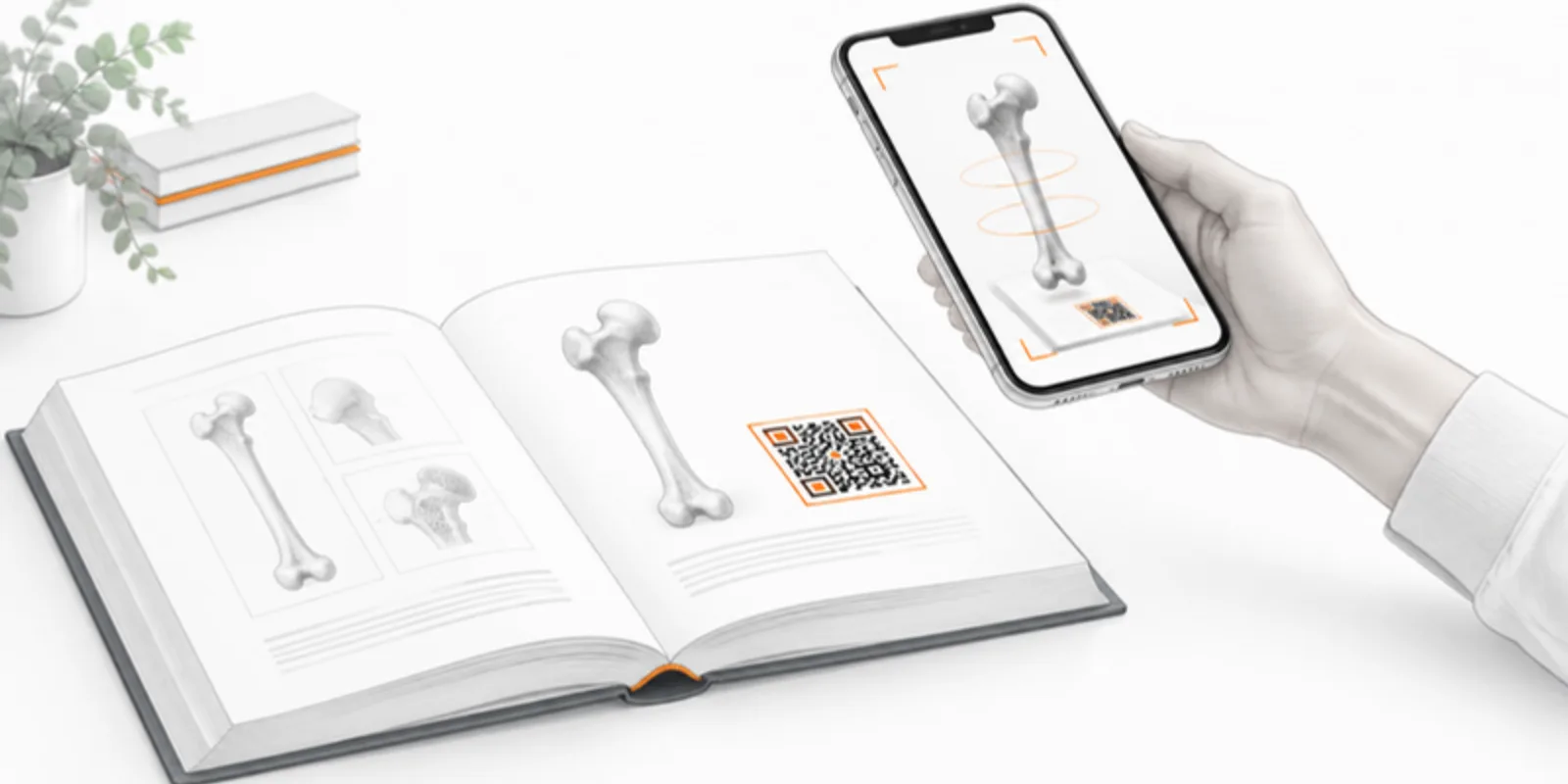
A thesis is the one document where you can show every specimen, scan and simulation you spent years on. It is also a PDF or a printed book, which flattens all of that into still pictures. Examiners then have to take your word for what the model looks like from the back. A live 3D model fixes this: the printed figure stays exactly as it is, and a link and QR code in the caption open the real model, in 3D and in AR, on any phone or laptop.
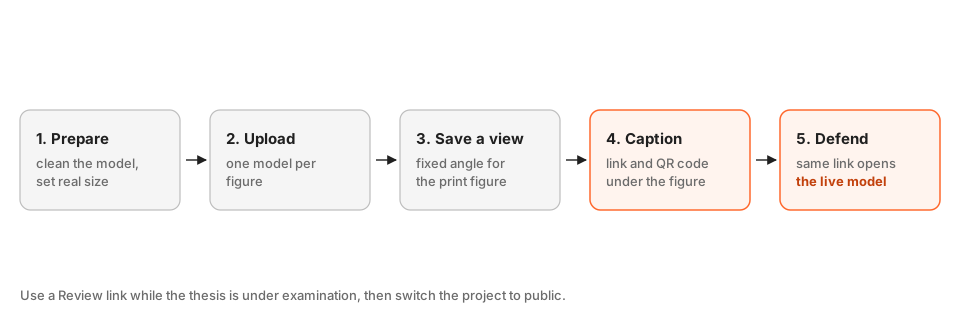
1. Decide which figures deserve a live model
Not every figure needs one. Pick the ones where depth changes the argument: a bone defect, a fossil’s internal structure, a stress hotspot, a building section, an excavated find. One model per figure keeps each caption’s link short and each page of your thesis self-explanatory. For the rest, a normal image is fine.
2. Prepare and upload the model
Convert whatever you have to a format the viewer takes (GLB, STL, OBJ, FBX, STEP or a medical scan), clean it, and upload it. Two details matter for a thesis:
- Set the real size with Resize model (the real longest dimension in cm), so the model is correct in AR and in your measurements.
- Keep it light. Uploads are optimised on the way in, and a model that opens in a second on a phone is one examiners will actually open. See how to reduce GLB file size if your export is huge.

3. Save a fixed view for the printed figure
The printed page needs one good picture. Set the camera, layers and background you want, then capture it for the figure, and use the same view as the model’s starting view so the live version matches the print. If the figure has several parts, use saved scenes so each panel (a), (b), (c) has its own link. More on figure quality in publication-ready 3D figures.
4. Write the caption: link, QR code and a plain-text fallback
Under the figure put a short caption, a QR code, and the link as text:
Figure 4.2. Reconstruction of the left femur, anterior view. Interactive model: academicar.com/m/abc123 (QR code).
Print the QR code at least 2 to 3 cm wide with a clear margin, and always include the text link, because PDFs get read on screens where a QR code cannot be scanned. The sizing rules are in QR codes on academic posters and apply equally to a printed thesis. The QR code points to a stable address, so it keeps working if you later replace the model with a corrected version.
5. Control who sees it until you graduate
While the thesis is under examination you may not want the data public. Use a Review link: the project stays unlisted, and only people with the link can open it. Send it to your examiners, and switch the project to public when the thesis is approved and any embargo ends. If the model comes from patients, the anonymisation and ethics confirmations apply as for any upload, see anonymising medical 3D models.
6. Use the same link at the defence
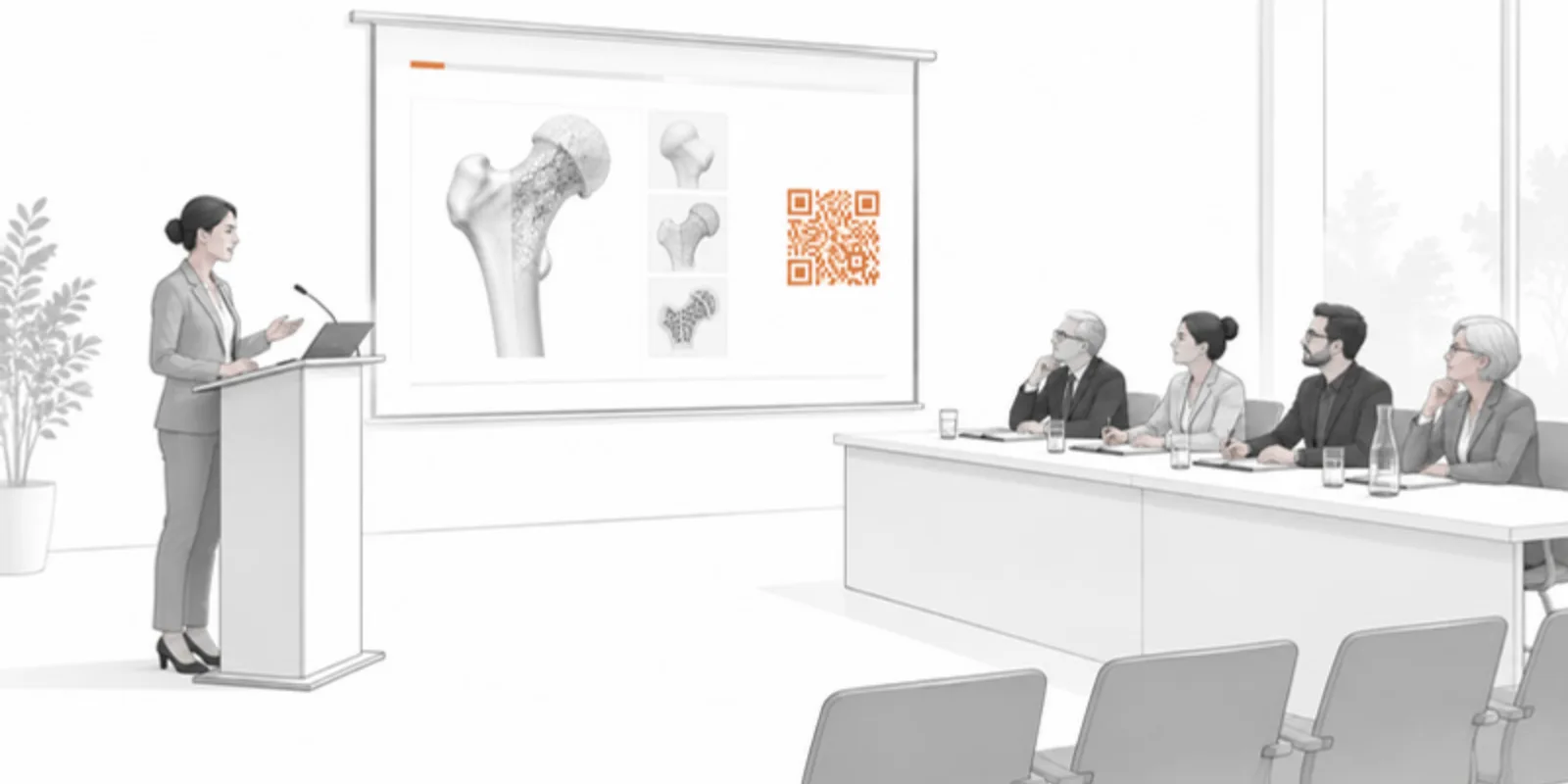
The model you embedded in the thesis is also your defence prop. Put the same QR code on a slide, or open the link live, and walk the committee through your scenes. Practical tips are in running a 3D demo in a talk or thesis defence. Afterwards, archive the source files with a DOI so the thesis stays reproducible: cite and archive 3D models.
Frequently asked questions
Will the 3D model work inside the thesis PDF?
The PDF carries the image, the caption and the link. Readers tap or scan to open the model in their browser. This is more reliable than embedding 3D inside the PDF, which most readers no longer support.
What if my university requires a printed, bound copy?
The QR code and the text link in the caption work on paper. Keep the figure readable without the model, and treat the live version as an extra for readers who want to explore.
Do I need a university repository record as well?
Check your university’s rules. Many require the thesis itself to be deposited, and a repository can also hold the source files of the model. The viewer link makes the model easy to explore; the deposit makes it durable.
Can I change the model after I printed the QR code?
Yes. Replace the model and the viewer link and QR code stay the same, so the printed copies keep pointing at the latest version. If an examiner asked for a correction, you can update the model without reprinting anything.
Create a free account and give your thesis figures a live 3D model behind a QR code.
Related guides
-
How to Add Interactive 3D Models to Your Research Paper
A step-by-step guide to embedding interactive 3D models and AR in academic papers, theses, and posters using a QR code — no coding required.
-
How to Add a 3D Model as Supplementary Material to a Journal Submission
Make your 3D data reviewable and citable: check the journal's rules, send referees a private Review link, cite the model in the figure...
-
How to Cite and Archive a 3D Model: Zenodo, DOIs and FAIR Data
Make your 3D data findable and reusable: describe it properly, give readers a stable viewer link, deposit the source files in a...