Share a Protein Structure in 3D and AR: Export from ChimeraX, Mol* or PyMOL
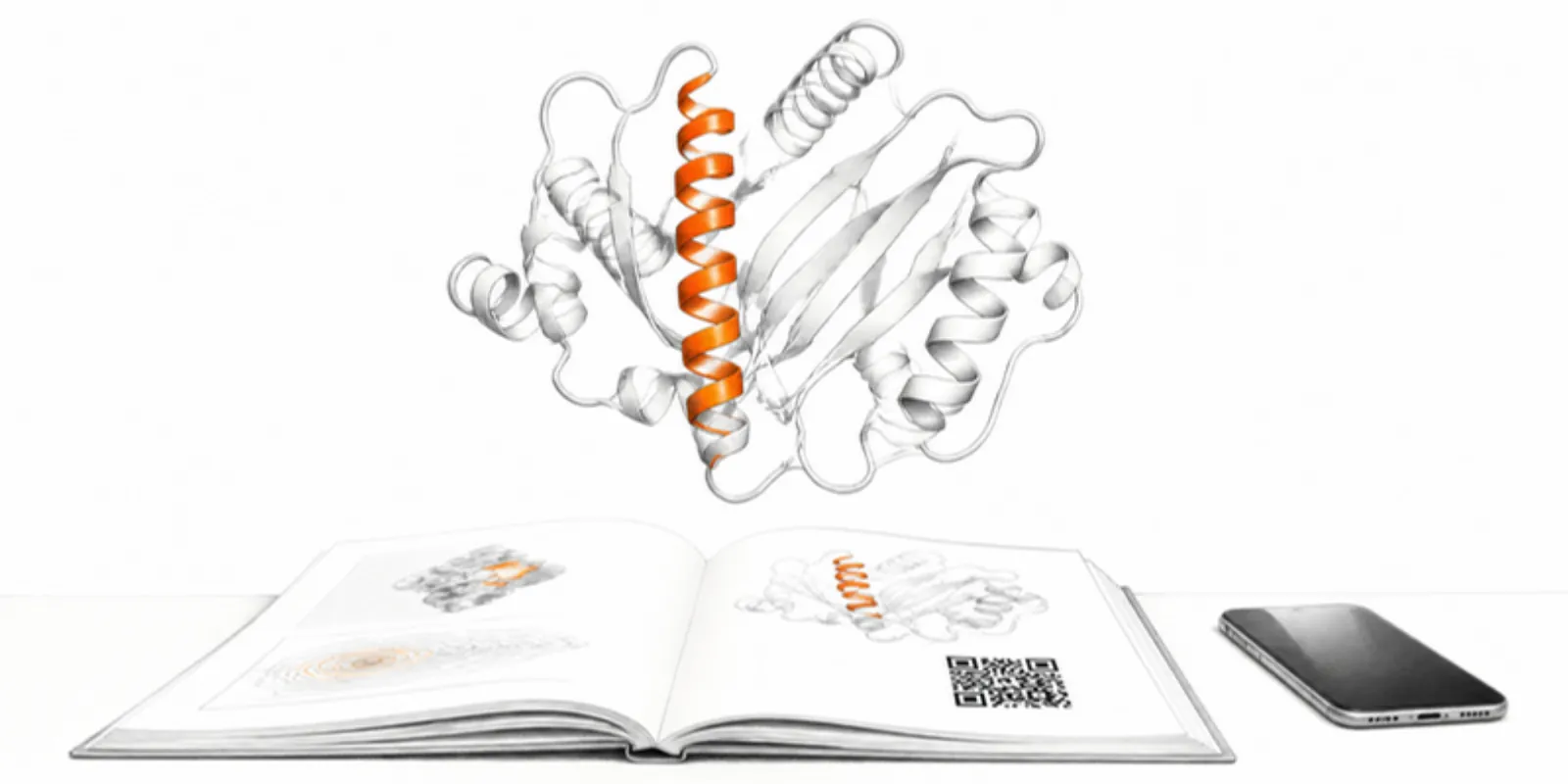
A protein figure is a carefully chosen view of something that only makes sense in three dimensions. You picked the representation, the colours, and the angle; the reader gets one projection of it. Exporting that exact scene as a 3D model lets them rotate the binding pocket themselves, and on a phone, place the complex on the table in augmented reality. No molecular viewer to install, no PDB ID to look up.
Why export a model instead of linking a PDB ID?
Online structure viewers are excellent, but a PDB ID link shows the default representation, not yours. An exported model keeps your cartoon, surfaces, colours by chain or by domain, highlighted ligand, and hidden solvent. It also opens on any phone, works in AR, and stays exactly as you published it.
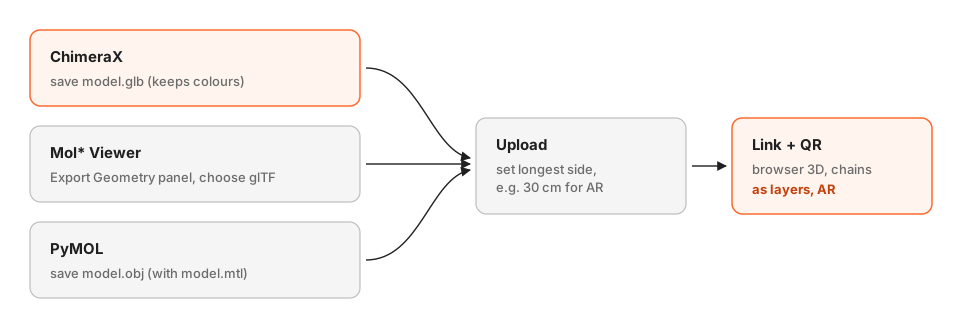
Route 1: ChimeraX (recommended)
ChimeraX saves the scene as a GLB with its colours:
open 6vxx
delete solvent
cartoon
color bychain
surface #1/A
transparency #1/A 50 target s
save spike.glb
For an AlphaFold prediction, alphafold fetch P69905 and
color bfactor palette alphafold colour the model by confidence. Large
assemblies with full surfaces can reach millions of triangles; a lower-detail
surface such as surface #1 resolution 5 or a simpler representation keeps the
file light.
Route 2: Mol* Viewer
The Mol* Viewer (the viewer behind RCSB PDB and PDBe) runs in the browser. Load a structure, set up the representation and colours, then use Export Geometry and choose glTF. Mol* can export the scene as STL or OBJ too, but GLB keeps the colours.
Route 3: PyMOL
PyMOL saves geometry with:
save model.obj
which writes an OBJ and an MTL material file next to it. Upload both together. PyMOL’s OBJ export is good for shape, but colours don’t always survive; if your model comes through grey, rebuild the scene in ChimeraX or Mol* and export GLB.
Upload, size, and share
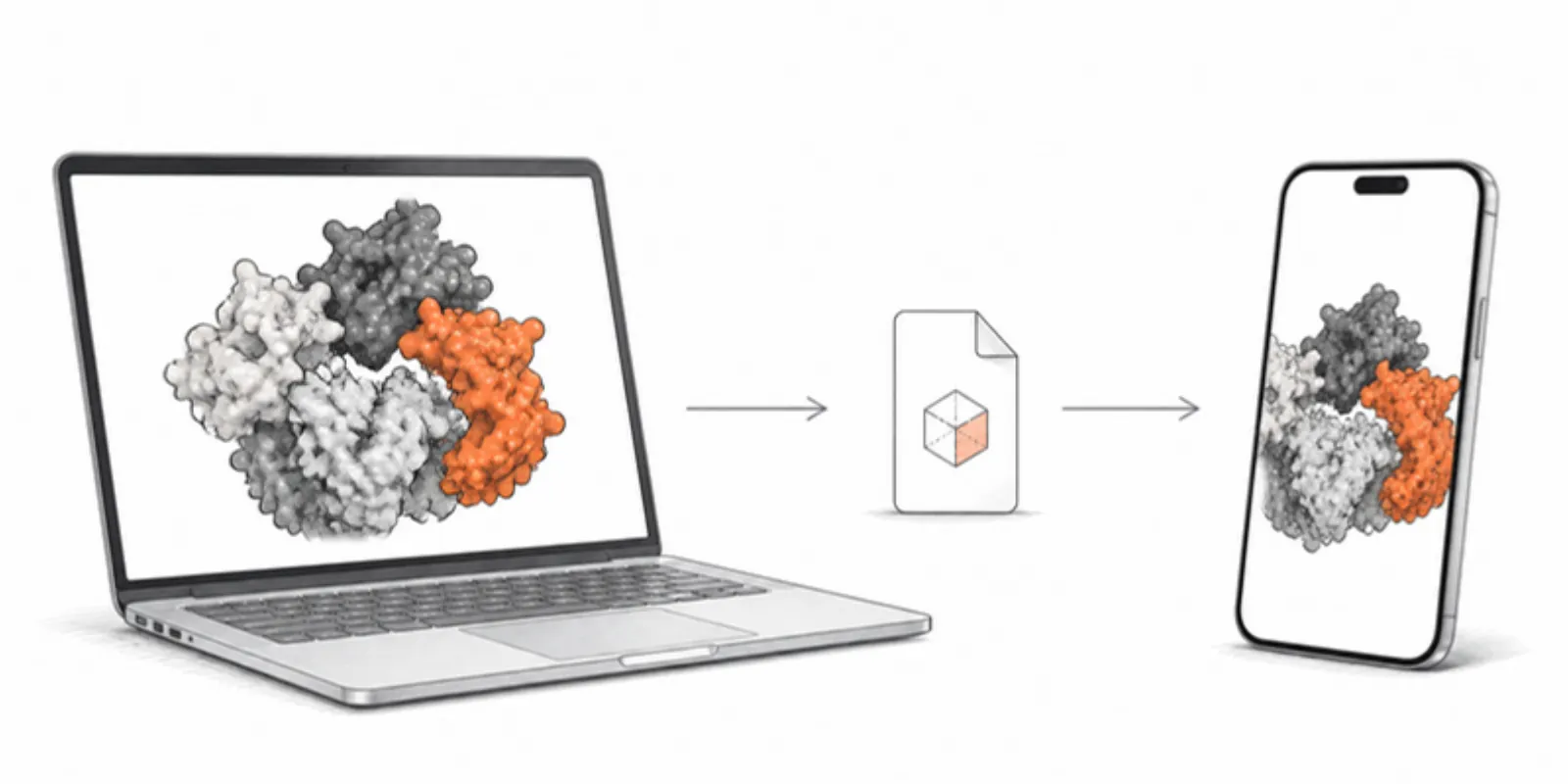
- Upload the GLB (or OBJ + MTL) to a project on AcademicAR. It’s compressed for the web and a USDZ is generated for iPhone AR.
- Set a sensible size. Molecular programs write ångströms as plain units, so a protein arrives at an arbitrary scale. Use Resize model and set the longest dimension, say 30 cm, so it sits nicely on a desk in AR.
- Use the layers. If the file keeps chains, ligands, or surfaces as separate parts, each becomes a layer that readers can hide, isolate, or recolour.
- Share the link and QR code. Put the QR code next to the figure in the paper, on the poster, or on a lecture slide. Readers scan it and tap View in AR; see how AR works without an app.
Ideas for teaching and papers
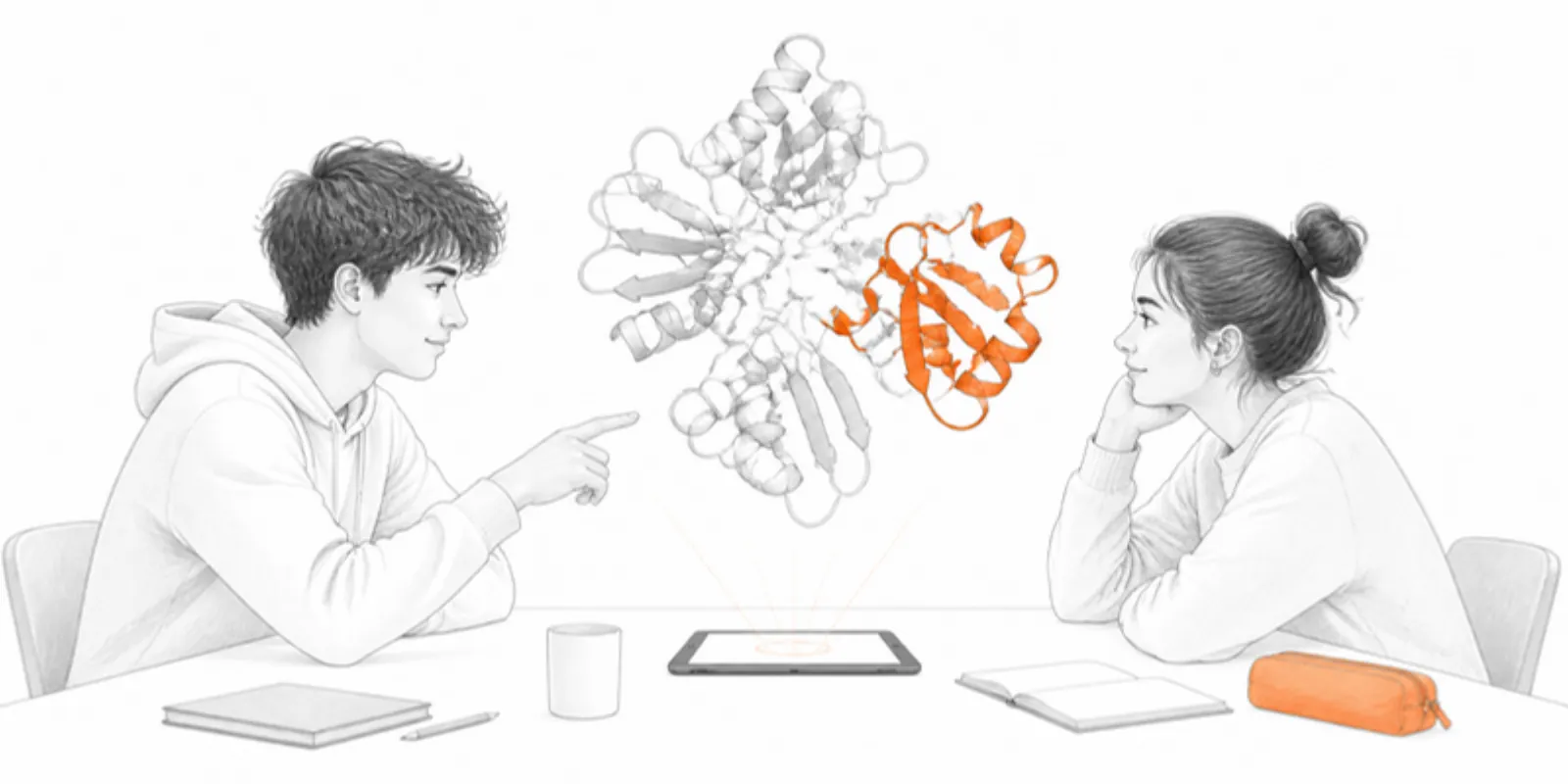
- Lectures: students hold a ribosome, an antibody, or a membrane channel on their own desk and walk around it.
- Papers and preprints: a QR code beside a structure figure, as described in adding 3D models to research papers.
- Posters: the binding site, in 3D, next to the panel that discusses it; see the poster QR code guide.
- Guided views: save scenes such as overview, active site, and ligand close-up and play them as a tour.
Frequently asked questions
Can I share an AlphaFold model in AR?
Yes. Fetch the prediction in ChimeraX, colour it by confidence with the AlphaFold palette if you like, save it as GLB, and upload it. Readers see it in 3D in the browser and in AR on their phone.
Do readers need ChimeraX or PyMOL to view the model?
No. The model opens in any modern browser on a phone, tablet, or computer, and in AR on iPhone and Android without an app.
Is the atomic structure uploaded?
No. Only the exported surface geometry is uploaded: the shapes and colours you see on screen, not the coordinates file. Deposit the structure itself in the PDB or a data repository as usual.
Can I export a cryo-EM map surface?
Yes. Show the map as a surface at the threshold you want in ChimeraX, colour it, and save it as GLB like any other scene. Keep the surface step size reasonable so the file stays light.
Create a free account and put your next structure figure into your readers’ hands.
Related guides
-
How to View a 3D Model in AR Without an App (iPhone and Android)
Open a 3D model in augmented reality from a link or QR code with nothing to install: how AR Quick Look and Scene Viewer work, which...
-
How to Share a Photogrammetry or LiDAR Scan as a 3D Link and AR Model
Export your Polycam, RealityScan, Metashape or Meshroom scan the right way (GLB, or OBJ with its textures), keep it light, set the real...
-
GLB to USDZ: How to Show a 3D Model in AR on iPhone
Why iPhone AR needs USDZ instead of GLB, the free ways to convert GLB to USDZ, and how to share one link that opens AR on both iPhone...