How to Show a 3D Model at Real Size in AR (True-Scale Guide)
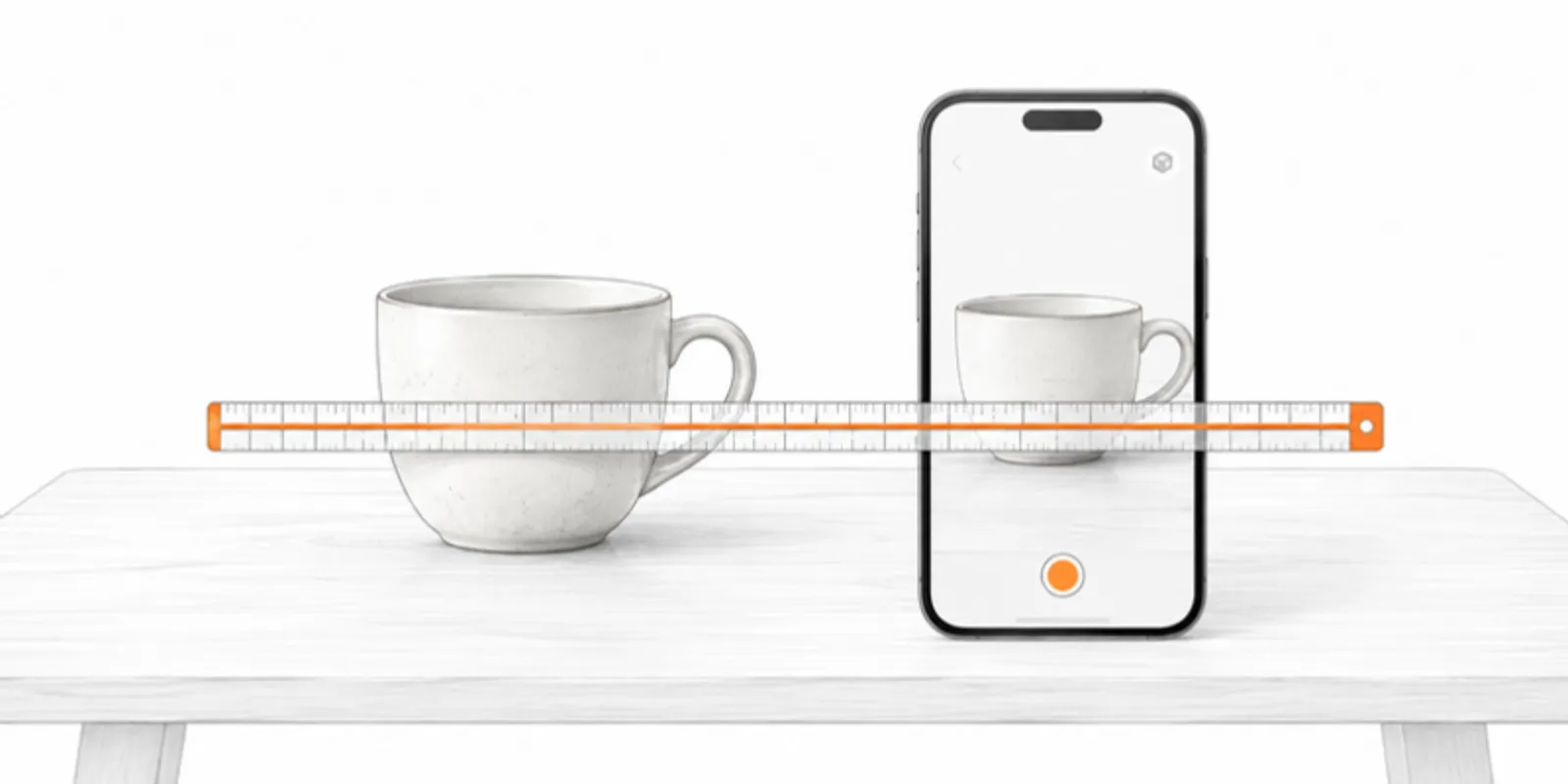
AR is most convincing when the model is the same size as the real thing. A fossil you can hold up next to the one in the cabinet, a bone at human scale, a building as a maquette on the table. Most models arrive at the wrong size: an export in millimetres read as metres, or a scan with no scale at all. The fix takes a minute, and this guide shows how to get from the wrong size to an AR object you can check with a ruler.
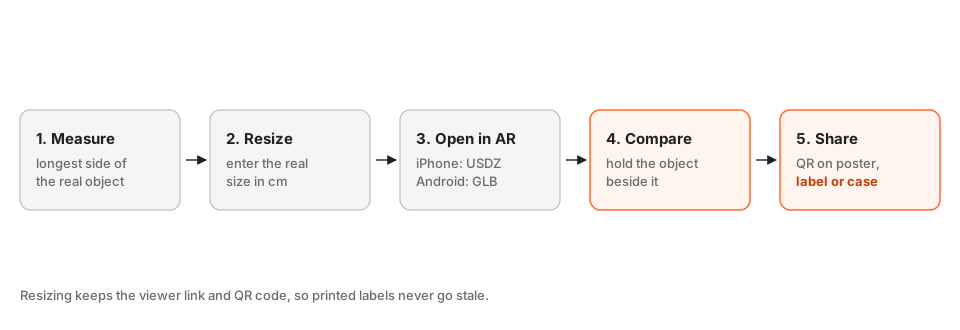
1. Measure the real object
Measure the longest side of the real thing, in centimetres or millimetres, with a ruler or calipers. That single number is all you need. For a building or a site, use the intended maquette size, or the full real size if you plan to walk around it. Write the number in your notes.
2. Resize the model
On the model page use Resize model and enter the real longest dimension in centimetres. The model is rescaled, and the viewer link and QR code do not change. If you enter the size of an object that has no natural scale, such as a photogrammetry scan, include a scale bar in the original photos, as described in sharing a photogrammetry scan.
3. Open it in AR
On an iPhone or iPad, the model opens in Apple’s AR Quick Look from a USDZ file, which AcademicAR generates for you; see GLB to USDZ for iPhone AR. On Android, it opens with Scene Viewer or WebXR from the GLB. In both cases the viewer link or QR code opens the model, and a button starts AR. No app needs to be installed, see viewing a 3D model in AR without an app.
4. Compare with the real object
Put the real object next to the AR object, or hold a ruler against it. Check the longest side first, then a second dimension. If the two are different by a few percent, either the measurement or the model is off. Where an exact match matters, such as a prosthesis or a mechanical part, fix the model’s size before you trust AR for decisions.
5. Know the limits of AR scale
AR places the object using the phone’s tracking, and the camera’s view of the surface can shift or drift slightly. It is a very good way to convey size, and a poor measuring instrument. For measurements use the viewer’s measurement tools, or the numbers from your original software, and use AR to show the size.
6. Tiny and huge objects
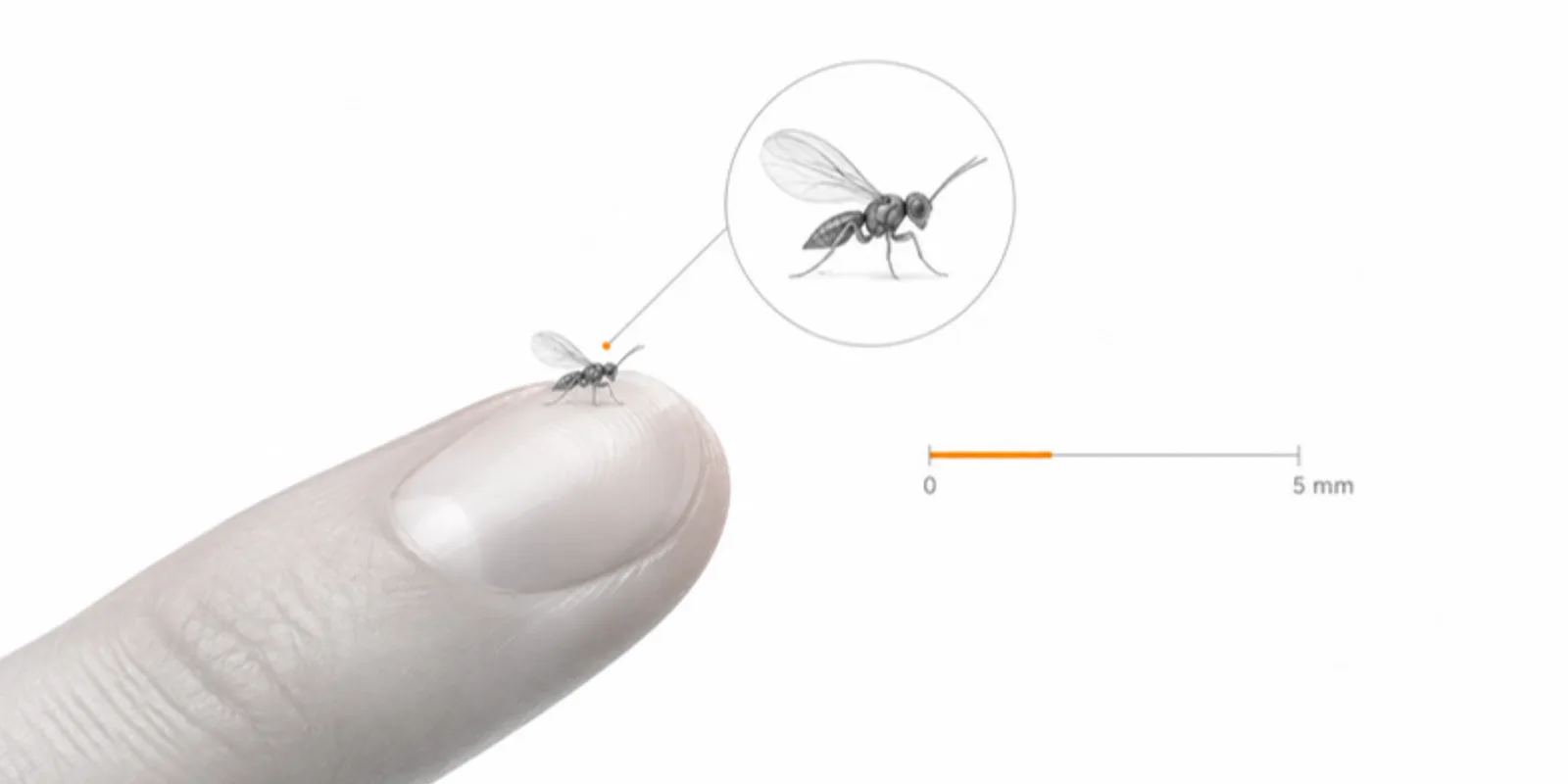
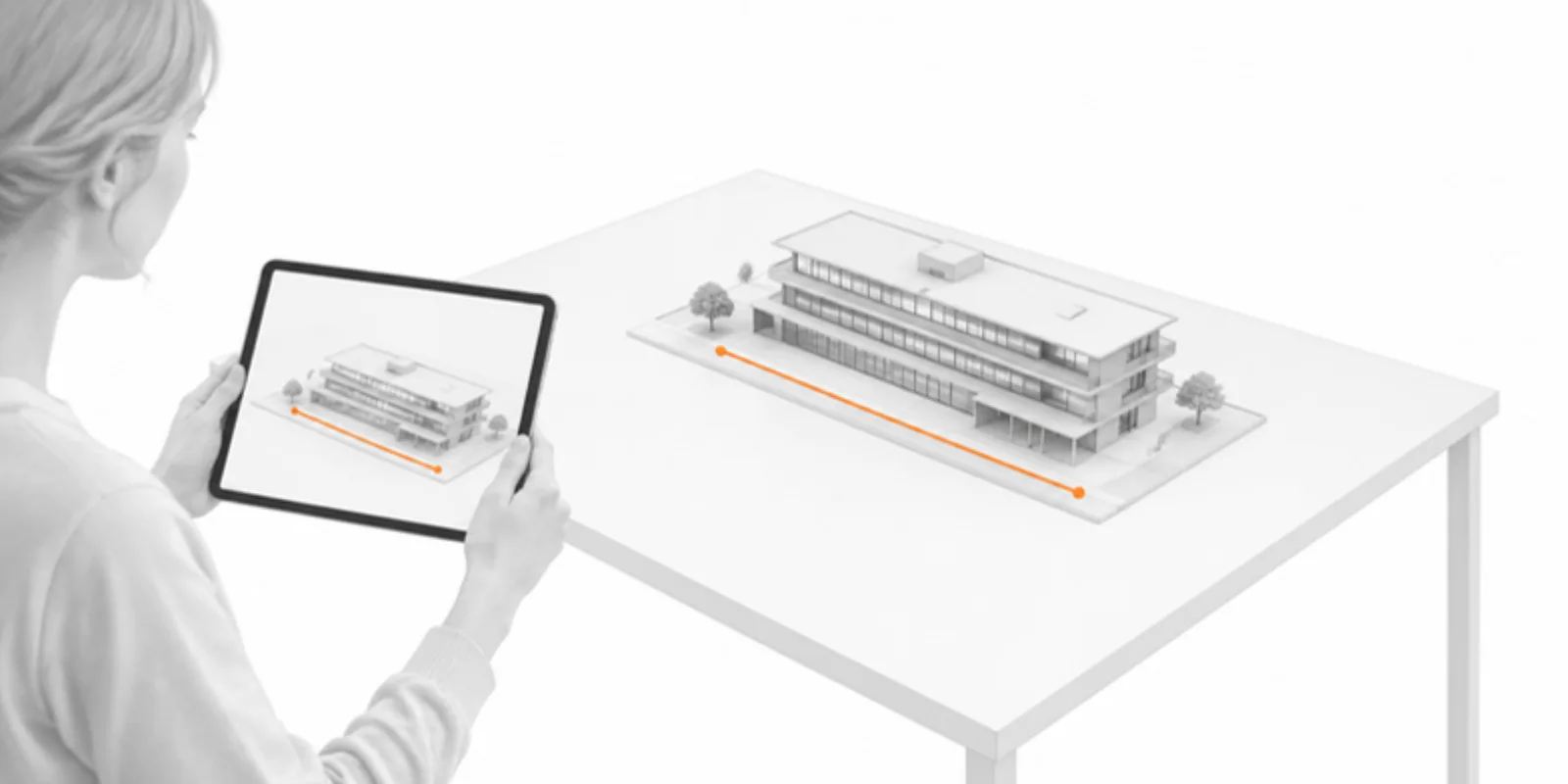
For tiny objects (a pollen grain, a micro-CT specimen), real size in AR is a dot, so use the real-size view to show how small it is and a scaled-up version to show detail. Two projects or two models of the same data, one at real size and one enlarged, are a clear way to do it. For huge objects (a building or a site), a maquette scale such as 40 cm on a table is easier to study than 1:1. An architecture example is in sharing Rhino, SketchUp and Revit models.
7. Share the link or the QR code
Put the QR code on a poster, a label or a display case, with a line such as “Scan to see this object at real size.” The same QR code keeps working if you resize or replace the model later. For sizing the printed code see QR codes on academic posters.
Frequently asked questions
Why does my model appear at the wrong size in AR?
The file’s units were probably misread, or the scan has no scale. Use Resize model to enter the real longest dimension and the model is corrected, in the viewer and in AR.
Is AR accurate enough to measure with?
It conveys size very well, but tracking can drift by a few percent. Use it to show size, and take measurements from the viewer’s tools or from your original data.
Does the QR code change when I resize the model?
No. The viewer link and QR code stay the same, so printed labels and posters keep working.
Do viewers need to install an app?
No. On iPhone and Android the link opens in the browser, and AR starts from a button on the page.
Create a free account and show your next model at real size in AR.
Related guides
-
How to Share Rhino, SketchUp and Revit Models as Interactive 3D and AR
Export your architecture model as a clean mesh, set the real size, name the layers (structure, walls, roof) and present with section...
-
How to View a 3D Model in AR Without an App (iPhone and Android)
Open a 3D model in augmented reality from a link or QR code with nothing to install: how AR Quick Look and Scene Viewer work, which...
-
Share a Protein Structure in 3D and AR: Export from ChimeraX, Mol* or PyMOL
Turn a PDB, mmCIF or AlphaFold structure into an interactive 3D model readers can rotate in the browser and place in AR: export GLB from...