How to Share Rhino, SketchUp and Revit Models as Interactive 3D and AR
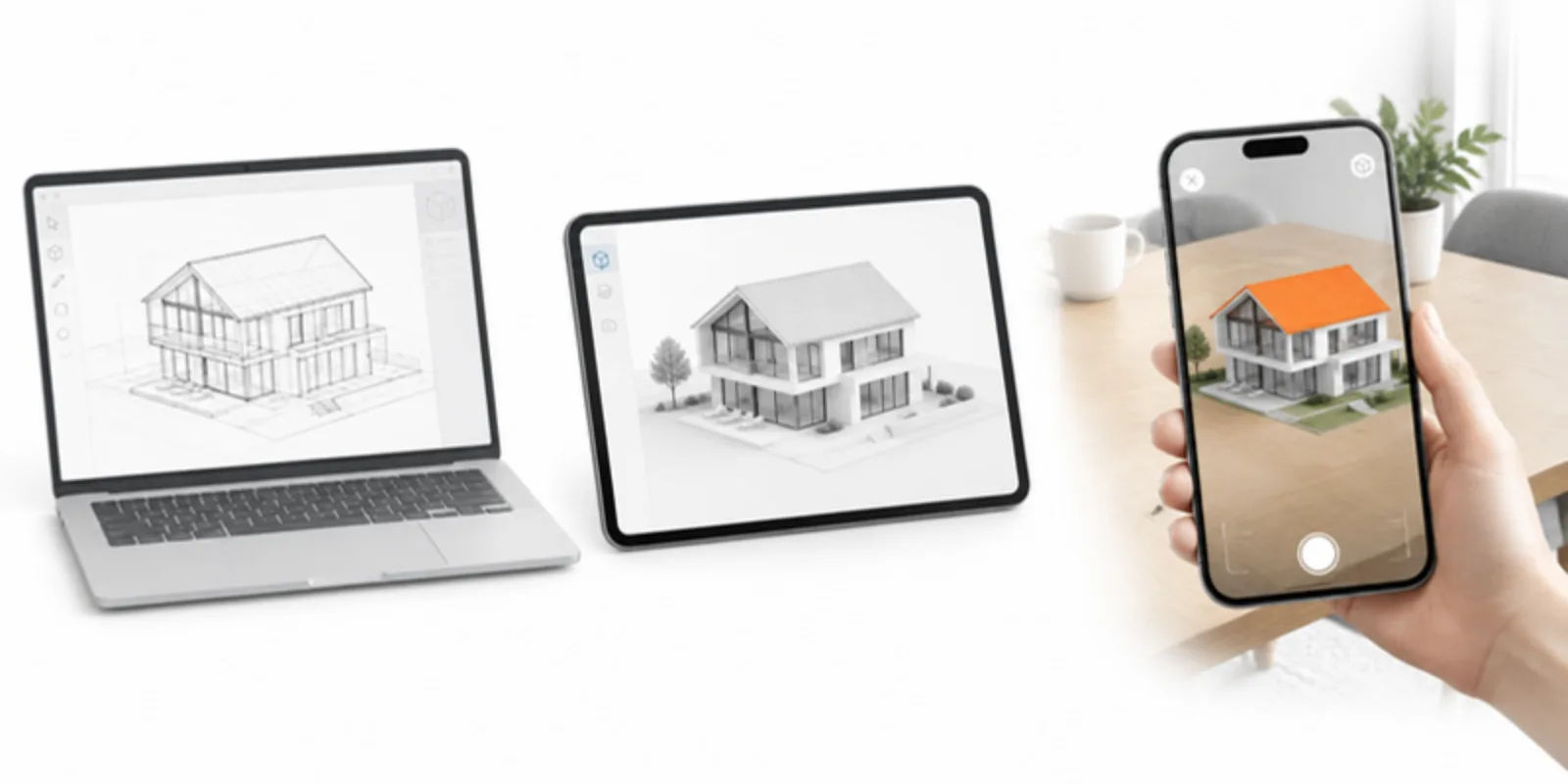
Architecture models live in heavy design software: Rhino, SketchUp, Revit, ArchiCAD. Sending the project file to a jury, a client or a reviewer means they need the same software, the same version and a fast computer. A lightweight model in a browser needs none of that, and it can open on a tablet on site or in AR on the table. The trick is to export a clean mesh with named parts, not the whole project.
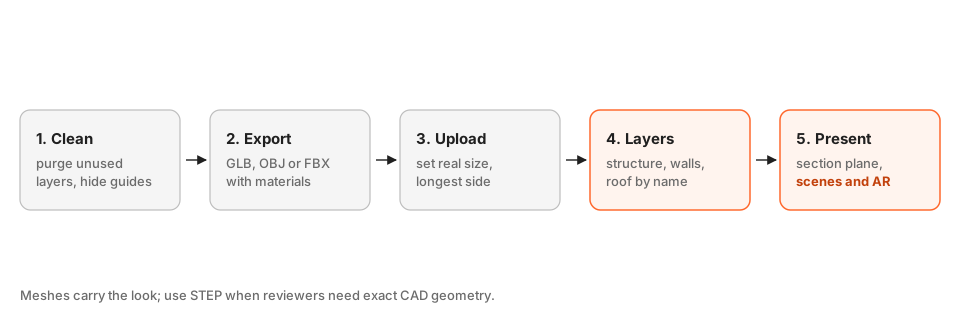
1. Clean the model before export
A design file carries everything: construction lines, hidden layers, dozens of furniture variants, imported site context. Before export:
- Purge unused layers, blocks and materials.
- Hide or delete guides, construction planes and annotations.
- Remove what readers do not need: interior furniture on a facade study, or a whole city for a pavilion.
- Group by meaning: structure, walls, floors, roof, glazing, site.
A smaller file loads faster on a phone, and the groups become the layers in the viewer.
2. Export a mesh with materials
Each tool has a route:
- SketchUp: export to glTF/GLB, or OBJ with materials.
- Rhino: export the visible objects as OBJ, FBX or GLB; mesh the surfaces with a sensible density first.
- Revit: export to FBX via the 3D view, or use the IFC to glTF routes some tools offer.
- ArchiCAD, Blender, 3ds Max: GLB or FBX.
If the tool gives you the choice, GLB keeps geometry and materials in one file. OBJ needs its MTL and textures uploaded together, see OBJ and FBX to GLB. When reviewers need exact CAD geometry rather than a mesh, share STEP instead, see STEP and CAD assemblies in AR.
3. Upload and set the real size
Upload the model and use Resize model to enter the real size: the longest dimension in centimetres. For an architectural model, think about which size you want in AR. A building at 1:1 scale is a walk-through. A 40 cm maquette sits on a table. You can reset the size later without losing the link. Large uploads are optimised for the web, and if the file is still heavy see reducing GLB file size.
4. Name the layers
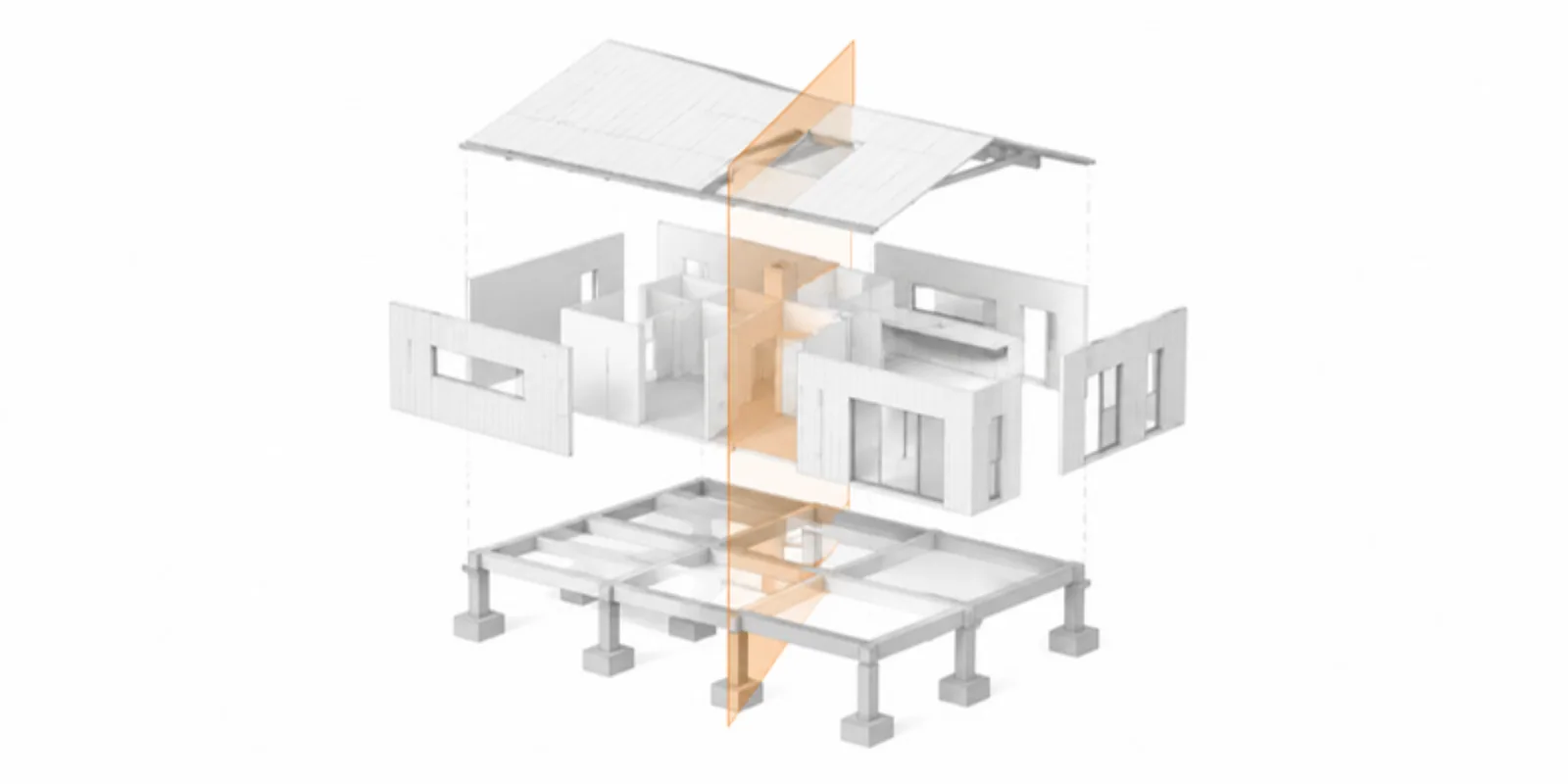
A multi-part model gets a Layers panel. A model with parts named Structure, Walls, Roof, Glazing, Site is a presentation: switch off the roof to see the plan, switch off the walls to see the structure. Give the layers plain names, and set a sensible default view so the model opens on the story you want to tell. The architecture and heritage guide covers the process in more detail.
5. Present with sections, scenes and AR
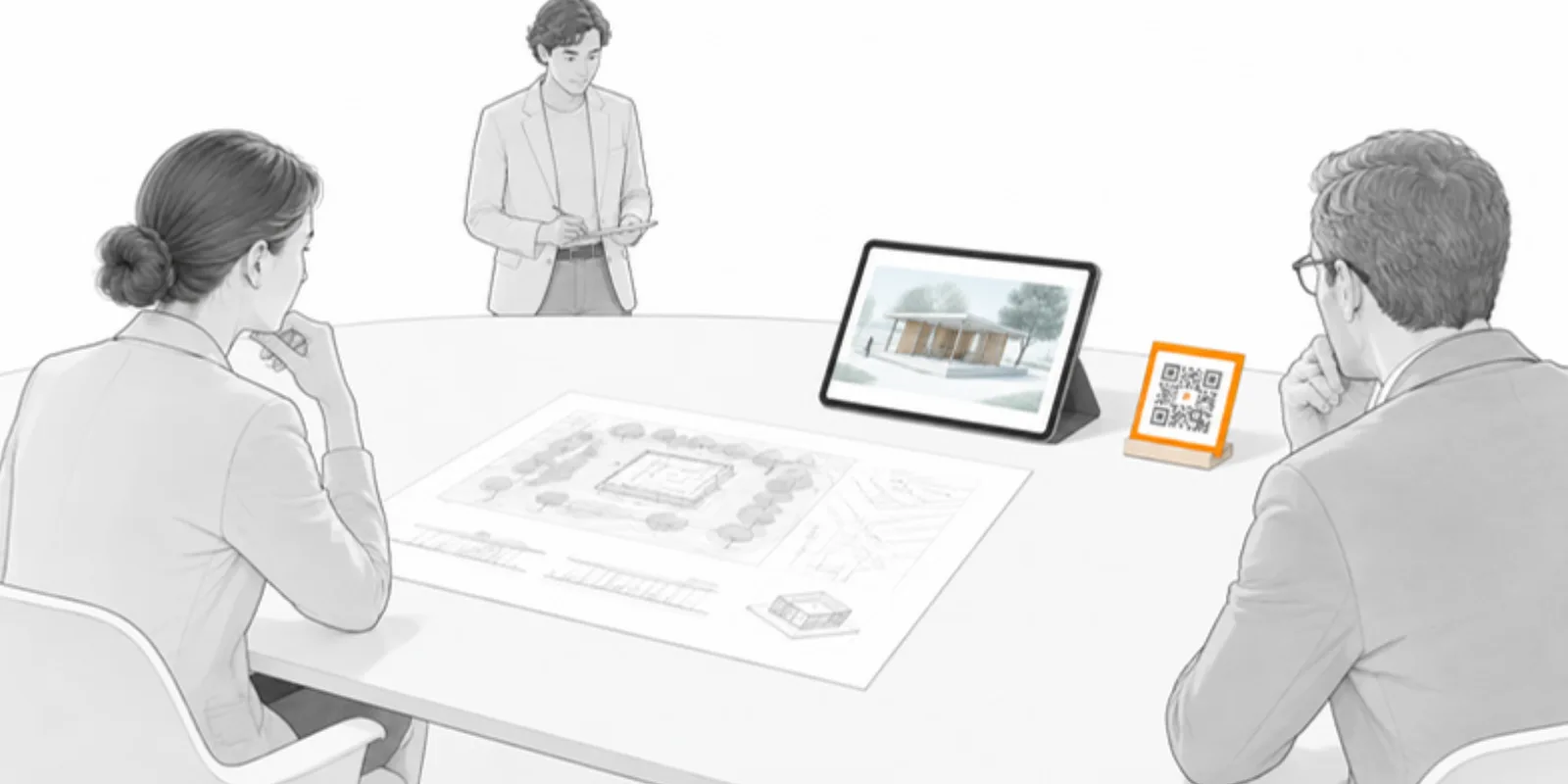
The section plane cuts through the building along an axis, and the 2D slice view shows the plan or section as a clean outline (section planes and slice view). Save scenes for the views of the presentation: Site, Plan, Section A, Facade, Interior, and play them as a tour (saved scenes). On a phone or tablet, AR places the model on a table or on the site, and a QR code on the board or on a printed plan opens it for the jury.
6. Use the same link for the jury, the thesis and the website
The same link works on the jury board as a QR code, in the thesis as a figure caption, and on a project page as an embed (embedding a 3D model in a website). Updating the model after jury feedback keeps the link and QR code, so the printed boards stay correct.
Frequently asked questions
Can I upload a Revit or Rhino file directly?
Not the native project file. Export from the software as GLB, OBJ or FBX, or as STEP for exact solids, and upload that.
Will materials and textures survive the export?
Usually, if you export with materials. GLB keeps them inside the file. With OBJ upload the MTL file and the texture images together. After upload, check the model in the viewer.
Can reviewers cut through the building?
Yes. The section plane cuts along any axis, and the slice view shows an outline with a two-point measurement, in a browser or on a phone.
How do I show a 1:1 building in AR?
Set the real size with Resize model so the longest side matches the building, then open the model in AR where there is space. For a table-top maquette, enter a smaller size such as 40 cm instead.
Create a free account and give your next design a link the jury can open on any phone.
Related guides
-
How to Show a 3D Model at Real Size in AR (True-Scale Guide)
Set the real size of your model, open it in AR on iPhone or Android, and compare it to the real object: a practical true-scale workflow...
-
How to View a 3D Model in AR Without an App (iPhone and Android)
Open a 3D model in augmented reality from a link or QR code with nothing to install: how AR Quick Look and Scene Viewer work, which...
-
Share a Protein Structure in 3D and AR: Export from ChimeraX, Mol* or PyMOL
Turn a PDB, mmCIF or AlphaFold structure into an interactive 3D model readers can rotate in the browser and place in AR: export GLB from...